- 15 -
8.1.2
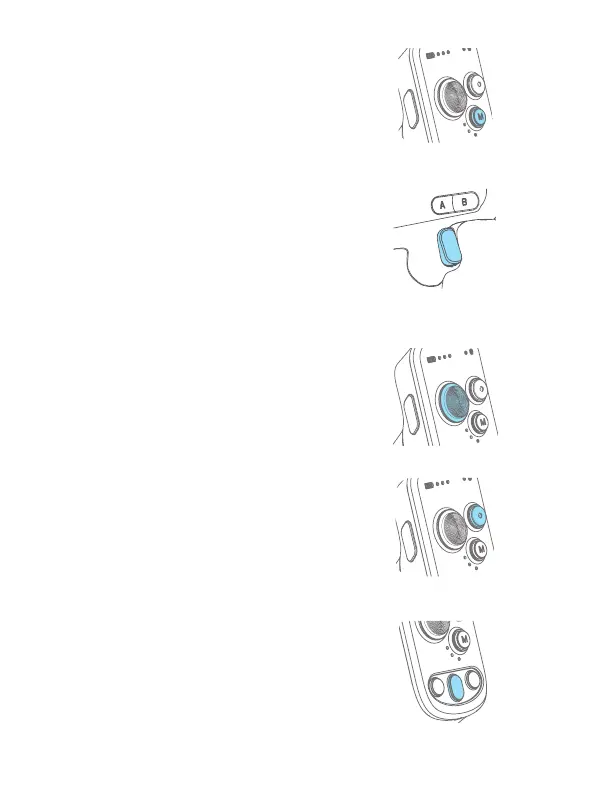
Mode button
Single tap: Pan follow/Lock mode (Switch in
turn)
Double tap: PTF
Triple tap: FPV
8.1.3 Trigger button
Double tap: Recenter
Triple tap: Enter/Exit sele mode (Pan axis turn
180° )
Press and hold: PTF (Release to exit)
You can custom the function via APP
8.1.4 Joystick
Push: Control the movement of the tilt and pan
axes.
8.1.5
Shutter button*
Press half way: Focus
Single tap (Fully): Start/stop recording
Long press (Fully): Take photo
8.1.6 Auto rotation button
Single tap: Enter auto rotation mode
Single tap again:
(1) Exit auto rotation mode
(When gimbal is not
rotating)
(2) Pause the rotation
(When gimbal is rotating)















 To Next Page