- 17 -
8.1.12
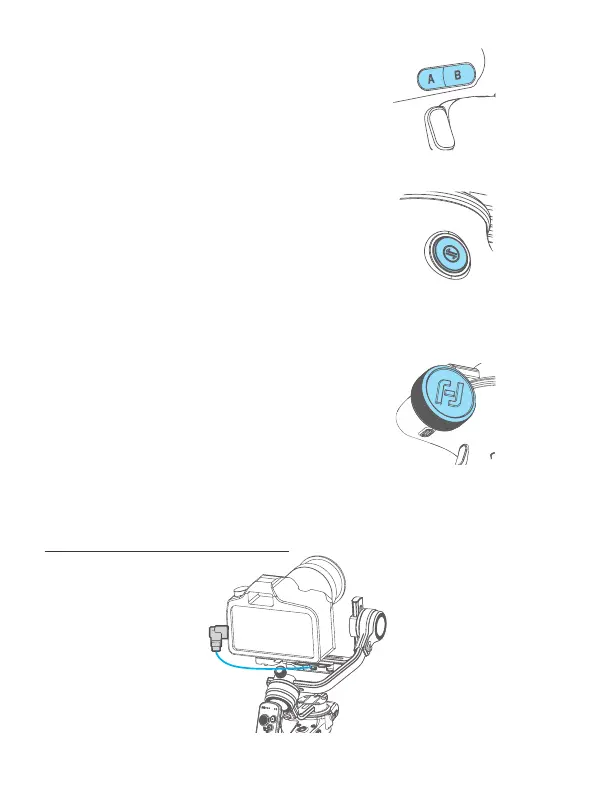
A/B button
Long press: Mark the current position as A/B
Single tap: Return to the position A/B that you
have marked
Can be used to mark axes/focus position.
8.1.13
Knob function switching button
Single tap:Switch the control object while
controlling the movement of the 3 axes (Tilt/
Pan/Roll)
Long press:Switch the control options of
Multifunction knob in turn (The movement of
the 3 axes/Electronic focus/Focus motor)
8.1.14
Multifunction knob
Turn:
(1) Control the movement of the roll, tilt and pan
axes.
(2) Control focus.
(3) Contol focus motor.
Set current control option as option (1) or (2) or (3)
through long press the knob function switching button or
swipe up in home page.
*Need to connect with camera. Refer to the camera compatibility list on:
https://www.feiyu-tech.cn/feiyu-scorp-c/
Connect camera with shutter cable















 To Next Page