EasyManua.ls Logo

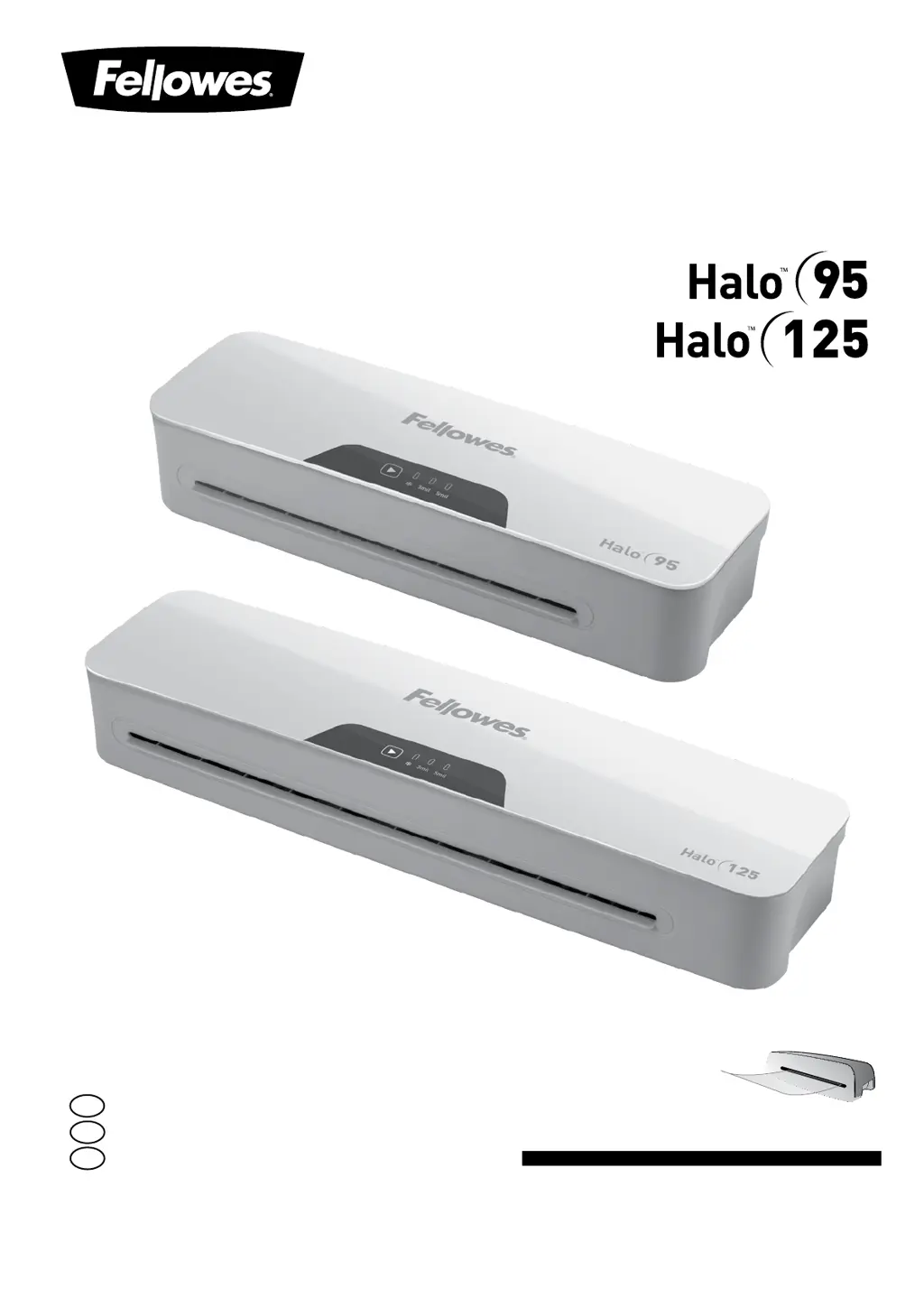
Fellowes HALO 125 - User Manual

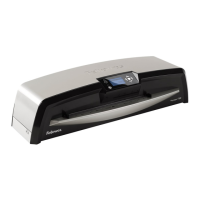
Fellowes HALO 125
11 pages
Print Icon
To Next Page IconTo Next Page
Loading...
Small Office Laminator
For best quality use Fellowes pouches
Pour une meilleure qualité, utilisez les pochettes Fellowes
Para obtener la mejor calidad, utilice bolsas Fellowes
Please read these instructions before use.
Veuillez lire ces instructions avant l’utilisation.
Lea estas instrucciones antes del usarlo.
E
F
S

Questions and Answers

  • J
    James AndradeAug 9, 2025
    Why is my Fellowes Laminator jamming?
    • Z
      zsmithAug 9, 2025
      Your Fellowes Laminator might be jamming because a pouch was used ‘open end’ first, the pouch was not centered on entry, the pouch was not straight upon entry, or an empty pouch was used.
  • E
    Emily CollinsAug 15, 2025
    How to fix waves or bubbles in my Fellowes HALO 125 Laminator pouch?
    • J
      Jessica WilliamsAug 15, 2025
      The temperature setting on your Fellowes Laminator might be incorrect. Check that the pouch thickness is correctly selected and pass the pouch through the laminator again.
  • S
    Sydney BlakeAug 21, 2025
    What to do if my Fellowes Laminator pouch is lost in the machine?
    • T
      Thomas KellyAug 21, 2025
      If the pouch is jammed inside the Fellowes Laminator, operate the release lever and gently pull the item out by hand.
  • K
    kevin19Aug 27, 2025
    Why is my Fellowes HALO 125 Laminator pouch not completely sealing?
    • J
      Jacob VillarrealAug 28, 2025
      The item may be too thick to laminate. Check that the pass through thickness is correctly selected and try passing it through the Fellowes Laminator again. Alternatively, the temperature setting may be incorrect. Verify that the pouch thickness is correctly selected and pass it through again.
  • T
    Timothy RuizSep 2, 2025
    What to do if there is no control panel illumination on my Fellowes Laminator?
    • J
      Jim Shaw Jr.Sep 3, 2025
      First, ensure that the Fellowes Laminator is switched on at the rear next to the plug inlet and at the wall socket. If the laminator has gone into Auto Shut Off mode, press any button or cycle the power switch to restart the machine.

Summary

Laminator Controls Overview

On;Off Switch

Identifies the power switch for the laminator.

Pouch Selection Button

Allows selection of pouch thickness (3mil, 5mil).

Pouch; Document Entry Slot

Slot where the pouch and document are inserted.

Pouch; Document Exit

Slot where the laminated document emerges.

Release Lever

Lever used to release jammed pouches.

Important Safety Instructions

Features and Tips

Setting Up the Laminator

How to Laminate

Troubleshooting

Storage and Cleaning

Product Registration and Warranty

Customer Service and Support

Fellowes HALO 125 Specifications

General IconGeneral
Laminating Width12.5 inches
Max Pouch Thickness5 mil
Number of Rollers2
Auto ShutoffYes
Laminating Speed12 inches per minute

Related product manuals