EasyManua.ls Logo

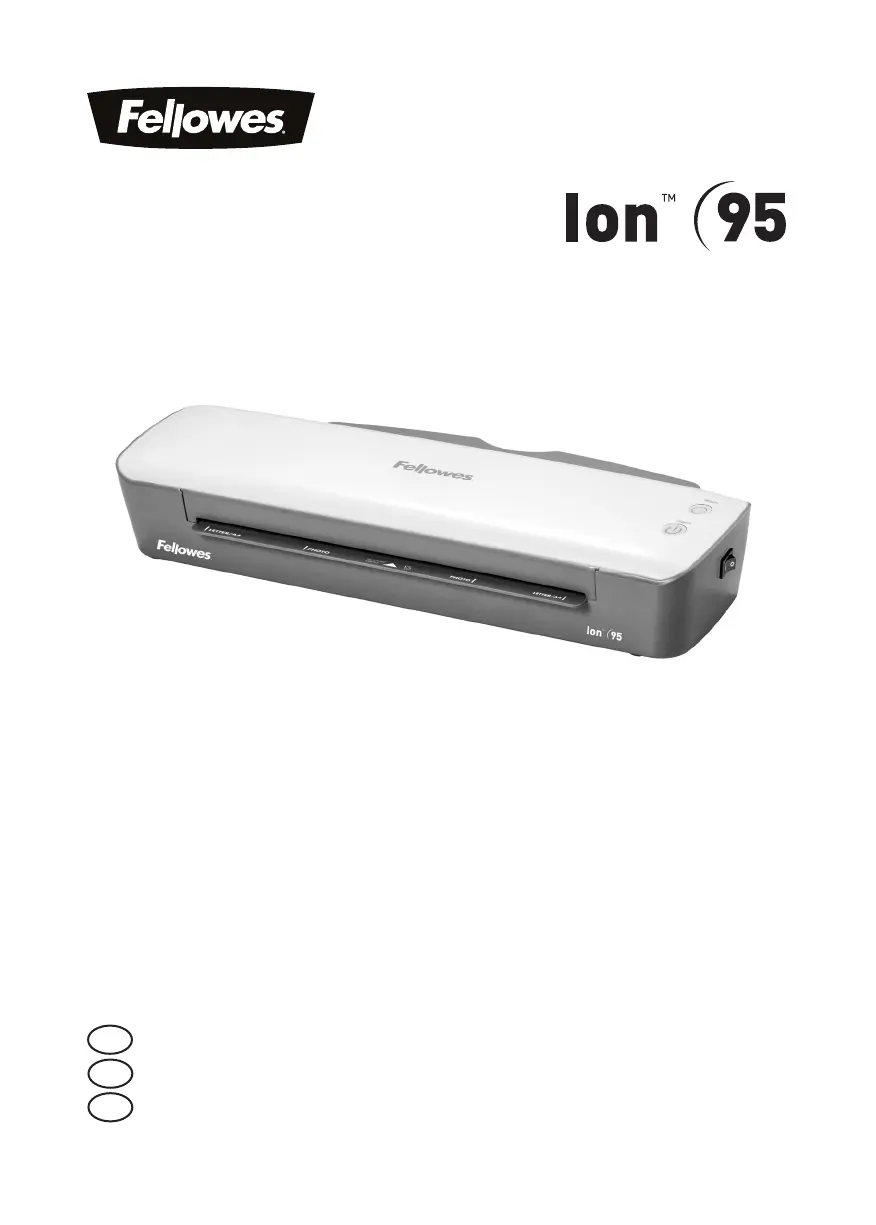
Fellowes Ion 95 - User Manual

Fellowes Ion 95
14 pages
Print Icon
To Next Page IconTo Next Page
Loading...
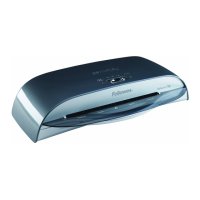
Personal Laminator
Please read these instructions before use.
Veuillez lire ces instructions avant l’utilisation.
Lea estas instrucciones antes del usarlo.
E
F
S

Questions and Answers

  • A
    alice36Jul 28, 2025
    Why have the ready lamp and the power LED turned off on my Fellowes Laminator?
    • G
      glenda32Jul 28, 2025
      If the ready lamp (green) and the power LED (red) have turned off, it indicates that the Fellowes Laminator has entered Auto Shut Off mode. To reset the laminator, simply press the ON/OFF switch.
  • D
    Donald AlvaradoAug 4, 2025
    What to do if the Power LED is flashing red and the Ready LED is off on my Fellowes Ion 95 Laminator?
    • B
      Bradley NunezAug 4, 2025
      If the Power LED is flashing red and the Ready LED (green) has turned off, it means the Fellowes Laminator has activated its Auto Shut Off mode. You can reset the machine by pressing the ON/OFF switch.
  • E
    Erica Dawson DVMAug 12, 2025
    Why is there no power on lamp on my Fellowes Laminator?
    • A
      Ashley TorresAug 13, 2025
      If the ‘power on’ lamp (red LED) is not illuminated, the Fellowes Laminator might not be switched on. Make sure to switch on the machine both at its side and at the wall socket.
  • J
    John BlairAug 20, 2025
    Why is the ready lamp not turning on after a long time on my Fellowes Ion 95?
    • B
      Brenda RodriguezAug 20, 2025
      If the ‘ready’ lamp (green LED) does not illuminate after an extended period, it could be because the Fellowes Laminator is in a hot or humid environment. Try moving the machine to a cooler, drier area.

Summary

Laminator Controls and Operation

Quick Start Guide

Provides step-by-step instructions for initial setup and operation of the laminator.

Laminator Details and Safety

Laminator Controls Explained

Detailed explanation of each control button and indicator light on the laminator.

Capabilities and Technical Data

Lists the performance specifications and technical data of the laminator.

Important Safety Instructions

Key safety guidelines and precautions for operating the laminator safely.

Features, Setup, and Usage

Features and Tips

Highlights key features like Release function and Auto Shut Off mode.

Setting Up the Laminator

Instructions on how to properly set up the laminator for use.

How to Laminate

Step-by-step guide on the process of laminating documents.

Troubleshooting and Maintenance

Troubleshooting Common Issues

Lists common problems, their causes, and solutions for the laminator.

Storage and Cleaning

Guidelines for storing and cleaning the laminator safely.

Support and Regulatory Information

Customer Service and Support

Contact information and resources for customer assistance.

Regulatory Notices

Includes FCC and Canadian compliance statements for the device.

Fellowes Ion 95 Specifications

General IconGeneral
BrandFellowes
ModelIon 95
CategoryLaminator
LanguageEnglish

Related product manuals