EasyManua.ls Logo

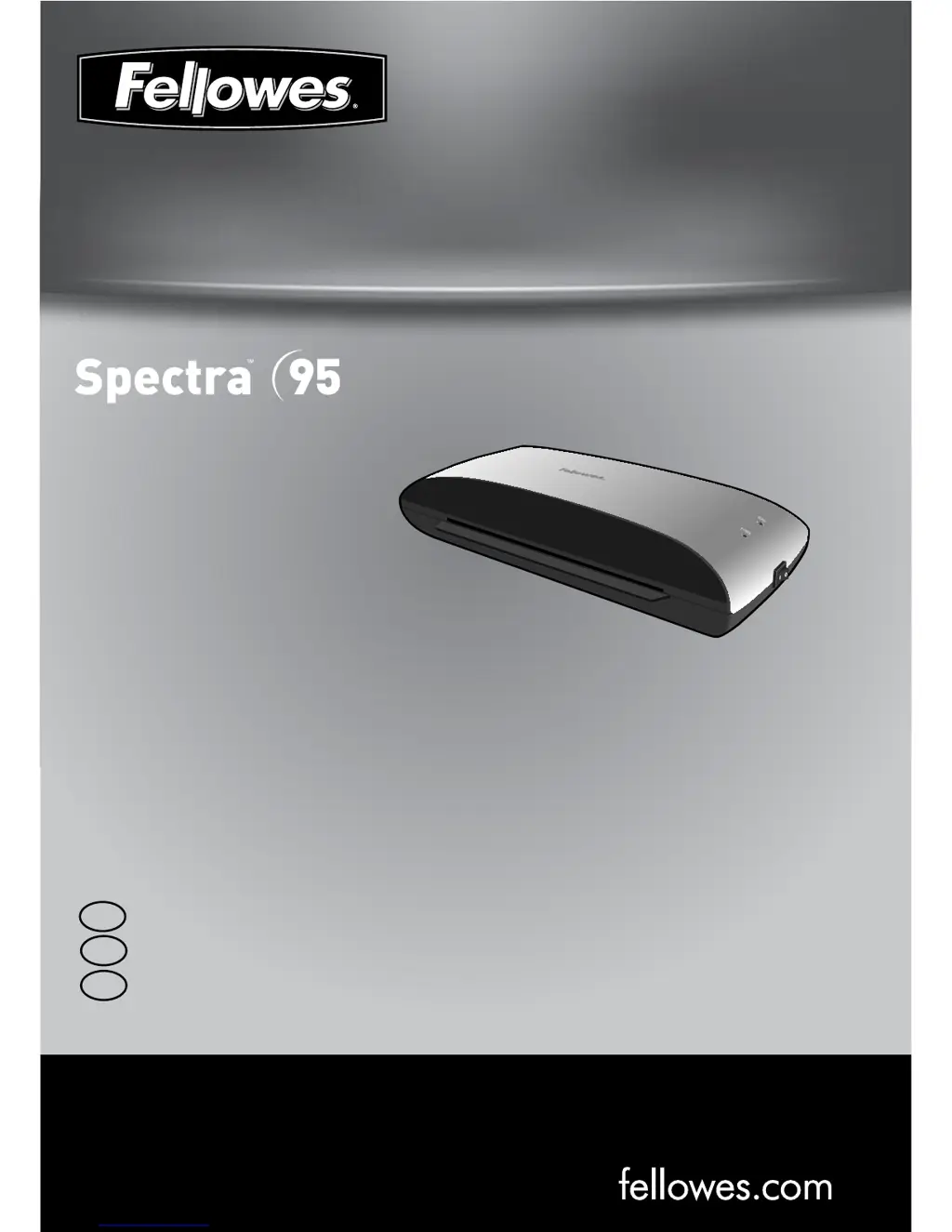
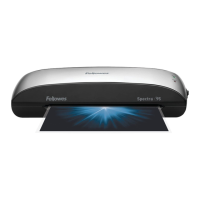
Fellowes Spectra 95 - User Manual

Fellowes Spectra 95
13 pages
Print Icon
To Next Page IconTo Next Page
Loading...
fellowes.com
1789 Norwood Avenue, Itasca, Illinois 60143-1095 USA 630-893-1600
Personal Laminator
Please read these instructions before use.
Lire ces instructions avant utilisation.
Lea estas instrucciones antes del usarlo.
E
F
S

Questions and Answers

  • C
    carol18Jul 27, 2025
    Why is the power LED flashing red and the ready LED off on my Fellowes Spectra 95 Laminator?
    • C
      Christopher HollowayJul 27, 2025
      If the power LED is flashing red and the ready LED (green) is off, it indicates that the laminator has entered Auto Shut Off mode. Press the ON/OFF switch to reset the machine.
  • S
    Stephanie NunezAug 2, 2025
    How to turn on my Fellowes Spectra 95 Laminator if the power light is off?
    • S
      Sharon WestAug 2, 2025
      If the power light (red LED) is not illuminated, the machine might not be switched on. Ensure the machine is switched on both at the side and at the wall socket.
  • Z
    Zachary CooperAug 7, 2025
    Why is the pouch damaged after lamination in my Fellowes Spectra 95 Laminator?
    • J
      Jonathan NelsonAug 7, 2025
      If pouches are damaged after lamination, the rollers may be damaged or have adhesive on them. To address this, pass cleaning sheets through the machine to test and clean the rollers.
  • P
    pennytuckerAug 14, 2025
    What to do if the ready and power lights are off on my Fellowes Laminator?
    • J
      Julie FloydAug 14, 2025
      If both the ready (green) and power (red) lights are off, the laminator is likely in Auto Shut Off mode. Press the ON/OFF switch to reset the machine.
  • S
    Scott EdwardsAug 20, 2025
    Why is the ready light not turning on after a long time on my Fellowes Laminator?
    • C
      Colton KellyAug 20, 2025
      If the ready light (green LED) doesn't illuminate after a prolonged period, the laminator could be in a hot or humid environment. Move the machine to a cooler and dry area.

Summary

Laminator Controls

Controls and Indicators Overview

Identifies and describes the function of each control and indicator (A-F) on the laminator.

Capabilities and Specifications

Details the performance specifications and technical data of the laminator.

Important Safety Instructions

Provides essential safety guidelines for operating the laminator.

Quick Start Guide

Features and Tips

Offers advice and explains special features like Auto Shut Off and Release function.

Setting Up the Laminator

Instructions on how to properly set up the laminator before use.

How to Laminate

Step-by-step guide on the process of laminating documents.

Troubleshooting and Maintenance

Troubleshooting Guide

Lists common problems, their possible causes, and solutions for the laminator.

Storage and Cleaning

Instructions on how to store and clean the laminator for optimal performance.

Product Information

Product Registration and Warranty

Details on registering the product and the terms of the worldwide warranty.

Useful Phone Numbers and Notices

Provides contact information and regulatory notices for the device.

Fellowes Spectra 95 Specifications

General IconGeneral
Maximum Laminating Width9.5 inches
Laminating Speed12 inches per minute
Maximum Pouch Thickness5 mil
Release LeverYes
Auto Shut-OffNo
Pouch Thickness3 mil, 5 mil
Maximum Pouch Size9.5 inches x 11.5 inches

Related product manuals