EasyManua.ls Logo

Fellowes Callisto 95 - User Manual

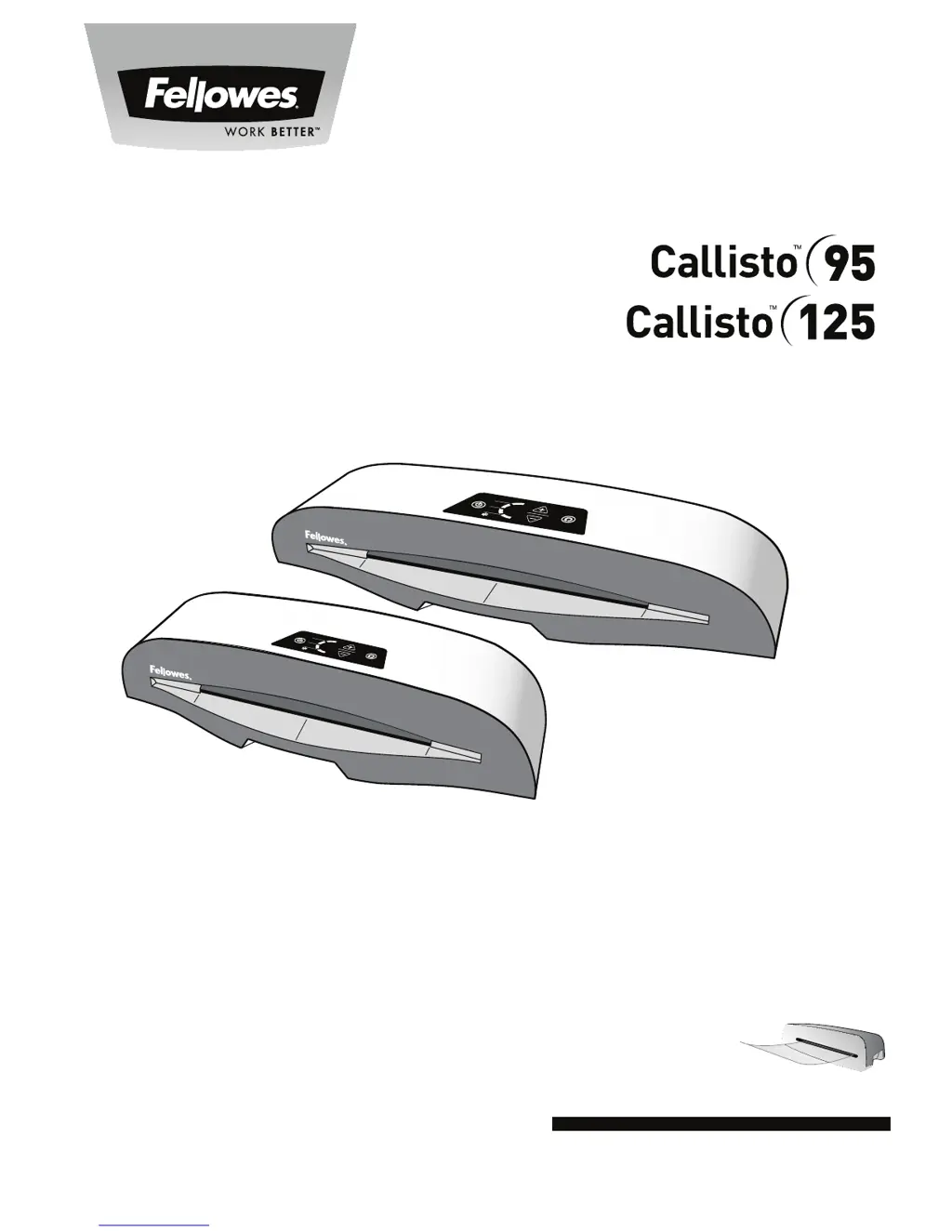
Fellowes Callisto 95
11 pages
Print Icon
To Next Page IconTo Next Page
Loading...
Small Office Laminator
PLEASE READ THESE INSTRUCTIONS BEFORE USE.
VEUILLEZ LIRE CES INSTRUCTIONES AVANT UTILISATION.
LEA ESTAS INSTRUCCIONES ANTES DEL USO.
75
100
125
For best quality use Fellowes ImageLast pouches
Pour une meilleure qualité, utilisez les pochettes ImageLast Fellowes
Para obtener la mejor calidad, utilice bolsas Fellowes ImageLast

Other manuals for Fellowes Callisto 95

Questions and Answers

  • T
    Travis WoodsJul 29, 2025
    What to do if the Fellowes Callisto 95 Laminator pouch is lost in the machine?
    • F
      fdayJul 29, 2025
      If your Fellowes Laminator pouch gets stuck, the machine should automatically reverse the document. If it doesn't fully clear, press and hold the reverse button while gently pulling the pouch to remove it completely. This usually happens when a pouch is jammed.
  • S
    Stephanie KimAug 2, 2025
    Why is the reverse button flashing red on my Fellowes Callisto 95?
    • C
      cartertiffanyAug 2, 2025
      If the reverse button on your Fellowes Laminator is flashing red, it means the machine has detected a mis-feed and the auto-reverse function has been activated to address the issue.
  • J
    James PetersenAug 6, 2025
    How to fix waves or bubbles in a Fellowes Laminator pouch?
    • B
      bensonkevinAug 7, 2025
      If your Fellowes Laminator pouch has waves or bubbles after lamination, it might be due to an incorrect temperature setting. To fix this, check that the pouch thickness setting is correctly selected and pass the pouch through the laminator again.
  • R
    Rodney PerezAug 11, 2025
    What to do if Fellowes Laminator pouch doesn't seal completely?
    • T
      Tonya RiveraAug 11, 2025
      If your Fellowes Laminator pouch isn't sealing the item completely, it could be due to two reasons: 1. The item might be too thick to laminate. Ensure the pass-through thickness is correctly selected and try passing it through again. 2. The temperature setting may be incorrect. Verify that the pouch thickness is correctly selected and pass it through again.
  • J
    joel88Aug 15, 2025
    Why is the Fellowes Callisto 95 pouch damaged after lamination?
    • J
      John LittleAug 16, 2025
      If your Fellowes Laminator pouch is damaged after lamination, it's likely due to damaged rollers or adhesive on the rollers. To resolve this, pass cleaning sheets through the machine to test and clean the rollers.
  • K
    Kelly HolmesAug 20, 2025
    What to do if all LEDs are dimly blinking on Fellowes Callisto 95?
    • Y
      ybryantAug 20, 2025
      If all the LEDs on your Fellowes Laminator are dimly blinking, it means the laminator has entered Auto Shut Off mode. To restart the machine, simply press any button or cycle the power switch.
  • A
    Andrew EvansAug 25, 2025
    How to fix no control panel illumination on Fellowes Callisto 95?
    • E
      Emily TaylorAug 26, 2025
      If there is no control panel illumination on your Fellowes Laminator, make sure the machine is switched on at the rear next to the plug inlet and at the wall socket.

Summary

Laminator Controls and Quick Start Guide

Control Panel Overview

Identifies and explains the function of each control button and indicator on the laminator.

Laminating Process Steps

Visual guide illustrating the sequence for operating the laminator, from setup to completion.

Detailed Laminator Controls and Capabilities

Control Panel Button Functions

Detailed explanation of the purpose and operation of each control button (A-J).

Performance Specifications

Outlines key capabilities, performance metrics, and technical data of the laminator.

Important Safety Instructions

General Safety Precautions

Critical warnings and guidelines to ensure safe operation and prevent hazards.

Features and Usage Tips

Operational Features

Highlights features like Pouch Tracking and Hot Swap, with advice for best results.

Setup, Operation, and Troubleshooting

Setting Up the Laminator

Instructions for ensuring the machine is correctly positioned and ready for use.

How to Laminate

Step-by-step guide for the lamination process, including handling jams and cooling.

Troubleshooting Common Issues

Addresses problems like no illumination, jams, and poor sealing with solutions.

Storage and Cleaning

Guidance on proper storage, cleaning procedures, and maintenance for longevity.

Product Registration and Warranty Information

Worldwide Warranty Details

Explains warranty terms, duration, and conditions for product coverage.

Recommended Laminating Pouches

Lists specific Fellowes ImageLast pouch products for optimal lamination quality.

Customer Service and Support

Contact and Online Resources

Provides contact information and website for customer support and inquiries.

Fellowes Callisto 95 Specifications

General IconGeneral
Laminating Speed12 inches per minute
Warm-Up Time5 minutes
Max Pouch Thickness5 mil
Pouch Thickness3-5 mil
Number of Rollers2
Laminating Width9.5 inches
Throat Width9.5 inches

Related product manuals