EasyManua.ls Logo

Fellowes M5-95 - User Manual

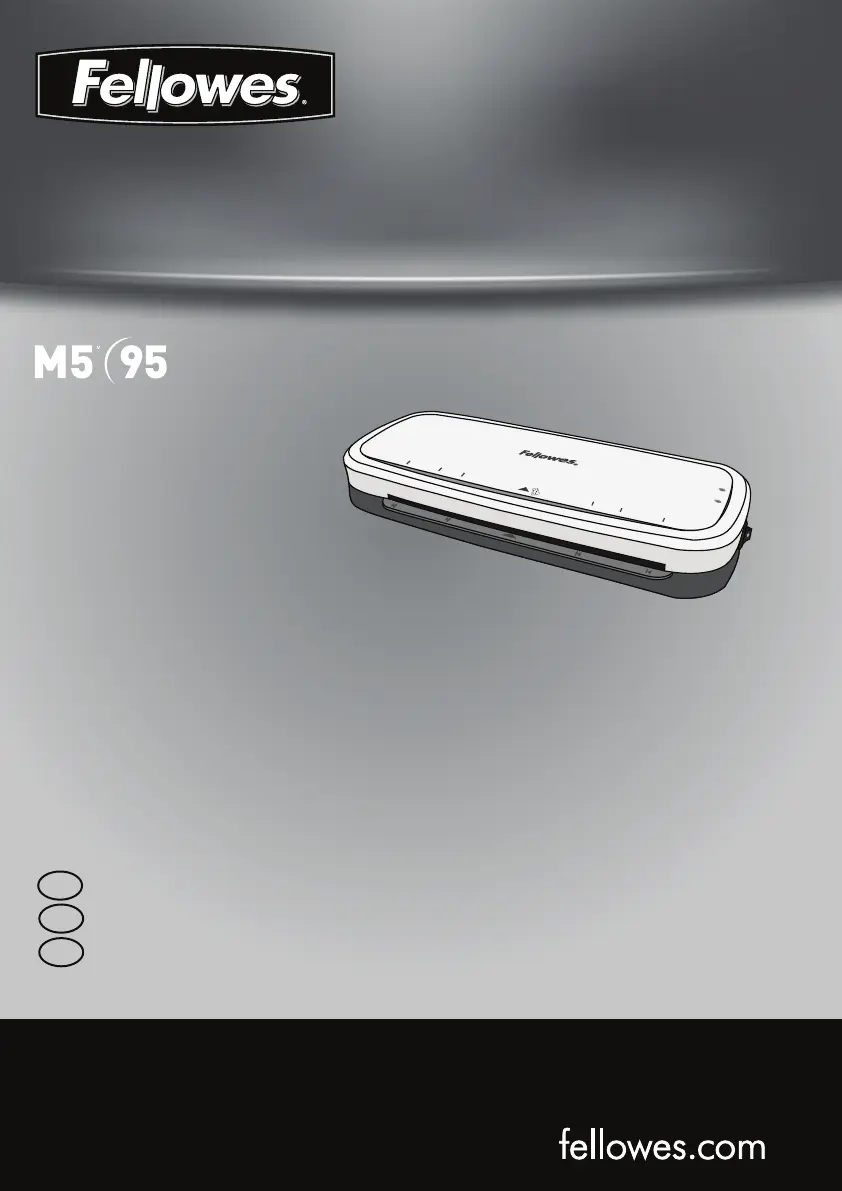
Fellowes M5-95
13 pages
Print Icon
To Next Page IconTo Next Page
Loading...
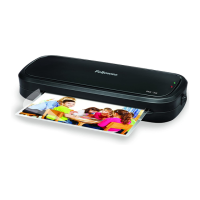
Personal Laminator
A4
A5
A6
A6
A5
A4
Insert Sea
led
Edge First
READY
POWER
A4
A6
4R
A6
4R
A4
Please read these instructions before use.
Lire ces instructions avant utilisation.
Lea estas instrucciones antes del usarlo.
E
F
S

Questions and Answers

  • A
    Ashley JonesJul 28, 2025
    How to fix a Fellowes M5-95 if the pouch is damaged after lamination?
    • M
      mboydJul 28, 2025
      If the pouch is damaged after lamination, it could be due to damaged rollers or adhesive on the rollers. To resolve this, pass cleaning sheets through the Fellowes laminator to test and clean the rollers.
  • M
    Michael BarrettAug 2, 2025
    How to switch on Fellowes M5-95 Laminator?
    • J
      Jason PenaAug 2, 2025
      To switch on the Fellowes laminator, make sure to switch it on both at the side of the machine and at the wall socket.
  • M
    millerjaredAug 7, 2025
    Why is the 'ready' lamp not turning on after a long time on my Fellowes M5-95 Laminator?
    • M
      Miss Karen JonesAug 7, 2025
      If the 'ready' lamp doesn't appear after a long time, it might be because the laminator is in a hot or humid area. Move the Fellowes laminator to a cooler and dry area to resolve this.
  • H
    Hannah TuckerAug 12, 2025
    What to do if the Fellowes Laminator pouch is lost in the machine?
    • Y
      yboothAug 12, 2025
      If the pouch is lost because it's jammed, press the release lever and gently pull the item out by hand.
  • N
    Nichole MasonAug 16, 2025
    What to do if ImageLast logo did not disappear after lamination with Fellowes M5-95?
    • S
      Shane WangAug 16, 2025
      If the ImageLast logo doesn't disappear after lamination, it could be due to heavier material thickness. Try passing the pouch through the Fellowes laminator a second time.
  • D
    Destiny BradfordAug 22, 2025
    What happens when Fellowes M5-95 is in Auto Shut Off mode?
    • K
      Kenneth JenkinsAug 22, 2025
      The laminator will reset itself.

Summary

Laminator Controls

Control Elements Overview

Explains the function of each control (A-F) on the laminator.

Important Safety Instructions

Features and Operation

Setting Up the Laminator

Instructions for preparing the laminator for use.

How to Laminate

Step-by-step guide on the lamination process.

Troubleshooting and Maintenance

Troubleshooting Common Issues

Solutions for problems like no power, jamming, or damaged output.

Storage and Cleaning

Guidelines for maintaining and storing the laminator.

Product Information and Support

Product Registration and Warranty

Information on registering the product and its warranty terms.

Help Line and Contact Information

Contact numbers and support resources for assistance.

Regulatory Notices

Compliance information regarding FCC and Canadian radio frequency regulations.

Fellowes M5-95 Specifications

General IconGeneral
TypeHot laminator
Product colorBlack
Auto power offYes
Preheating time4 min
Built-in displayNo
Housing materialPlastic
Lamination speed304 mm/min
Number of rollers2
Maximum pouch thickness5 µm
Maximum lamination width241 mm
Maximum document thickness- mm
Weight and Dimensions IconWeight and Dimensions
Depth158 mm
Width355 mm
Height66 mm
Weight1360 g

Related product manuals