EasyManua.ls Logo

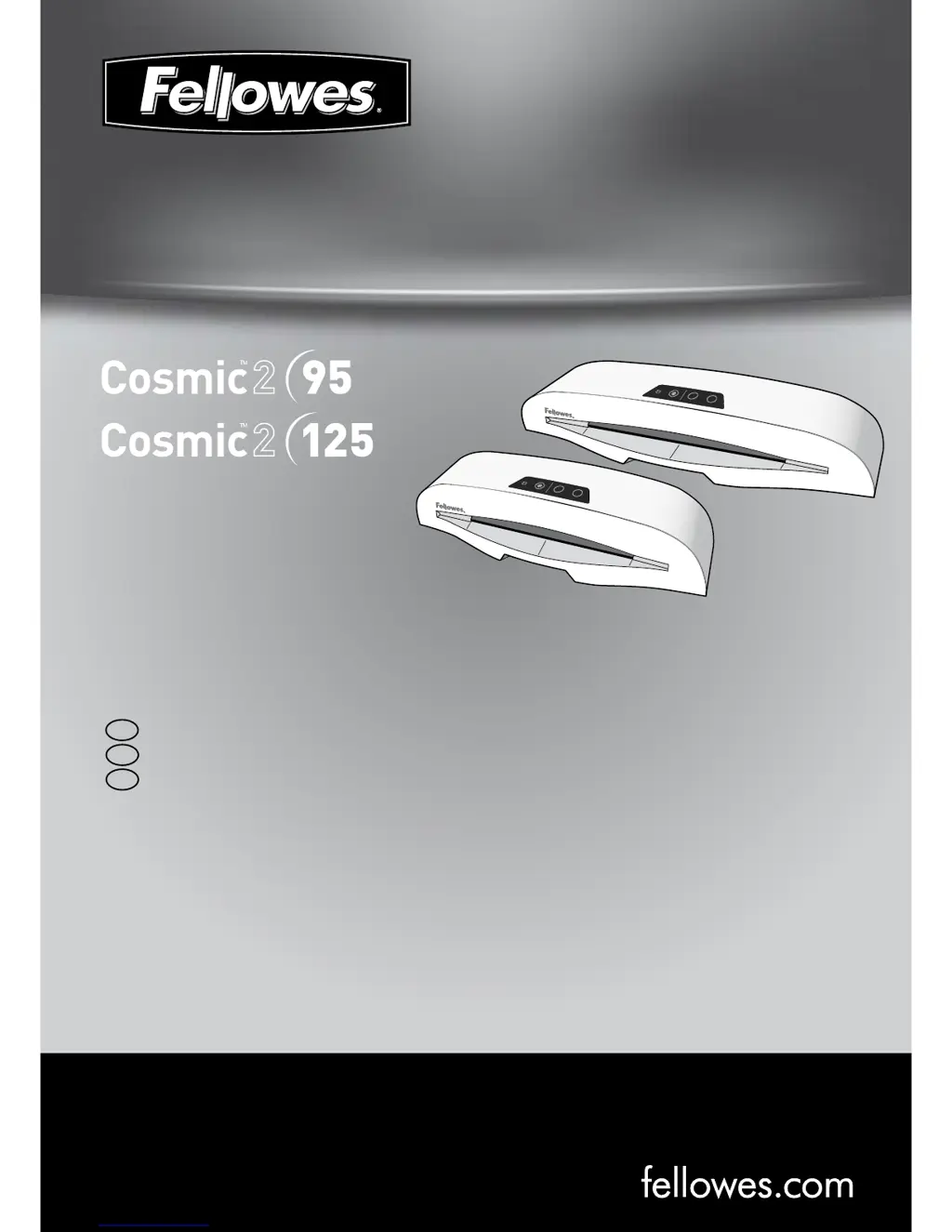
Fellowes Cosmic2 95 - User Manual

Fellowes Cosmic2 95
11 pages
Print Icon
To Next Page IconTo Next Page
Loading...
fellowes.com
1789 Norwood Avenue, Itasca, Illinois 60143-1095 USA 630-893-1600
Australia Canada Deutschland France Japan
Polska Singapore Benelux China España
Italia Korea Russia United Kingdom United States
Personal Laminator
Please read these instructions before use.
Veuillez lire ces instructions avant l’utilisation.
Lea estas instrucciones antes del usarlo.
E
F
S
3
4
3
4

Questions and Answers

  • J
    johnsonrachelJul 26, 2025
    How to fix no control panel illumination on Fellowes Cosmic2 95?
    • N
      Nathaniel BellJul 26, 2025
      If there is no control panel illumination, the Fellowes Laminator might not be switched on. Turn on the machine at the rear next to the plug inlet and at the wall socket.
  • E
    Earl ChambersAug 1, 2025
    What to do if my Fellowes Cosmic2 95 Laminator pouch is lost in the machine?
    • C
      chenryAug 1, 2025
      If the pouch is jammed inside the Fellowes Laminator, operate the release lever and gently pull the item out by hand.
  • M
    Michael BrownAug 7, 2025
    Why does my Fellowes Cosmic2 95 Laminator pouch have waves or bubbles?
    • C
      Caleb BarnesAug 7, 2025
      If the laminated pouch has waves or bubbles, the temperature setting may be incorrect. Check that the pouch thickness is correctly selected and pass it through the Fellowes Laminator again.
  • M
    Michelle BakerAug 13, 2025
    Why is my Fellowes Cosmic2 95 pouch damaged after lamination?
    • J
      jennifer04Aug 13, 2025
      If the pouch is damaged after lamination, the rollers may be damaged or have adhesive on them. Pass cleaning sheets through the Fellowes Laminator to test and clean the rollers.
  • Z
    zfordAug 19, 2025
    What to do if my Fellowes Cosmic2 95 pouch does not completely seal the item?
    • K
      Kimberly NixonAug 19, 2025
      If the pouch does not completely seal the item, it might be because the item is too thick, or the temperature setting is incorrect. Check that the pass through thickness and pouch thickness are correctly selected, then pass the item through the Fellowes Laminator again.

Summary

Laminator Controls Overview

Control Panel Identification

Diagram showing the layout and identification of laminator controls.

Quick Start Guide

Initial Setup and Operation

Illustrated steps for basic laminator setup and usage.

Laminator Controls and Specifications

Control Panel, Capabilities, and Technical Data

Explains controls, lists capabilities, and provides technical specifications for the laminator.

Important Safety Instructions

Usage and Electrical Safety Precautions

Essential safety guidelines for operating the laminator safely and preventing hazards.

Features and Tips

Advanced Functions and Lamination Best Practices

Details special functions and provides advice for optimal lamination results.

Setting Up The Laminator

How To Laminate

Troubleshooting Common Issues

Storage and Cleaning Instructions

Product Registration and Worldwide Warranty

Useful Phone Numbers and Notices

FCC and Canada Class B Notices

Compliance notices for radio frequency emissions according to FCC and Canadian standards.

Contact Information by Region

Provides regional customer service phone numbers and company address.

Fellowes Cosmic2 95 Specifications

General IconGeneral
Laminating Width9.5 inches
Warm-up Time5 minutes
Laminating Speed12 inches per minute
Maximum Pouch Thickness5 mil
Number of Rollers2

Related product manuals