EasyManua.ls Logo

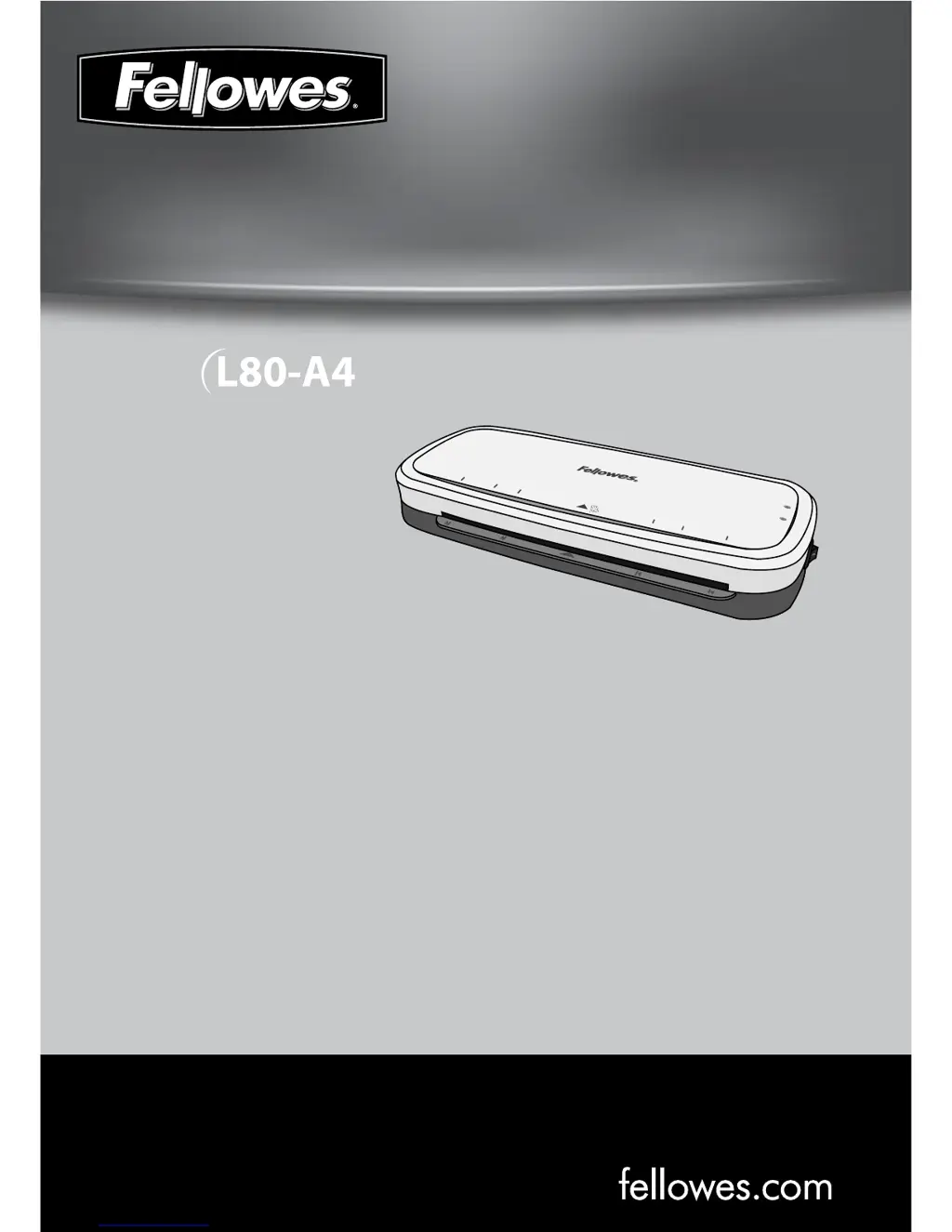
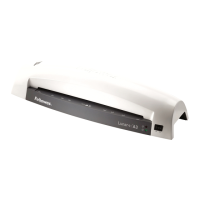
Fellowes L80-A4 - User Manual

Fellowes L80-A4
70 pages
Print Icon
To Next Page IconTo Next Page
Loading...
fellowes.com
1789 Norwood Avenue, Itasca, Illinois 60143-1095 USA 630-893-1600
Personal Laminator
A4
A5
A6
A6
A5
A4
Insert Sealed
Edge First
READY
POWER
A4
A6
4R
A6
4R
A4

Questions and Answers

  • G
    gwrightAug 13, 2025
    How to fix a Fellowes L80-A4 Laminator with no ‘power on’ lamp?
    • E
      emily16Aug 13, 2025
      If the ‘power on’ lamp (red LED) is not illuminated on your Fellowes Laminator, the machine might not be switched on. Ensure the machine is switched on both at the side and at the wall socket.
  • R
    Robert RileyAug 17, 2025
    What to do if Power LED is flashing red and Ready LED is off on Fellowes L80-A4?
    • C
      Cindy OrtegaAug 17, 2025
      If the Power LED is flashing red and the Ready LED (green) has turned off on your Fellowes Laminator, the laminator has entered Auto Shut Off mode. Press the ON/OFF switch to reset the machine.
  • T
    Thomas DavisAug 20, 2025
    Why is the ‘ready’ lamp not turning on in my Fellowes Laminator?
    • M
      Marissa GomezAug 21, 2025
      If the ‘ready’ lamp (green LED) on your Fellowes Laminator does not turn on after a long period, the machine may be in a hot or humid environment. Try moving it to a cooler and drier location.
  • S
    Shawn CaldwellAug 25, 2025
    What to do if the Fellowes L80-A4 Laminator pouch is lost in the machine?
    • J
      jameskentAug 25, 2025
      If the Fellowes Laminator pouch gets stuck inside, it means the pouch is jammed. To resolve this, press the release lever and gently pull the item out by hand.
  • K
    Kimberly BarronAug 28, 2025
    Why does my Fellowes L80-A4 Laminator pouch have waves or bubbles?
    • J
      Joshua NguyenAug 28, 2025
      If your Fellowes Laminator pouch has waves or bubbles after lamination, the pouch thickness may be incorrect. Ensure you are using pouches within the accepted range of 75 - 80 microns.
  • A
    amandajonesAug 31, 2025
    What to do if Fellowes L80-A4 Laminator pouch does not completely seal the item?
    • A
      Anthony MitchellAug 31, 2025
      If the pouch does not completely seal the item in your Fellowes Laminator, the item might be too thick. The maximum document thickness should be 0.040” / 1mm.
  • A
    Alexa BauerSep 4, 2025
    Why are the ready lamp and the Power LED off on my Fellowes L80-A4 Laminator?
    • S
      Stephanie PattersonSep 4, 2025
      If the ready lamp (green) and the Power LED (red) on your Fellowes Laminator have turned off, the laminator is in Auto Shut Off mode. To resolve this, press the ON/OFF switch to reset the machine.
  • R
    russorachelSep 8, 2025
    Why is the pouch damaged after lamination in my Fellowes L80-A4 Laminator?
    • A
      Amy WilliamsSep 8, 2025
      If the pouch is damaged after lamination in your Fellowes Laminator, it is caused by damaged rollers or adhesive on the rollers. You should pass cleaning sheets through the machine to test and clean the rollers.

Summary

Laminator Controls

On;off switch

Main power switch for the device.

Capabilities

Important Safety Instructions

Features & Tips

Troubleshooting

No power on lamp

Addresses issues with the machine not turning on.

No ready lamp

Troubleshoots the machine not reaching ready status.

Pouch does not seal

Solutions for pouches not fully adhering to documents.

Pouch lost in machine

Steps to resolve a jammed pouch.

Jamming

Guidance on clearing obstructions from the machine.

Useful Phone Numbers

Fellowes L80-A4 Specifications

General IconGeneral
BrandFellowes
ModelL80-A4
CategoryLaminator
LanguageEnglish

Related product manuals