EasyManua.ls Logo

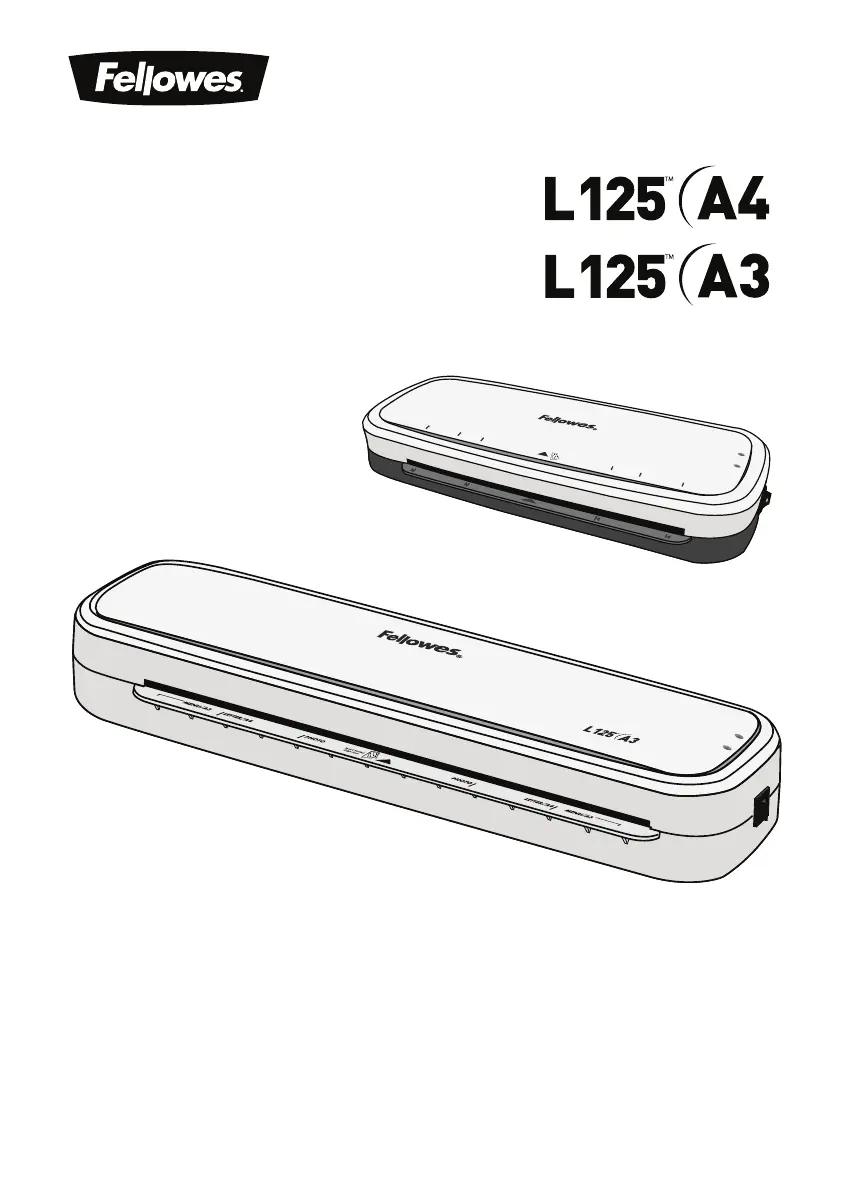
Fellowes L125 A3 - User Manual

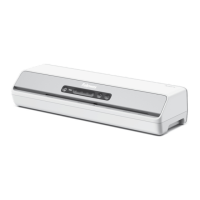
Fellowes L125 A3
79 pages
Print Icon
To Next Page IconTo Next Page
Loading...
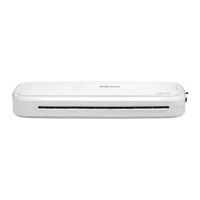
Personal Laminator
A4
A5
A6
A6
A5
A4
Insert Sea
led
Edge First
READY
POWER
A4
A6
4R
A6
4R
A4
READY
POWER

Questions and Answers

  • K
    keith27Aug 3, 2025
    How to turn on Fellowes L125 A3 Laminator if power lamp is off?
    • T
      Tanya WarrenAug 3, 2025
      If the ‘power on’ lamp (red LED) is not illuminated on your Fellowes Laminator, ensure that the machine is switched on both at the side and at the mains socket.
  • S
    Shawn ParkerAug 8, 2025
    What to do if ready lamp and Power LED are off on Fellowes Laminator?
    • R
      Rachel PettyAug 8, 2025
      If the ready lamp (green) and the power LED (red) on your Fellowes Laminator have turned off, the laminator is likely in Auto Shut Off mode. Press the ON/OFF switch to reset the machine.
  • R
    Rebecca HarrellAug 12, 2025
    What to do if Power LED is flashing red on Fellowes L125 A3 Laminator?
    • T
      Timothy RogersAug 12, 2025
      If the power LED is flashing red and the ready LED (green) has turned off on your Fellowes Laminator, the laminator has likely entered Auto Shut Off mode. Press the ON/OFF switch to reset it.
  • E
    Emma WestAug 17, 2025
    Why does my Fellowes Laminator pouch have waves or bubbles?
    • B
      Brady HubbardAug 17, 2025
      If your Fellowes Laminator pouch has waves or bubbles after lamination, it may be due to incorrect pouch thickness. Ensure you are using pouches within the laminator's accepted range of 75 - 125 microns.
  • J
    Jamie ZimmermanAug 22, 2025
    Why is my Fellowes L125 A3 Laminator pouch damaged after lamination?
    • H
      Holly JacksonAug 22, 2025
      If your Fellowes Laminator pouch is damaged after lamination, it could be due to damaged rollers or adhesive on the rollers. Try passing cleaning sheets through the machine to test and clean the rollers.
  • F
    Frank BushAug 27, 2025
    Why does my Fellowes L125 A3 pouch not completely seal the item?
    • J
      Jeffrey HaynesAug 27, 2025
      If your Fellowes Laminator pouch doesn't completely seal the item, it may be because the item is too thick. The maximum document thickness should be 0.4mm.

Summary

Laminator Controls and Specifications

Important Safety Instructions

General Usage and Placement Warnings

Covers safe placement, water proximity, stable surfaces, and heat/cord handling.

Setting Up and Using the Laminator

Lamination Process Steps

Instructions for powering on, feeding pouches, and handling hot laminated items.

Troubleshooting Guide

Common Operational Problems

Addresses issues like no power, no ready light, and incomplete sealing.

Jamming and Pouch Issues

Solutions for pouches getting stuck, waves, bubbles, or damage after lamination.

Troubleshooting and Solutions (Arabic)

Arabic Troubleshooting Guide

Lists common problems and their solutions in Arabic.

Setting Up and Lamination Process (Hebrew)

Hebrew How-To Laminate

Step-by-step guide on powering on, feeding, and handling laminated items in Hebrew.

Fellowes L125 A3 Specifications

General IconGeneral
TypeHot laminator
Warm-up time4 min
Product colorWhite
Auto power offYes
Preheating time- min
Built-in displayNo
Housing materialPlastic
Lamination speed- mm/min
Lamination systemPouch
Auto power off after30 min
Maximum pouch thickness125 µm
Maximum lamination width320 mm
Maximum document thickness- mm
Weight and Dimensions IconWeight and Dimensions
Depth150.8 mm
Width450.9 mm
Height65.1 mm
Weight2040 g
Package depth520 mm
Package width185 mm
Package height90 mm
Package weight2150 g

Related product manuals