4
STEP 2
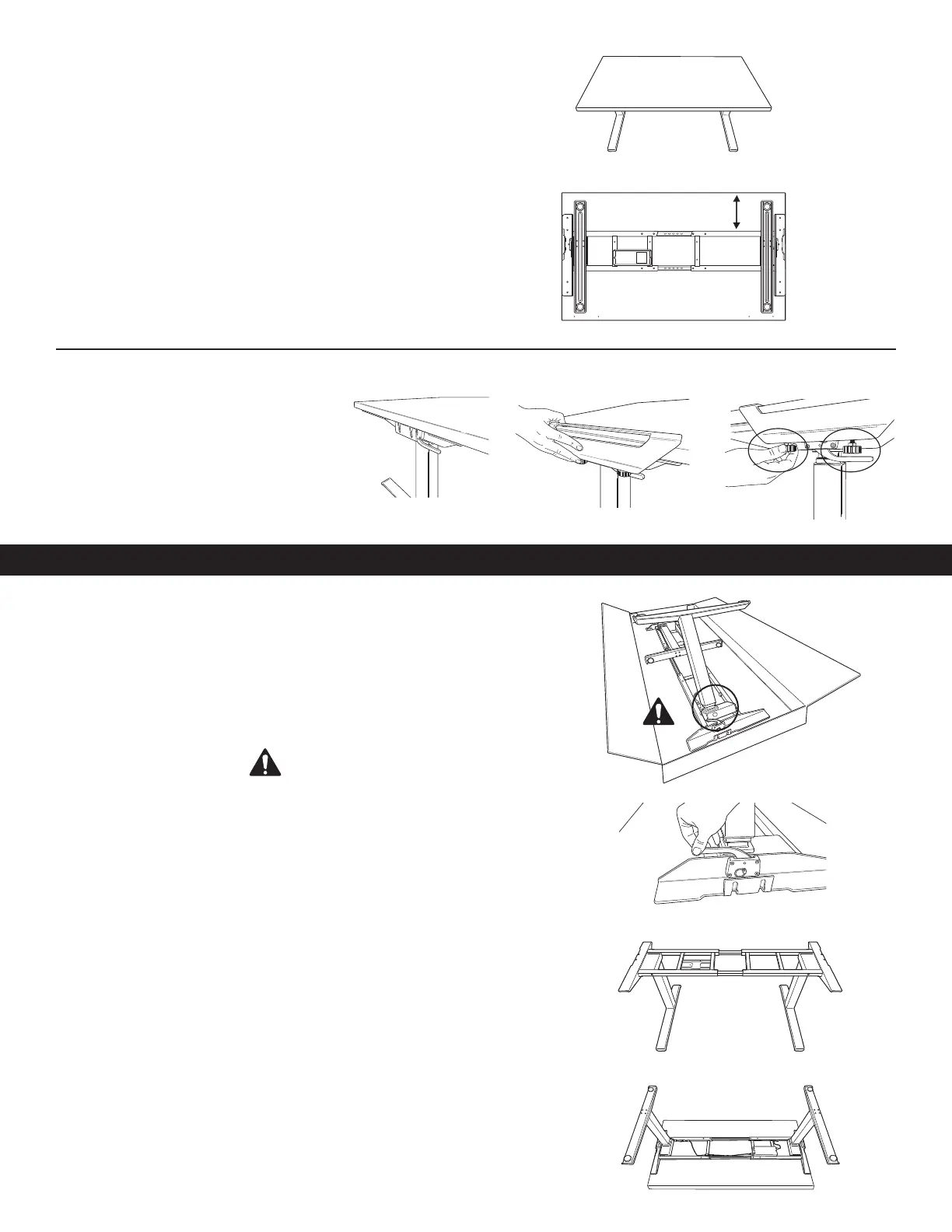
Adjust the position of the frame before attaching it to the table
• Using two people, place the table top on the base.
• Check that the top supports on each side are flush to both ends
of the desk.
• The rear cross channel will be 5.75” (146mm) for 24” (610mm) Depth Tops
and 8.75” (222mm) for 30” (762mm) Depth Tops from the rear of the table.
Rear
Front
STEP 1
Preparing for installation using two people
• Place table face down on a soft, clean surface.
• Ensure levers on base are in the upright position.
• Fold out legs until they click. WARNING: Pinch Point! Keep hands and
objects clear when lifting legs.
• Lock legs into place by pushing down on levers.
• Optional: If legs need to be folded, ensure lever is in upright position and
power is unplugged. Pull out pin and carefully guide legs to folded position.
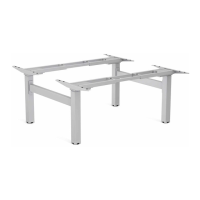
• Lift base out of box and place on table.
• The base arrives adjusted for 60”(1524mm) wide tables. If your table is not
60”(1524mm) wide you will need to adjust the base width 48”(1219mm) to
72” (1829mm). See step 1B, otherwise move on to step 2.
STEP 3
Clamping base to table
• Slide clamps on each side of the table.
• On each clamp, tighten the (2) thumb
screws until each click.
INSTALL OPTION 2 - HARDWARE
24" Depth Top: 5.75"
30" Depth Top: 8.75"


 To Next Page