SYSTEM SETUP
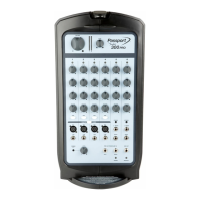
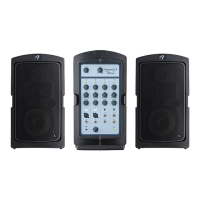
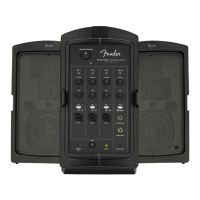
Congratulations on purchasing a Fender® Passport Conference
Series 2 audio system—a self-contained portable audio system
designed for great sound anywhere. Carry Passport like a
suitcase, and simply flip open the cabinet-release latches to
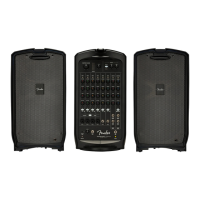
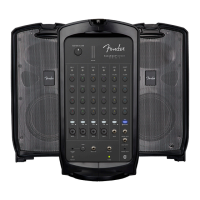
access two full-range speaker cabinets, a powered mixer, and
power and speaker cables.
Use Passport as a public address system or to amplify musical
instruments and vocals. Connect mobile devices for easy
accompaniment, including Bluetooth audio streaming.
Passport's quick and easy setup, its ability to cover large
audiences and its simple operation are the hallmarks of this
innovative product. Its control panel features mono mic/line
channels and stereo line channels with a variety of input jacks to
provide superb flexibility.
Register your Passport Conference Series 2 online at start.fender.com.
ENGLISH
PASSPORT
®
CONFERENCE SERIES 2
1
1. OPEN: Flip open cabinet latches on sides of Passport and
detach speaker cabinets from powered mixer section:
3. SPEAKER CABLE/POWER CORD STORAGE: Open storage
compartment on rear of mixer and remove power cord and
speaker cables:
2. PLACEMENT: For optimal results, elevate speaker cabinets on
Passport speaker stands or sturdy tables. Place the speakers far
apart to maximize stereo separation. Position mixer close by
for easy access to control panel:
4. POWER CORD/SPEAKER CABLE CONNECTION: Plug
speaker cables into left and right speaker jacks on back of
the mixer (arrow at left), then connect corresponding left
and right speakers. Make sure power switch is off before
connecting power cord (included) into power inlet on back
of mixer (arrow at right); plug other end into a grounded AC
power outlet:


 To Next Page
 Loading...