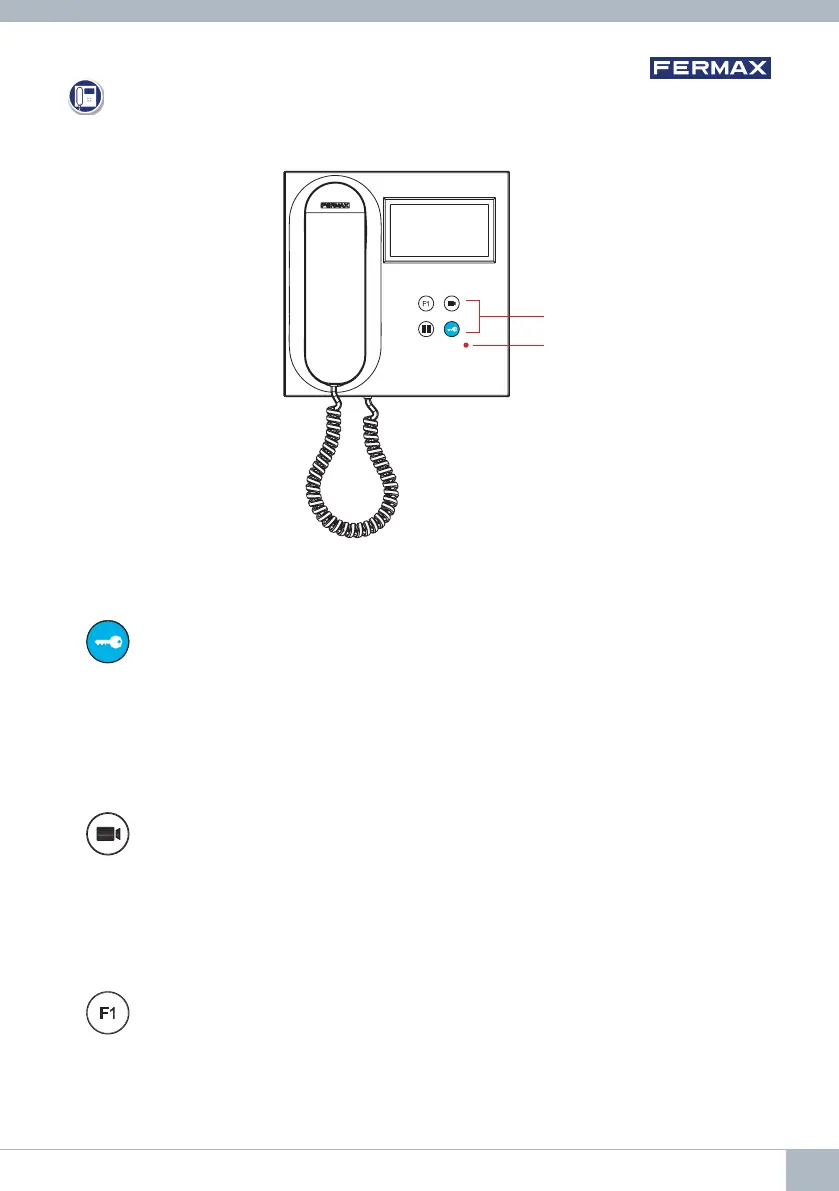
Auxiliary Function F1.
Auxiliary Function (negative output "-" / command transmission).
Negative transmission: Negative output is emitted by terminal F1 when the F1
button is pressed, which also
sends an F1 activation command in order to
activate an auxiliary device.
Auto-On button.
Connection via block camera or General Entrance camera (feature available
depending on the type of installation, see Chapter Operation: Auto-on).
Button for lock release / calls to the concierge.
• When you are in communication with the Outdoor Panel (audio only or
video only or audio+video), pressing this button activates the lock release.
• With the arm hanging up (monitor idle), pressing this button makes a call
to the concierge (if there is a concierge and the monitor is in Day Mode or
Mixed Mode).
PRODUCT DESCRIPTION
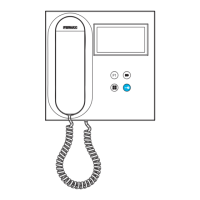
BUTTONS
VEO Monitor:
Buttons
Led
DUOX VEO MONITOR 9









 To Next Page