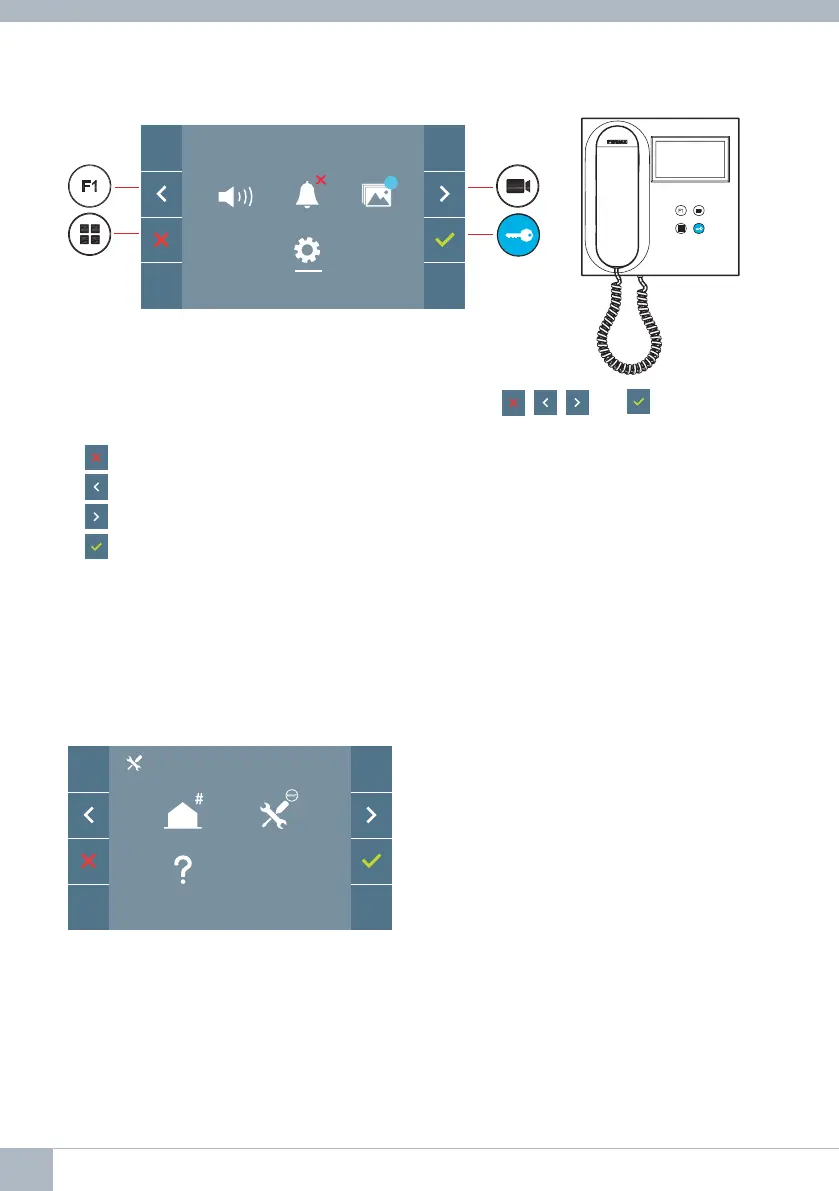
2. PROGRAMMING: NAVIGATION BUTTONS AND MONITOR PUSH-BUTTONS
Navigation buttons
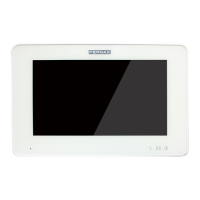
Monitor
push-buttons
Notes:
- The white line at the bottom of the icon indicates the function that is currently in effect.
This may be selected by pressing.
- The monitor exits the programming dialogue automatically after 60 seconds of inactivity.
3. PROGRAMMING: ADMINISTRATOR MENU Screen
There are several options:
1. Monitor address programming.
2. Reset settings.
3. About.
The monitor will not function if it has not been programmed!
3.1 ADMINISTRATOR MENU:
Monitor address PROGRAMMING
Note: A red LED, blinking slowly, indicates that the monitor is not programmed - once the
monitor address is programmed, the red LED will turn off.
There are three options for programming the monitor from:
A) From the Monitor.
B) From the Panel
C) From the Doorbell.
F2
99
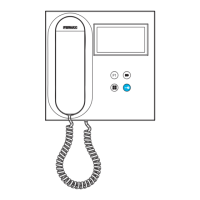
The icons displayed on the screen (navigation buttons: , , and ), are controlled
via the corresponding push-buttons located on the monitor:
: Return to the previous screen or stand-by.
: Select the previous option from the menu.
: Highlight the next option on the menu.
: Confi rm the selection and activate the function.
12 DUOX VEO MONITOR









 To Next Page