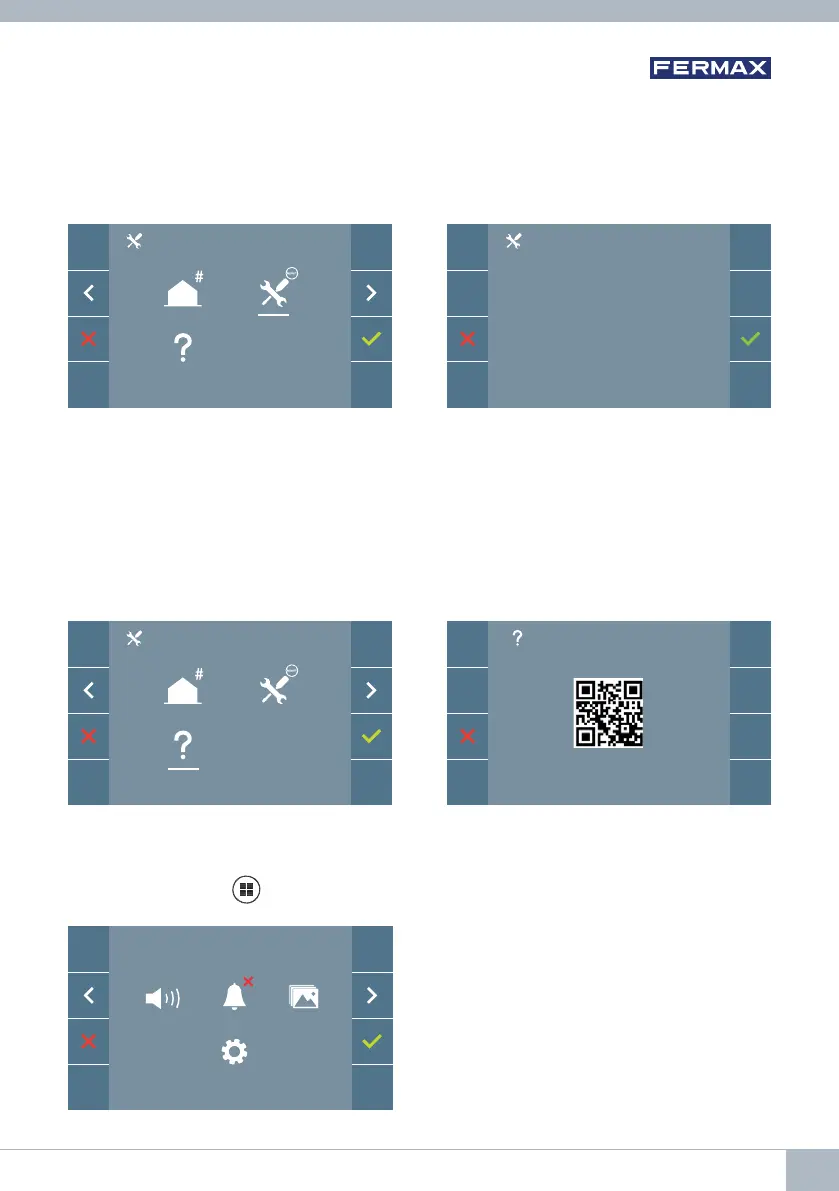
Note: A red LED, blinking slowly, indicates that the monitor is not programmed. As the
reset process erases the programmed monitor address, when the LED is fl ashing
it will indicate that the reset is fi nished.
3.2 ADMINISTRATOR MENU: RESET SETTINGS
The installer can reset the monitor parameters to the default settings, by selecting and
confi rming the appropriate option.
The reset affects both the user’s confi guration parameters and the monitor address.
3.3 ADMINISTRATOR MENU: ABOUT
A QR code is displayed on the screen that allows access to the complete monitor docu-
mentation.
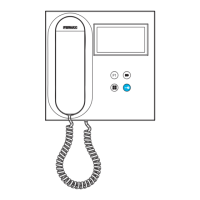
4. PROGRAMMING: USER MENU Screen
Pressing the MENU
button directly accesses the User Menu screen if the monitor is
programmed.
There are several options:
1. Monitor volume settings.
2. Do Not Disturb function
3. Display images
4. F2 Function
5. User parameter settings
RESET?
F2
DUOX VEO MONITOR 15









 To Next Page