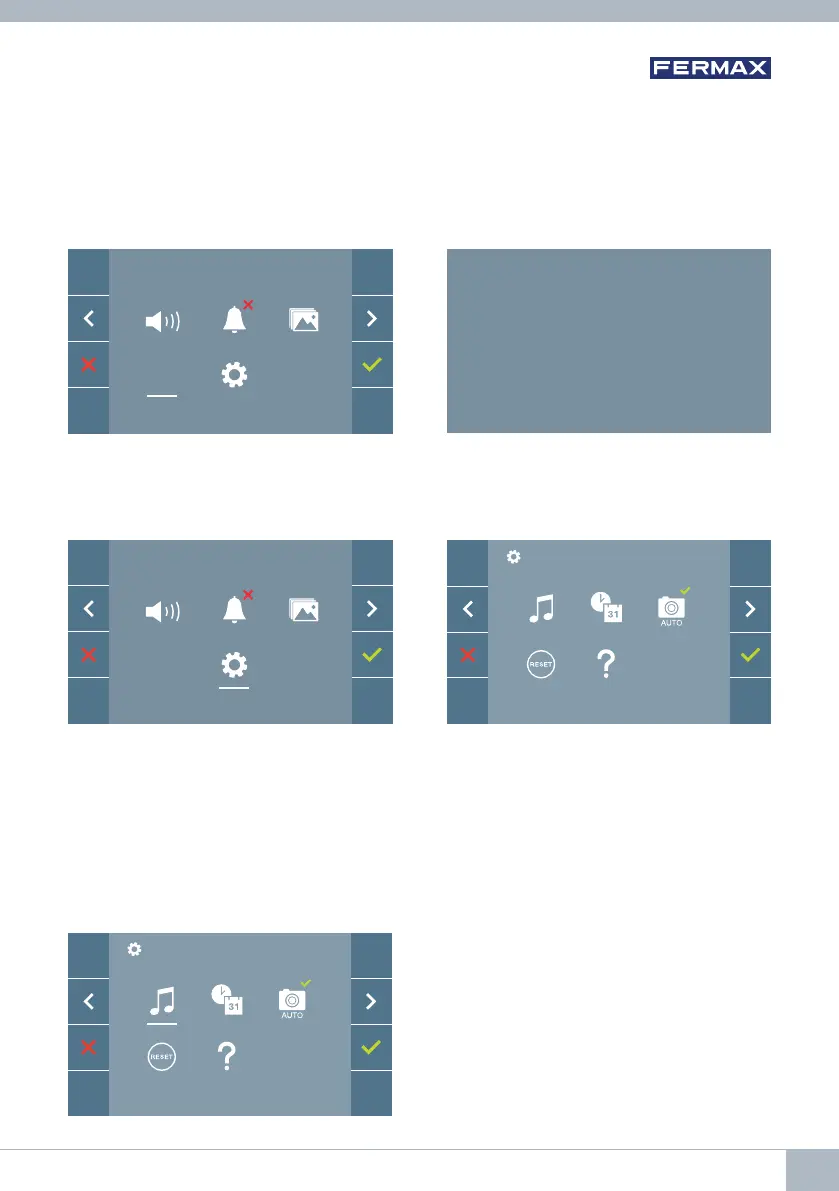
4.4 USER MENU: F2 FUNCTION
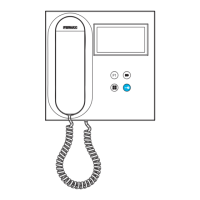
The F2 function sends an activation command to activate an auxiliary device.
An on-screen notifi cation of the action will be shown: F2 ON for 3 seconds. This function
is contained in the main screen of the user menu.
The F2 command is sent by the bus, including the monitor address, to activate the auxiliary
devices connected to the bus, such as for example a duox relay, (check with your installer).
4.5 USER MENU: USER PARAMETER SETTINGS
Within the user menu, selecting the option "User parameter settings” will access a new
screen corresponding to the various confi guration parameters:
The parameters are the following:
1. Melody selection
2. Date and time settings
3. Enable/disable image capture
4. Reset the confi guration parameters
5. User help
4.5.1 User parameter settings: MELODY SELECTION
The monitor allows you to select a separate
melody for the panels and another for the
concierge. The panels are:
- Panel 0, monitor block.
- Panel 1, monitor block.
- Panel 0, General Entrance.
You may assign up to 5 different melodies.
F2
F2
F2
ON
F2
DUOX VEO MONITOR 17









 To Next Page