Pag 36
Kit Halo & iLoftKit Halo & iLoft
Kit Halo & iLoftKit Halo & iLoft
Kit Halo & iLoft
Kit Halo & iLoftKit Halo & iLoft
Kit Halo & iLoftKit Halo & iLoft
Kit Halo & iLoft
Monitor settings
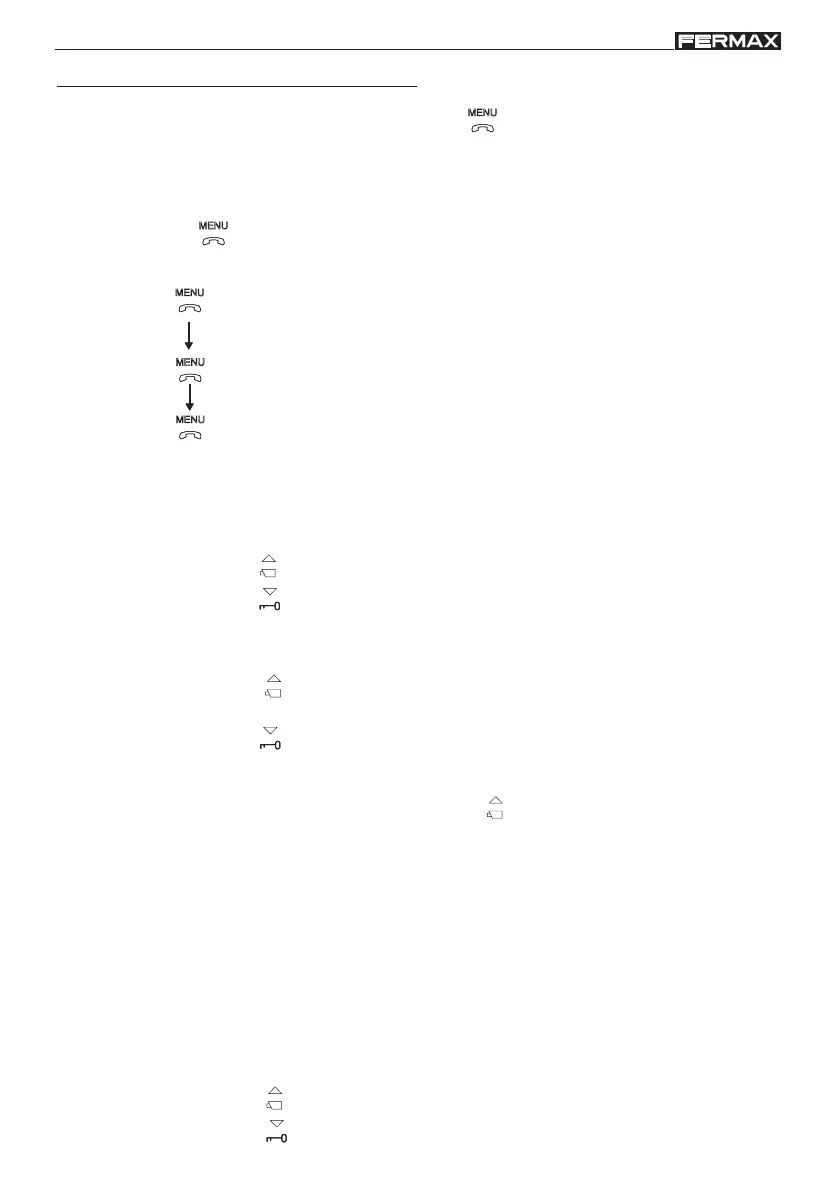
To access configuration mode, press the button down for two seconds (the led will
blink once a second and a confirmation tone will be emitted).
On accessing configuration mode, the monitor will go into volume settings mode.
Image Settings (Brightness-Contrast and Colour)
In image configuration mode, the led blinks once every two seconds, indicating that the monitor
is in this mode.
The monitor has 4 pre-established settings with a specific level of brightness and
contrast and 4 colour levels.
On pressing the corresponding button you can select the brightness/contrast level or
colour setting.
When you come to the last option, an error tone is emitted and it returns to the first one.
- press the button to select brightness and contrast.
- press the button to configure colour.
Set Call Bell Volume
- press the button
to select a high volume or
- press the button
to select a low volume.
Call Tone and Call Cancellation (do not disturb mode)
- press the button
to select the call tone. You will go through all the brightness-
contrast configurations it incorporates.
- press the button
to activate the call cancellation function (do not disturb mode);
The monitor led blinks on red to indicate «do not disturb» mode
To reactivate call functions, press the button .
(2 sec.)
: Volume Settings.
: Tone Selection.
: Image Settings.
Press the button
to move through the configuration options in order:
To adjust the different configuration options, while in the required option, follow these
steps:














 To Next Page