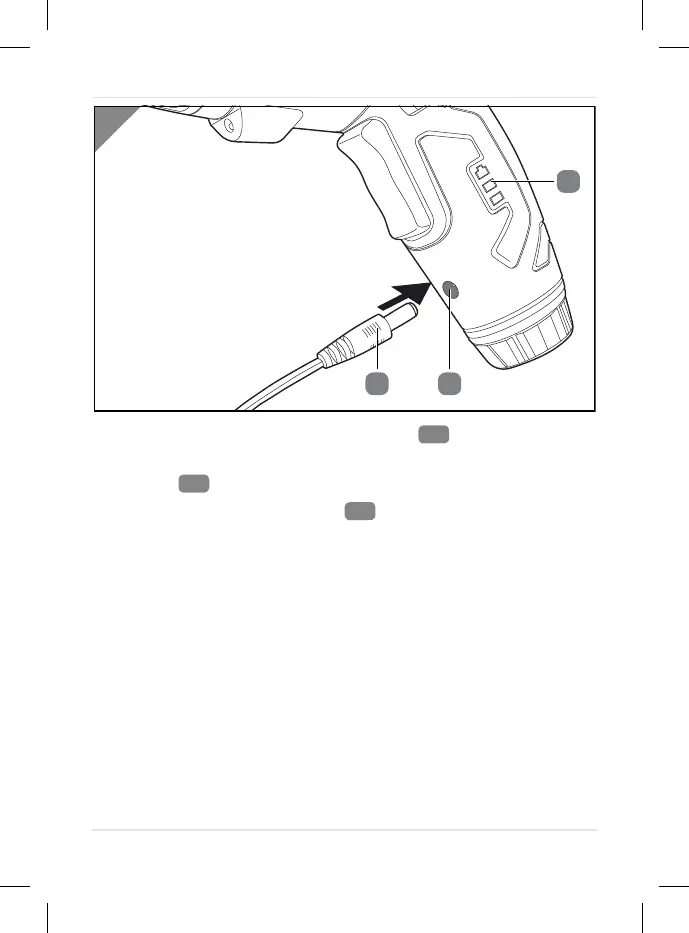
1. Plug the mains adapter of the charger
into the socket.
2. Plug the power connector of the charger into the charge
socket
.
The battery charge indicator
flashes during charging and
indicates the current charge state.
Once the battery is completely charged, all LEDs of the battery
charge indicator are permanently lit.
The device cannot be operated during charging.
The charger and the battery heat up during charging. This is
due to operating conditions and not a defect.
3. Once the device has finished charging, disconnect the
charger from the socket and the plug from the charge socket.
Operation
23



 To Next Page