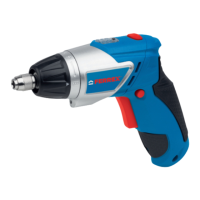
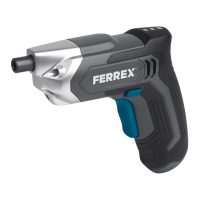
Inspection
Regularly check the state of the device.
- Check the operating controls for damage.
- Check that the accessories are in perfect condition.
Do not operate a damaged device or accessory. Have the
damaged device or accessory checked and repaired by an
authorised service centre.
Storage
NOTE!
Risk of damage!
Improper storage of the device can result in
damage.
- Allow the device to completely cool down.
- Place the device so that it can’t fall into water.
-
Store the device in a clean, dry, frost-protected place out of
the reach of children.
1. Thoroughly clean the device (see “Cleaning”).
2. Always store device parts and accessories together with the
device.
3. If possible, pack the device in the original packaging.
Inspection
32


 To Next Page