Displaying the charge state
- Press and hold the ON/OFF switch .
The screwdriver starts to rotate and the battery charge
indicator
shows the current charge state of the
integrated battery:
•
Red: battery discharged, recharging required
• Red/yellow: battery partially charged
• Red/yellow/green: battery is fully charged
- Let go of the ON/OFF switch.
The screwdriver stops rotating and the display goes off.
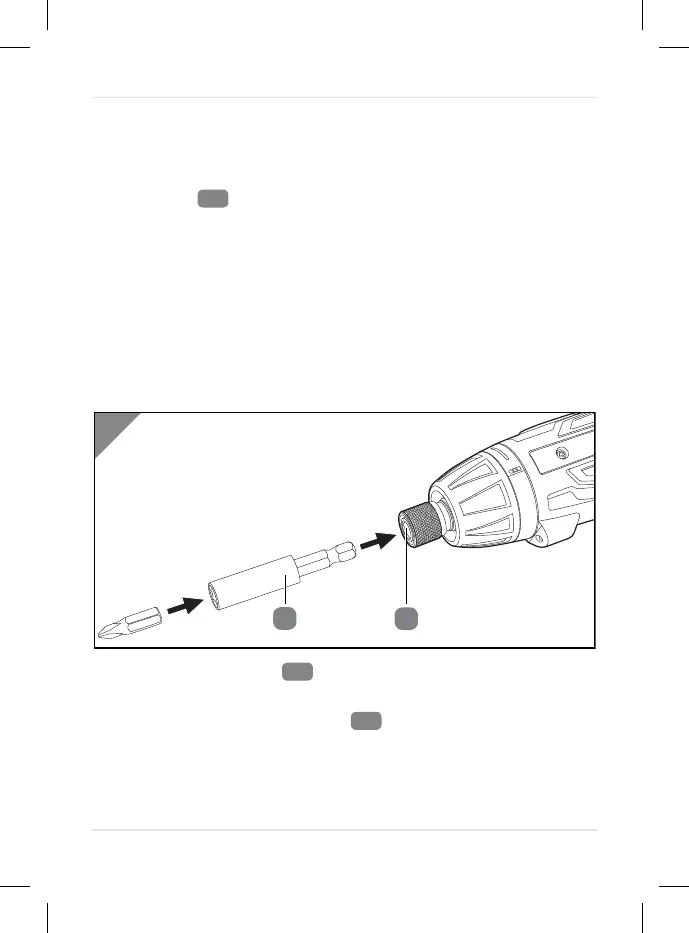
Inserting bits
1. Hold the bit support
between your thumb and finger and
pull it towards the device.
2. Insert the supplied bit holder
into the bit support.
3. Let go of the bit support.
The bit holder is inserted.
Operation
24



 To Next Page