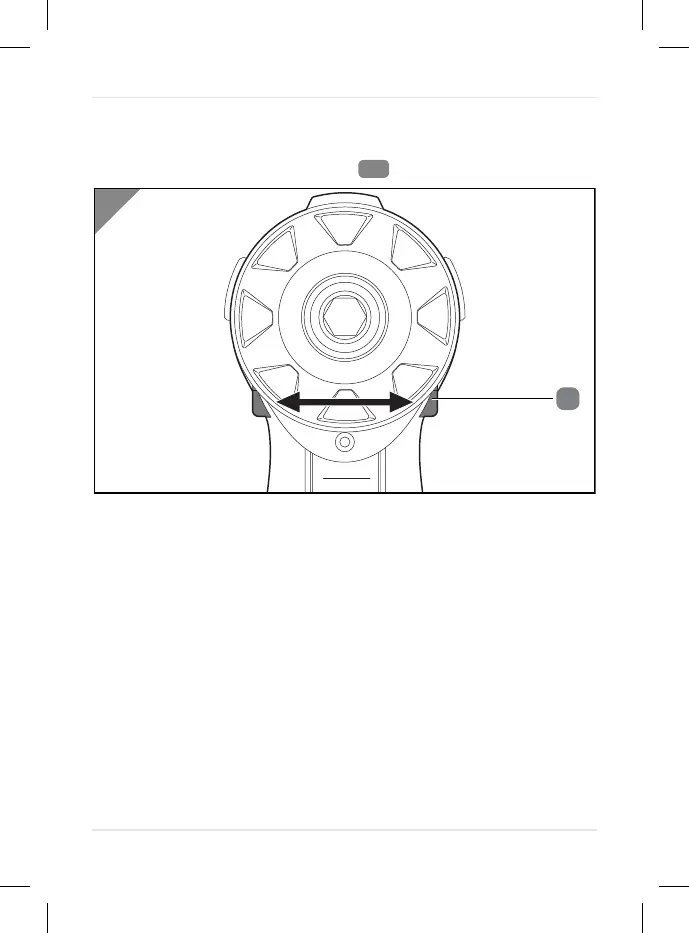
Left/right rotation switch and switch lock
The rotational direction of the device can be set with the left/right
rotation switch and the switch lock
.
-
Slide the left/right rotation switch to the left. The device
rotates clockwise.
-
Slide the left/right rotation switch to the right. The device
rotates counter-clockwise.
-
Slide the left/right rotation switch to the centre position to
activate the switch lock.
Operation
27



 To Next Page