8
Main Menu – CLOCK
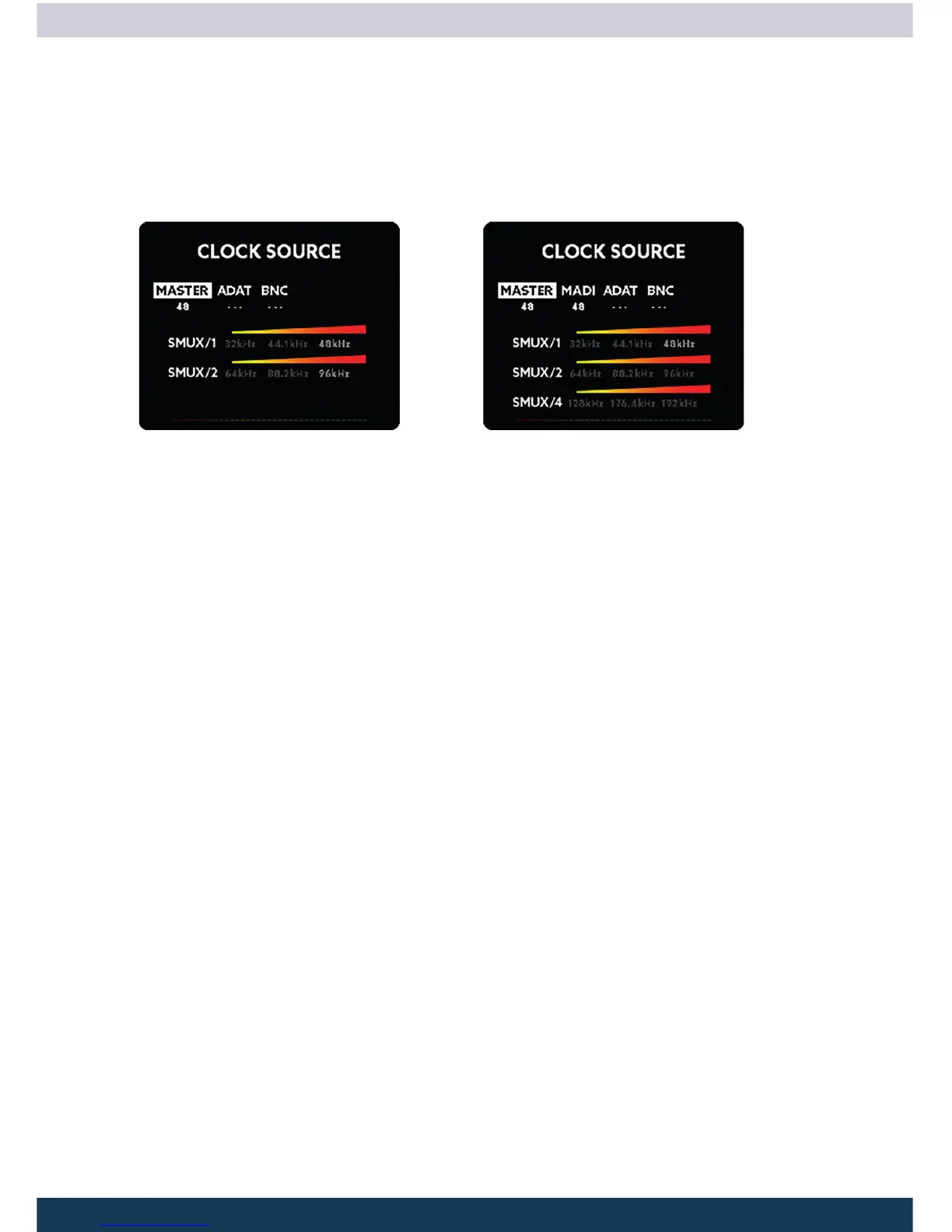
Inside this menu you can select the source of the wordclock and the sample frequency
of the PULSE16 when running as Master:
Clock Screen Pulse16 Clock Screen Pulse16 MX
The numbers below the labels show the internal generated clock frequency when set to
Master or the measured external sample frequency. If no sample rate is detected “---”
is shown.
MASTER
If the clock source is set to Master, the internal wordclock generator of the PULSE16 is
used. All other digital devices attached have to be set to Slave.
ADAT + MADI (MADI MX option required)
The wordclock is extracted and conditioned from the ADAT or MADI data stream and
send to the Wordclock output. The conditioning is done via a proprietary circuit.
BNC
When using an external wordclock on the BNC IN of the PULSE16, the wordclock signal
will also be routed thru the jitter reduction stage and sent back to the BNC OUT.
Main Menu – CLOCK-SMUX mode
Although the PULSE16 always works using the 16 analog input and output channels,
the number of ADAT channels is dependent on the sample frequency and the SMUX
mode:
SMUX/1
The SMUX/1 mode allows sampling rates from 32kHz up to 48kHz.



 To Next Page