7
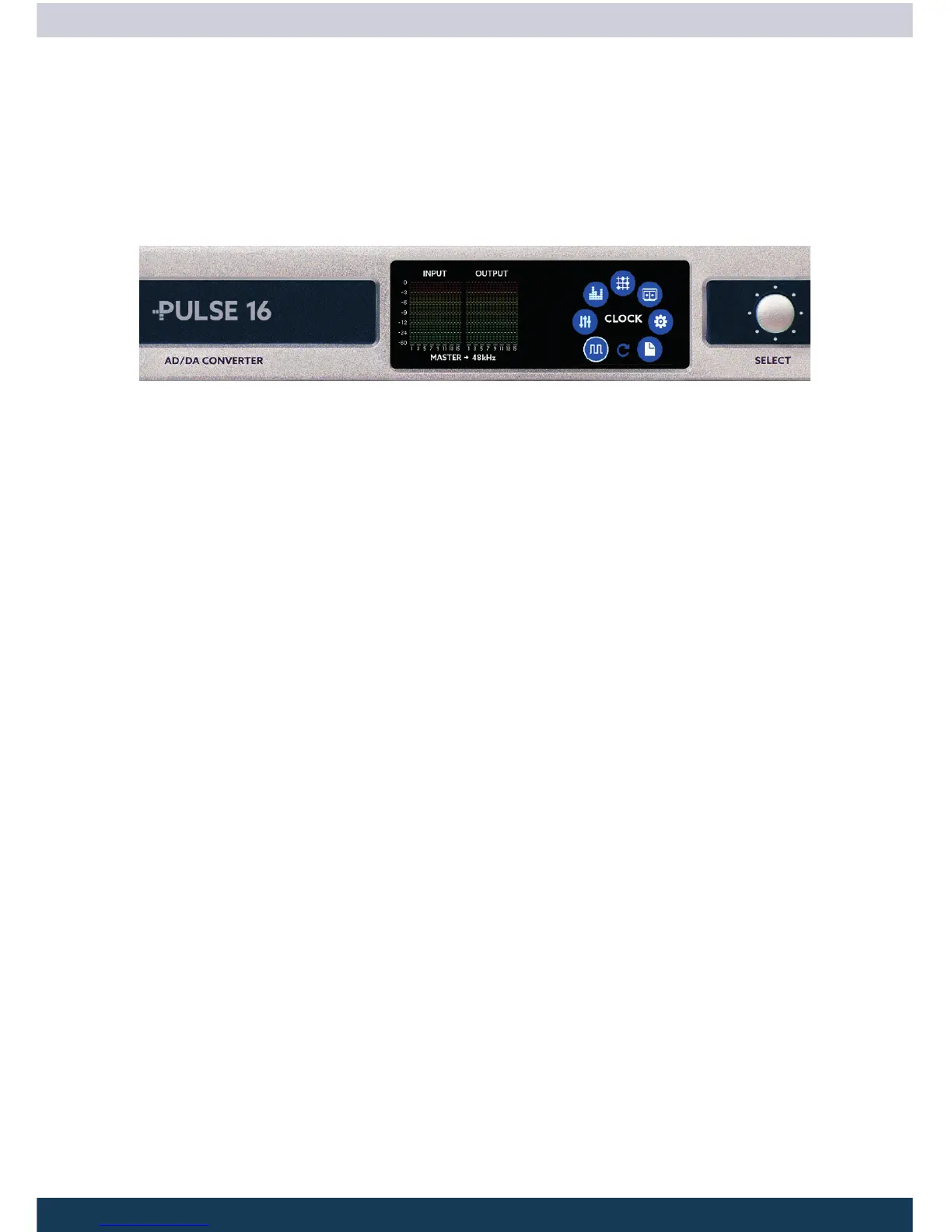
Main Menu
By pressing the MENU button you engage the main menu. Use the SELECT pot to navi-
gate to the desired menu point and press MENU to select it.
Inside the Main Menu you can choose between:
CLOCK
Here you select if the PULSE16 should generate the wordclock signal by itself (Master)
or if it should listen to an wordclock signal (Slave) from an external source. If choosing
Master you can also set the sample rate here.
GAINS
Here you can set the sensitivity of the 16 analog inputs individually.
LEVELS
Here you can set the level of the 16 analog outputs individually.
ROUTING
In this menu you can determine the routing of the inputs and outputs.
MADI SFP (MADI MX option required)
Here you can unlock the PULSE16 with an optional unlock code and an optional SFP
hardware module to turn it into a PULSE16 MX with full MADI support.
SETUP
The setup menu lets you control various settings
PRESET
You can load or save presets to one of a total six preset slots.



 To Next Page