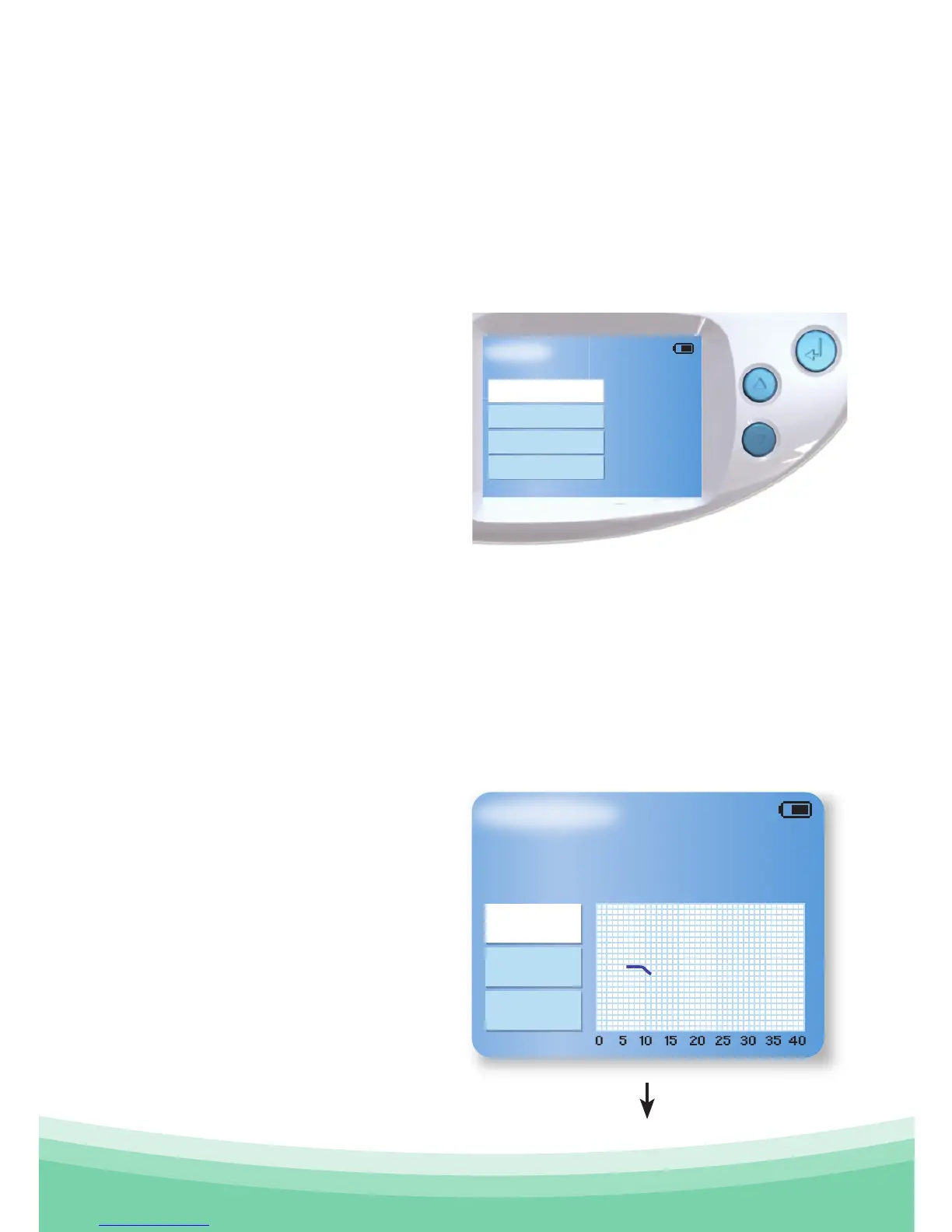
Main Menu
Your Information
Compare
Exit
Previous
Ovulation not yet detected in
this cycle. Please continue to
use your sensor.
4.0 Your Information
The "Your Information" screen can be used to monitor your
current and previous cycles.
4.1 Current Cycle
The "Your Information"
screen allows you to review
the information collected
in your current cycle. The
display will update at each
point when sufficient data
has been collected, but not
necessarily each day.
Using the up and down arrows, and the Confirm key,
you can navigate up and down between Previous cycle and
Compare cycles.
As your cycle progresses, OvuSense will inform you about your
current fertility status.
OvuSense starts
monitoring temperature
immediately.
In the first days of your
first cycle of use the
OvuSense Reader will tell
you ovulation is not yet
detected.



 To Next Page