4.3 Compare cycles
The Reader enables you to review your previous cycles. If you
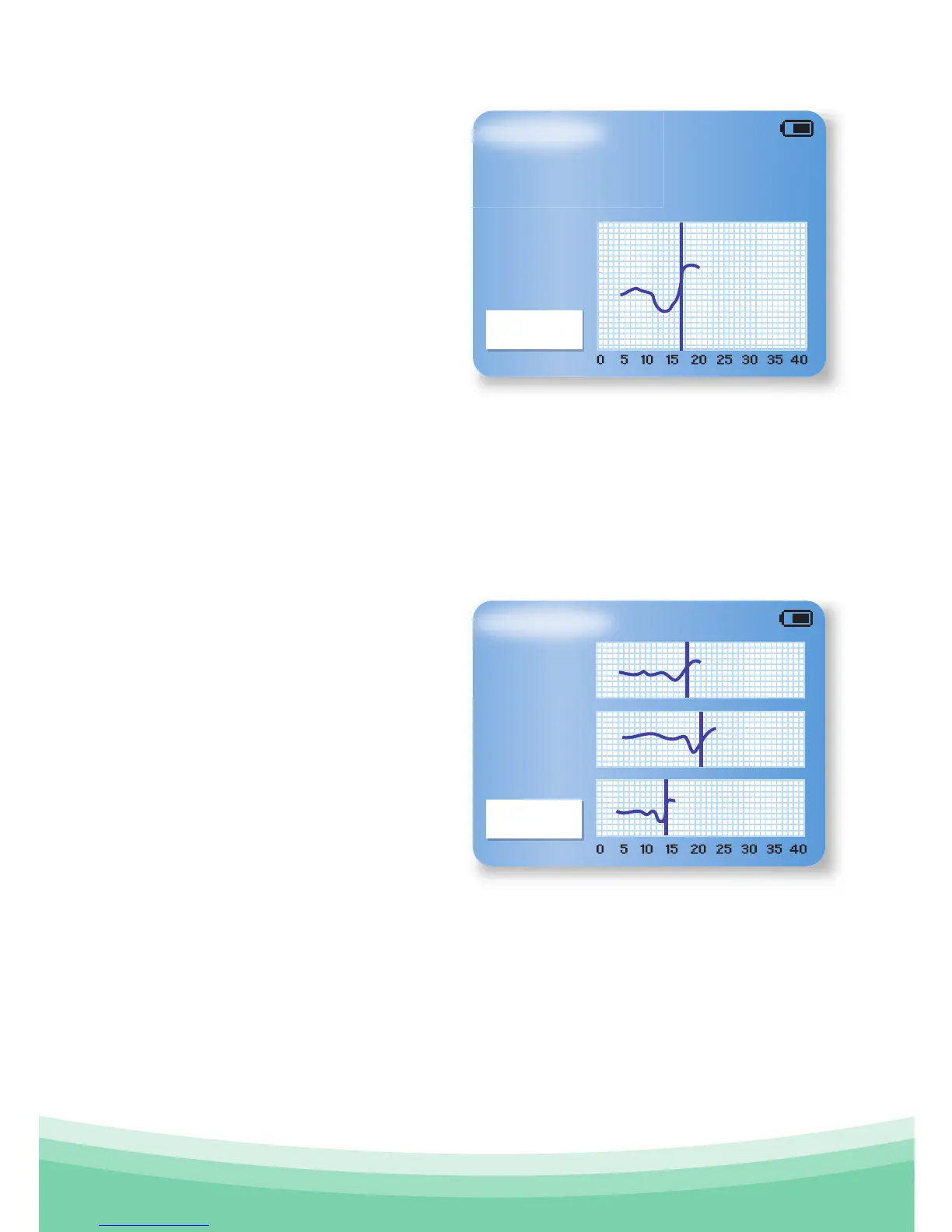
select this menu option, the screen will show you a graph of
the information from your last three recorded cycles.
Upper Graph: Your last full
cycle recorded
Middle Graph: The graph for
two cycles ago
Lower Graph: The graph for
three cycles ago
Press Confirm to Exit to
Main menu.
If ovulation occurred in
the last cycle, a thick blue
vertical line indicates the
day on which you ovulated.
Press Confirm to Exit to
Main menu.
Compare Cycles
Exit
Exit
Previous Cycle



 To Next Page