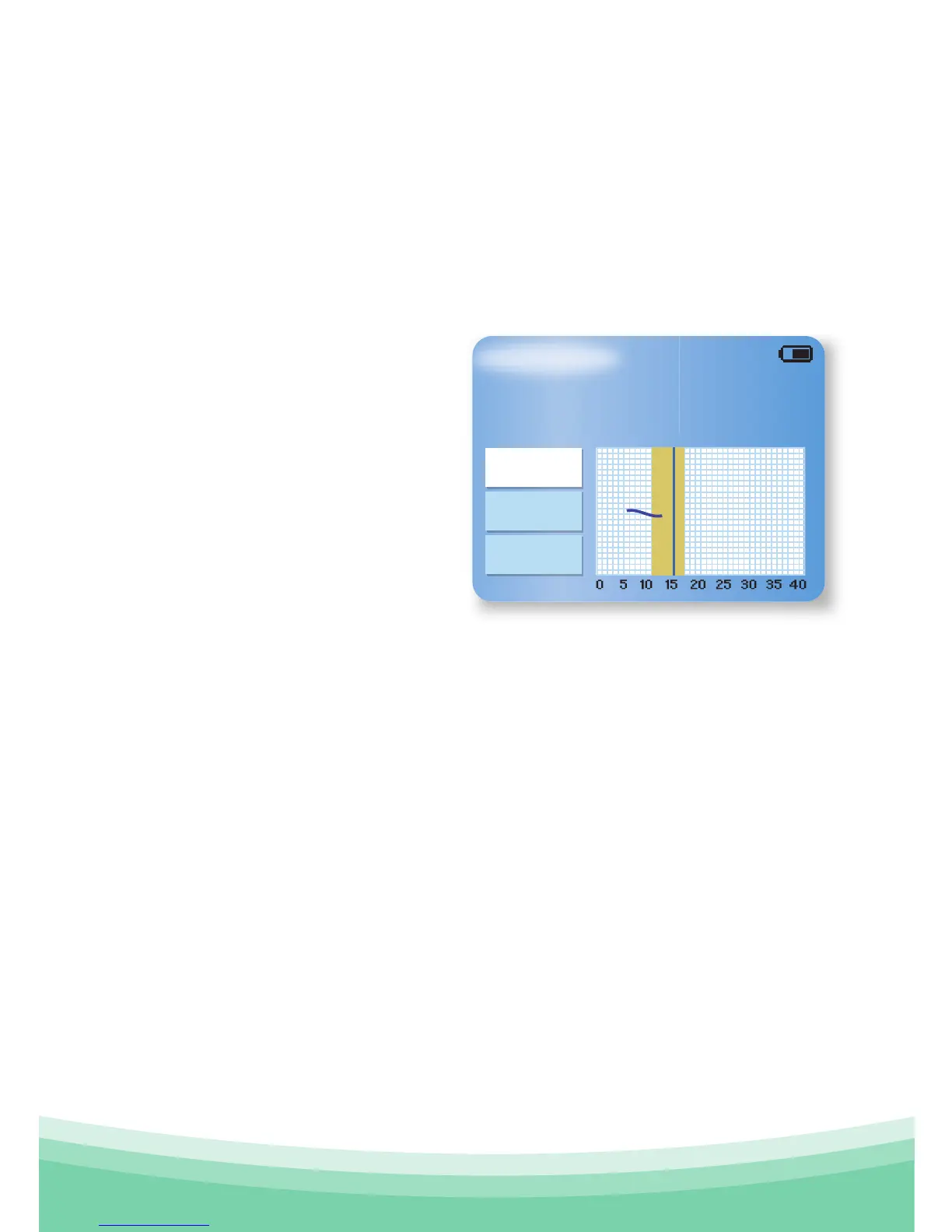
If ovulation wasn't detected in any of the previous measured
cycles, then OvuSense will simply tell you ovulation is not yet
detected.
If the fertile window is predicted, OvuSense will continue
to indicate your fertile window start day, until you pass that
day and enter the fertile window itself. The screen will then
indicate you are in your
fertile window
This is when you should
start to have sex as often as
possible to maximize your
chances of conception.
You will then enter your
ovulation window, and
the screens will continue to appear in succession as outlined
above.
Please note that OvuSense uses a fixed scale on the
temperature graphs. The curve will change as the cycle
progresses and the temperature values are averaged out. This
"smoothing" helps you read and understand the graph.
4.2 Previous Cycle
If you select this menu option, the screen will show you a
graph of the information from your last cycle with information
about when ovulation occurred, or if it wasn't detected.
Your Information
Compare
Exit
Previous
You are now in your fertile
window.



 To Next Page