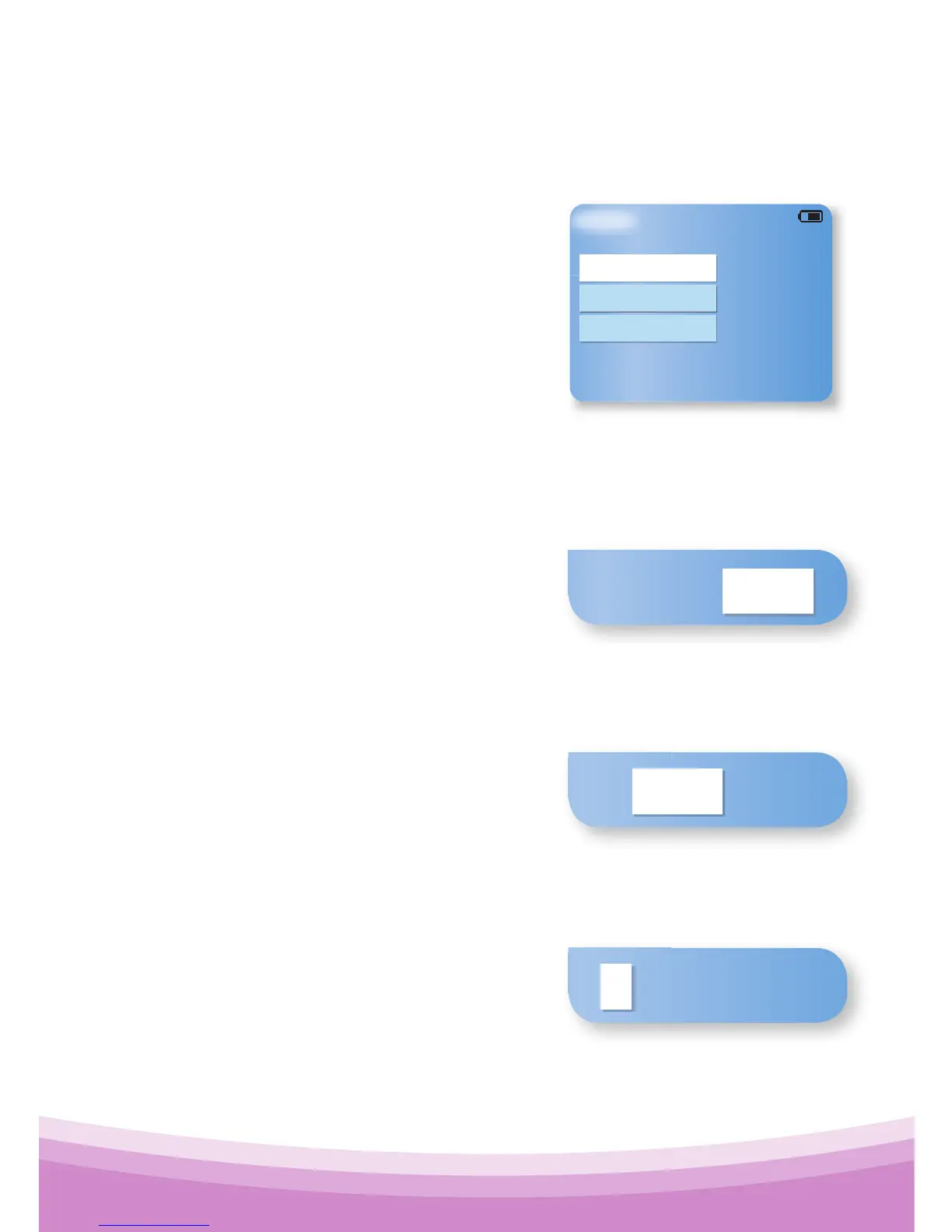
5.2 Set Up (Set Date and Set Time)
Using the up and down keys on the Main menu,
highlight the Set Up option, then
press Confirm .
Then select Set Date, or Set Time, or
Exit to return to the Main menu.
To set the Date
Select the Set Date option. The current date will be displayed
with the "Year" field highlighted:
Use the upand down keys to
change the current Year. Press the
Confirm key to set the Year.
Once the year has been set, the “Month” field is highlighted:
Use the upand down keys to
change the current Month. Press the
Confirm key to set the Month.
Once the month has been set, the “Day” field is highlighted:
Use the upand down keys to
change the current Day. Press the
Confirm key to set the Day.



 To Next Page