New Cycle
Your Health
Set Up
Your Information
Main Menu
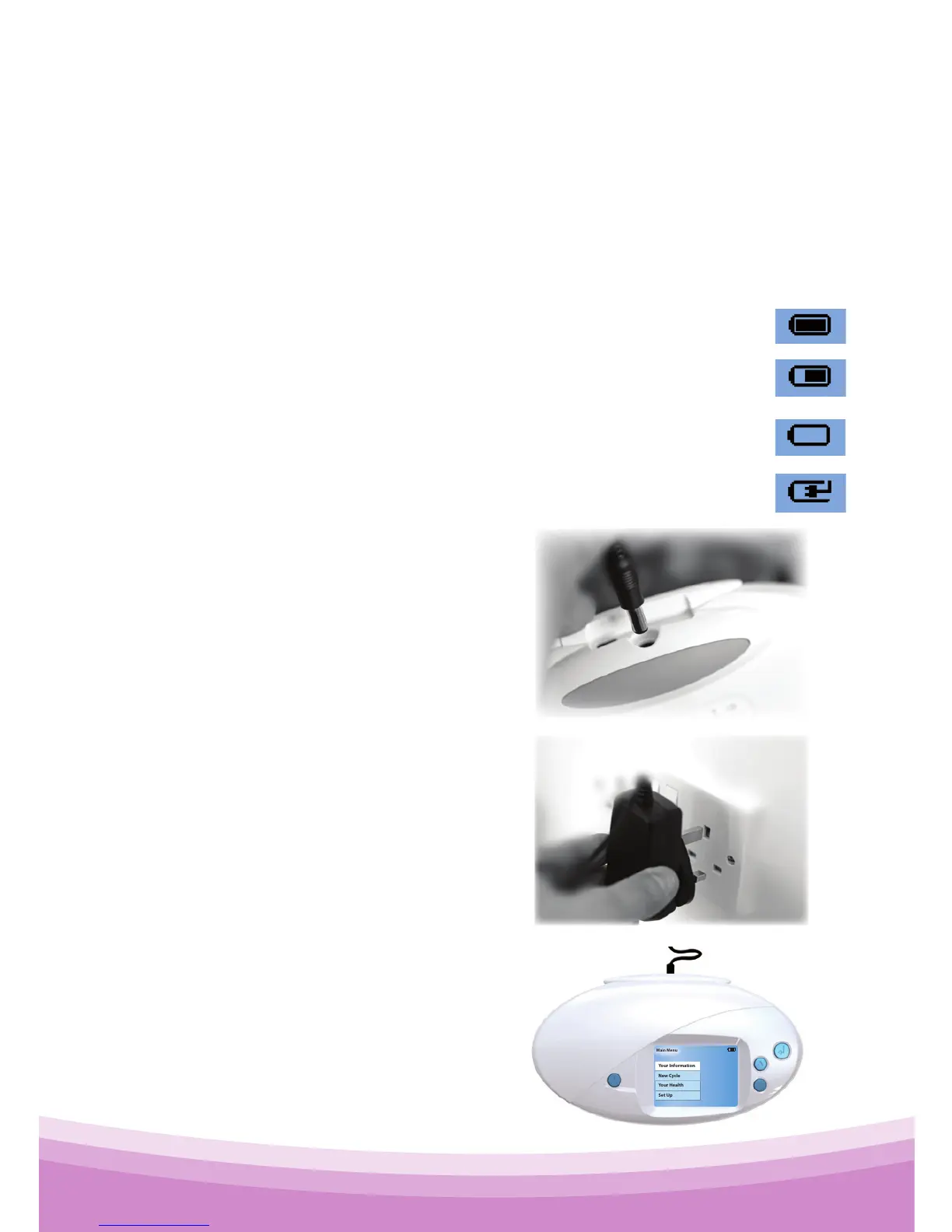
Battery Full
Battery Charging
Battery Low
Battery ~65% Full
Some examples are shown
here. When the battery is too
low you will be told to plug in
the charger.
Step 1
Plug the charger into the
back of your OvuSense
Reader.
Step 2
Plug the charger unit into a
wall socket, and switch the
socket on.
Step 3
If the Reader is on, the
"battery charging" indicator
will show the unit is charging.
You should fully charge your
unit by leaving it plugged in
overnight.
5.3 Battery Indicator and Charging
The OvuSense Reader permanently indicates the current
status of the battery. It does this using a small battery
indicator (similar to those used on mobile phones), in the
top right of the screen.



 To Next Page