Go to fetco.com for the latest versions of all information Page 8 User Guide & Operator instructions P171 NEW MARCH 2018
GENERAL
Programming Range
(display)
Notes
Ready Temp
+ / - 2°C
+ / - 2°C
|______[]_______________|
1 5
“READY” icon will
Brew at Temp.
“
”
brewing at any
AUTO
|____________[]___|
SEE NOTE!
(Below)
Units of Meas.
<Toggle Temp-Vol.>
• Temperature
°C
|____________[]___|
<Toggle Temp-Vol.>
• Volume
Liters
|_____________[]__|
Logo Timeout 1:00 mm:ss
|_[]_______________|
NOTE: FOR BREW AT TEMPERATURE DEFINITONS
BREW AT TEMP: AUTO
(DEFAULT: FACTORY PROGRAMMED INTO BREWER)
This allows the “BREW START” to active.
If the hot water tank is at the selected temperature—the brew will start.
If the temperature is too low—not at the selected temperature, the brewer will wait until the
proper temperature is reached and then wil automatically begin brewing.
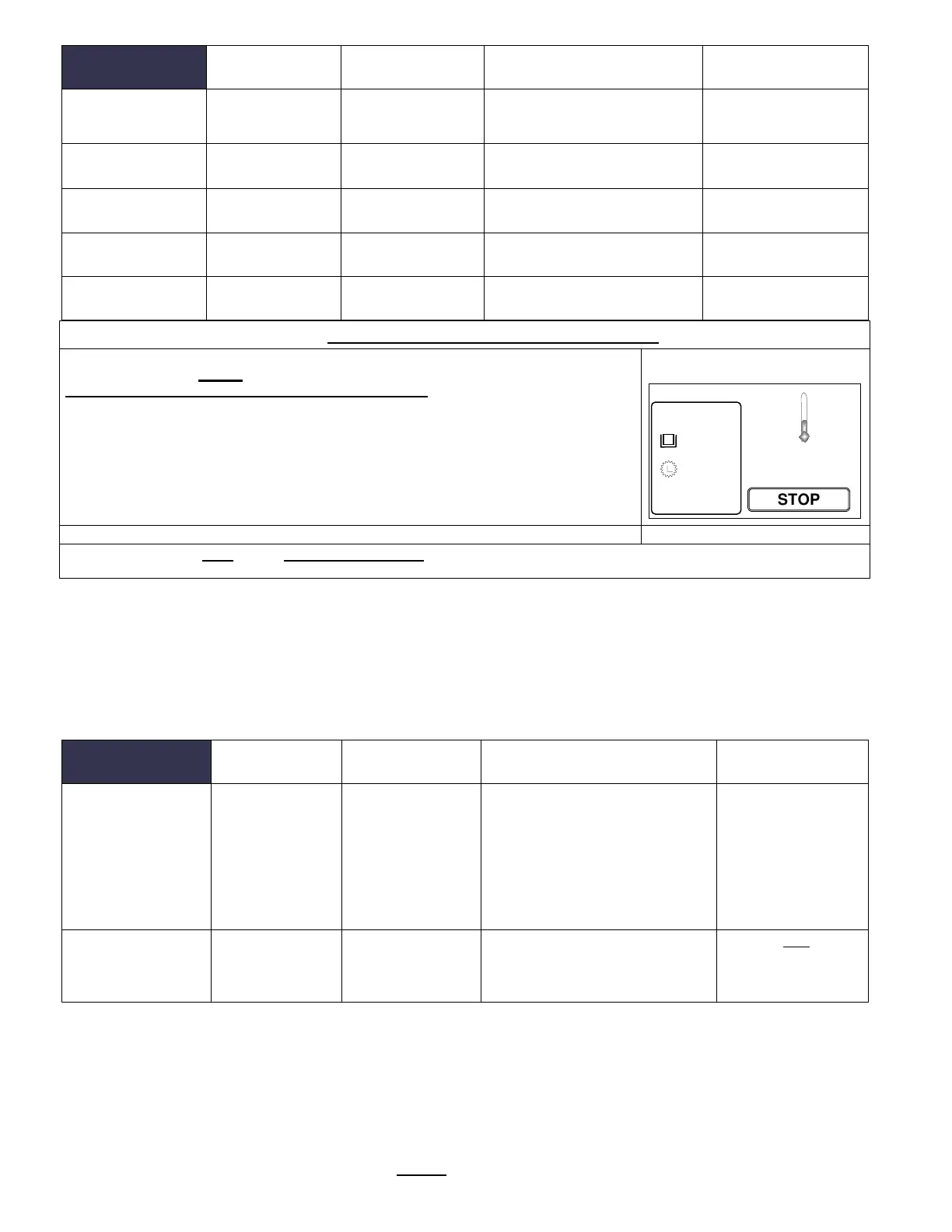
A thermometer icon screen will display showing the tank temperature. (example: right)
IMPORTANT:
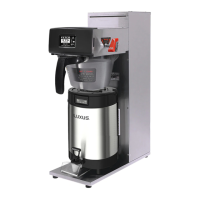
ALWAYS have dispenser(s) under the brew baskets when in the BREW AT TEMP mode.
BREW AT TEMP: OFF USER SELECTABLE
Allows brewing at any temperature. (Not recommended-it is possible to start brew with brew water at incorrect temperature.)
INPUTS
Programming Range
(display)
Notes
Display Inputs
• Input
Summary
Brew Basket Sensor
Liquid Level Sensor
Temperature Probe
Cal. Touch Scr
Calibrate
Calibrate
________________[]____
YES NO
Follow directions
on the touch
1
6.00L
87°
10:36 (<set point)
°C 90.0



 To Next Page