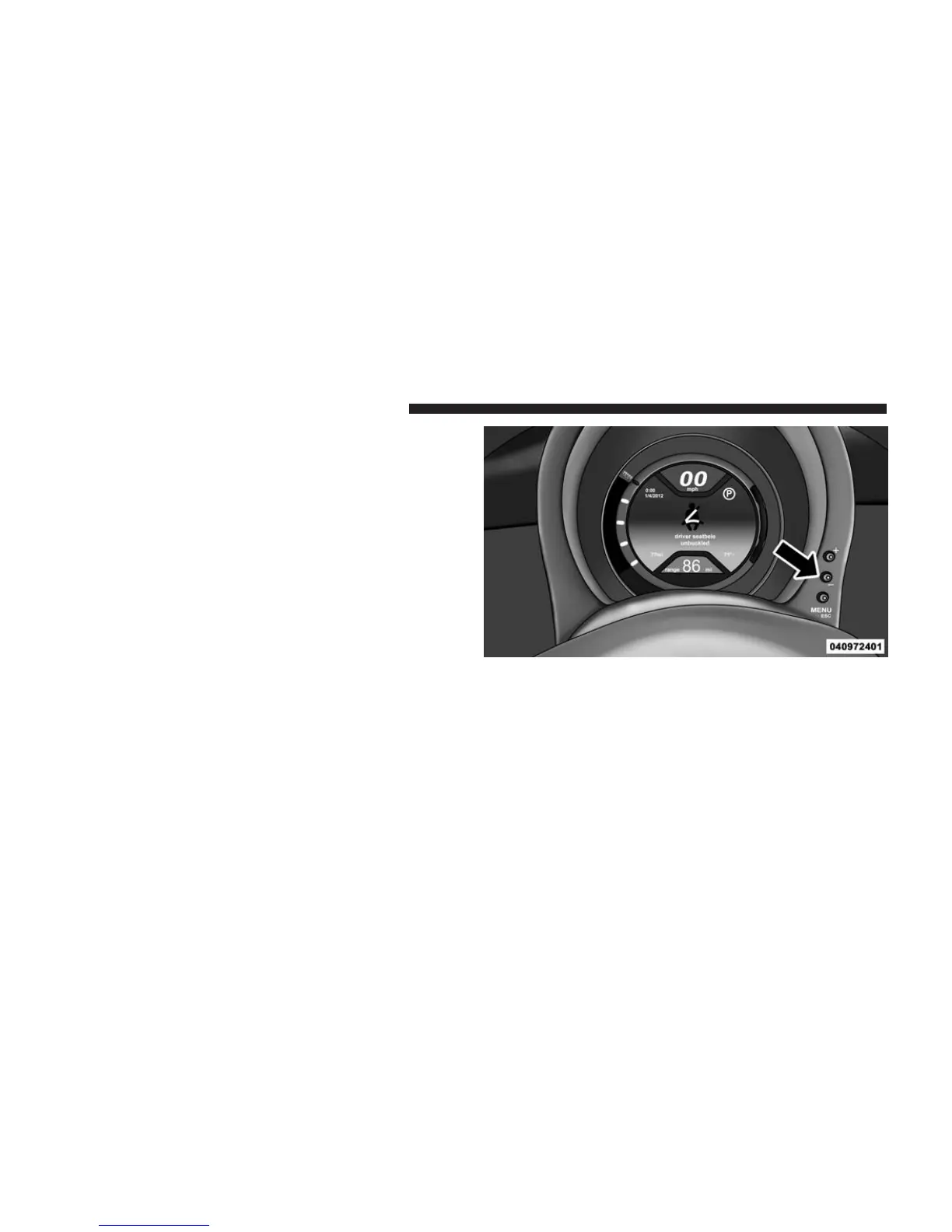
The EVIC consists of the following:
• System Status
• Vehicle Information Warning Message Displays
• Personal Settings (Customer-Programmable Features)
• Outside Temperature Display
• Trip Computer Functions
EVIC Control Buttons
The EVIC control buttons are located on the right side of
the Instrument Cluster. There are three control buttons
that are used to navigate through the EVIC functions and
personal settings:
• + button
• – button
• MENU ESC button
Press the MENU ESC button briefly to access the menu
and/or go to next screen or to confirm the required menu
option. Press and hold the MENU ESC button (approxi-
mately one second) to return to the main screen.
EVIC Control Buttons
164 UNDERSTANDING YOUR INSTRUMENT PANEL



 To Next Page