3. Briefly press the MENU ESC button to select the
displayed submenu option and to open the relevant
setup menu.
4. Press the + or – button (by single presses) to select the
new setting for this submenu option.
5. Briefly press the MENU ESC button to store the new
setting and go back to the previously selected sub-
menu option.
6. Press and hold the MENU ESC button to return to the
main menu (short hold) or the main screen (longer
hold).
Trip Computer
The Trip Computer is located in the instrument cluster. It
features a driver-interactive display (displays informa-
tion such as; trip information, range, driving range,
average speed and travel time).
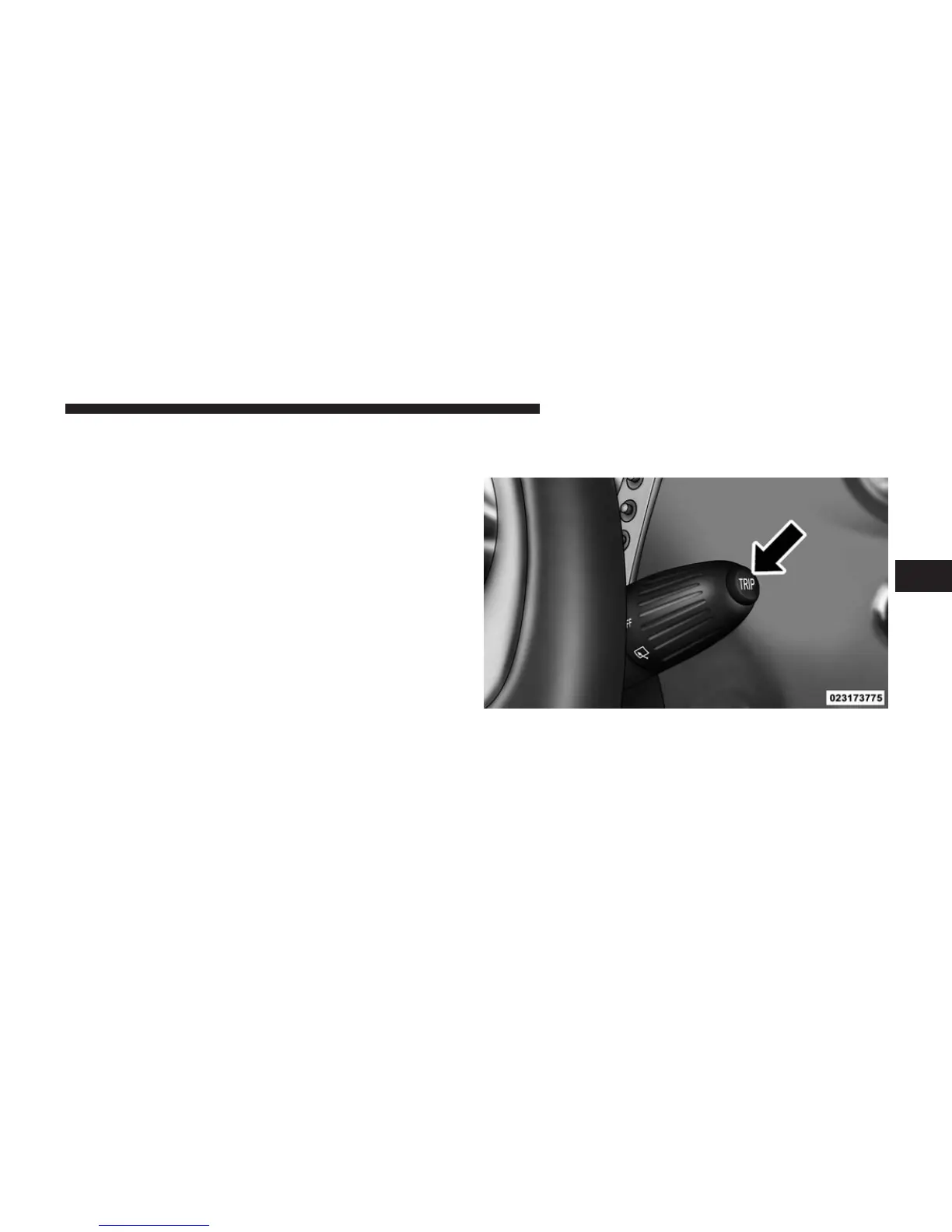
Trip Button
The TRIP
button, located on the right steering column stalk.
• A short button press scrolls through the user-selectable
information.
• A long button press resets.
Trip Button
4
UNDERSTANDING YOUR INSTRUMENT PANEL 167



 To Next Page