Electrical system
Radio System
Scanning stored stations (SCAN)
The SCAN function allows automatic scanning of stored stations.
With IS LEARN OFF (EXP):
- short press: scan of all preset stations (keys 1-6) for all FM bands, or the 6 MW stations, or the 6 LW
stations
- press for more than 2 seconds: scan of all stations receivable on the FM band.
With IS LEARN ON (EXP):
- short press: scan of all preset stations (keys
1
-6) for all FM bands
- press for longer than 2 seconds: scan IS LEARN
EXPERT CONTROL LEVEL
To make daily radio control as easy as possible, the supplementary control level (EXPERT) contains sev-
eral settings that may be required once only or only occasionally.
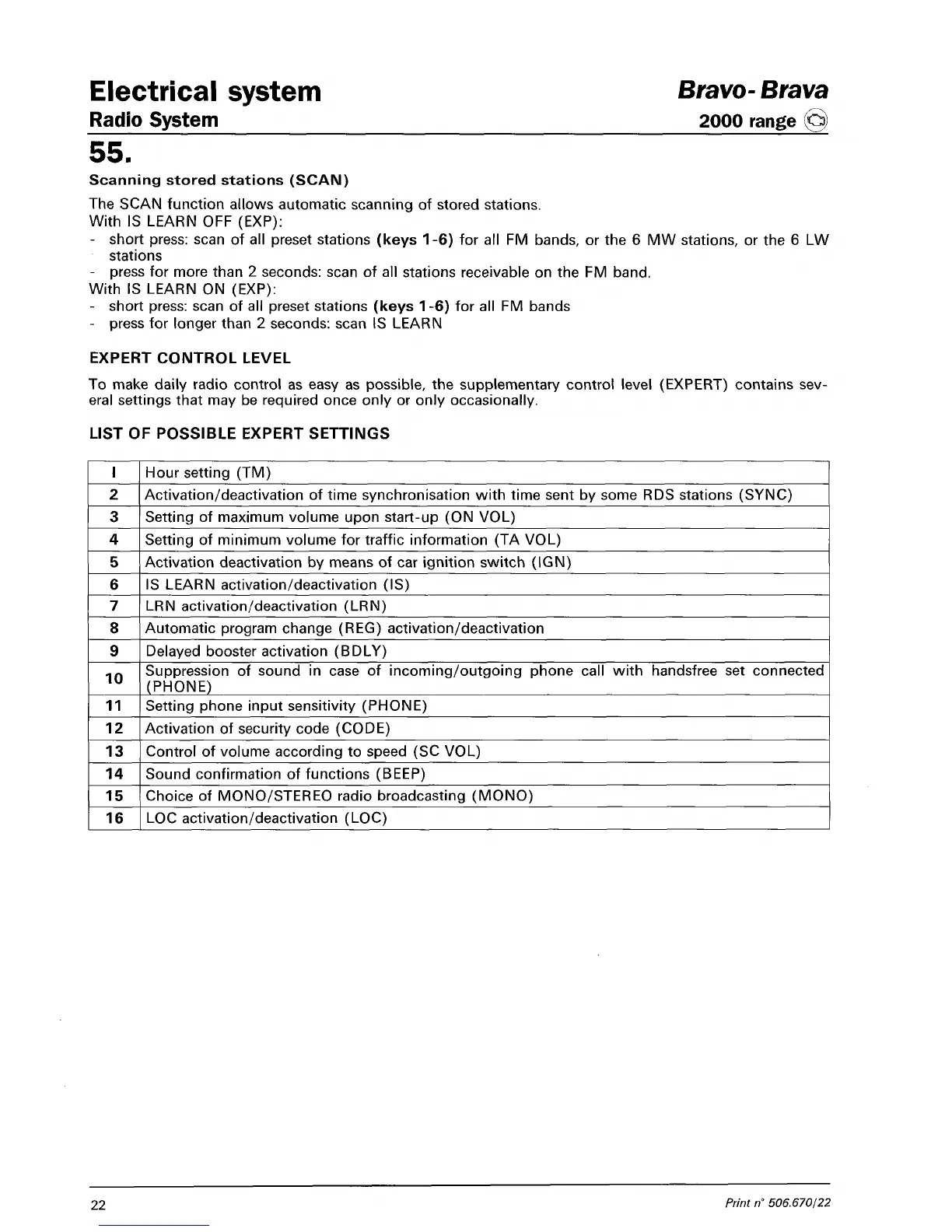
LIST OF POSSIBLE EXPERT SETTINGS
I
2
3
4
5
6
7
8
9
10
11
12
13
14
15
16
Hour setting (TM)
Activation/deactivation of time synchronisation with time sent by some RDS stations (SYNC)
Setting of maximum volume upon start-up (ON VOL)
Setting of minimum volume for traffic information (TA VOL)
Activation deactivation by means of car ignition switch (IGN)
IS LEARN activation/deactivation (IS)
LRN activation/deactivation (LRN)
Automatic program change (REG) activation/deactivation
Delayed booster activation (BDLY)
Suppression of sound in case of incoming/outgoing phone call with handsfree set connected
(PHONE)
Setting phone input sensitivity (PHONE)
Activation of security code (CODE)
Control of volume according to speed (SC VOL)
Sound confirmation of functions (BEEP)
Choice of MONO/STEREO radio broadcasting (MONO)
LOC activation/deactivation (LOC)
Bravo-
Brava
2000 range @
22
Print n° 506.670/22



 To Next Page