6
CONTROLLING THE TEMPERATURE
#4: Controlling the temperature
You can set temperature using app (10-30°C) or directly on the device
(16-24°C). During manual temperature change LED ring colour corre-
sponds to the temperature set-point.
To check and change the temperature on the device:
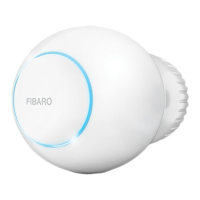
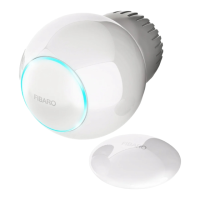
1. Bring your hand close to the sphere.
2. LED ring will:
• Glow if temperature was set manually,
• Pulse slowly if device is in schedule mode,
• Pulse quickly if device is in override mode.
With colour depending on set temperature:
3. Turn the sphere counter-clockwise to lower temperature or turn
clockwise to raise the temperature.
4. Remove the hand from the sphere, after 5 seconds LED will fade
and new temperature will be set.
Temperature [°C] Colour
Valve closed
(anti-freeze)
White
16°C or lower Blue
17°C Azure
18°C Cyan
19°C Spring green
20°C Green
21°C Chartreuse
22°C Yellow
23°C Orange
24°C or higher Red
Valve fully opened
(30°C)
Magenta
Lower temperature Raise temperature
NOTE
If device is currently
in schedule, setting
temperature manual-
ly will override it (see
“Weekly schedule and
Override Mode” on
page 15).
i



 To Next Page
 Loading...