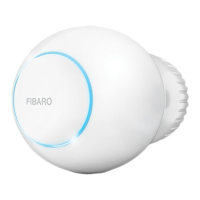
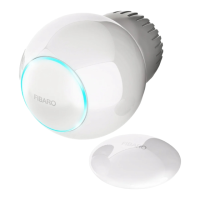
8
DISMOUNTING THE DEVICE
#6: Dismounting the device
To dismount the device:
1. Use the included key to press and hold the button.
2. Release the button when you see cyan LED colour.
3. Quickly click the button to conrm.
4. Wait for the LED to stop blinking.
5. Turn the cap counter-clockwise and remove adapter if used.
6. Store the device in temperature: -10°C to 25°C.
Before dismounting, the device must be put in Standby Mode to
ensure safe removal. See chapter “Standby Mode” on page 12 for
more information.



 To Next Page
 Loading...