34Nectra
Activating / deactivating operators
3.2 Activating and deactivating operators
3.2.1 Activating operators
If you wish to modify another setting, go back to point * and repeat the operations.
Once an operator’s code has been activated for the first time, change the factory
(or default) code for a safer one.
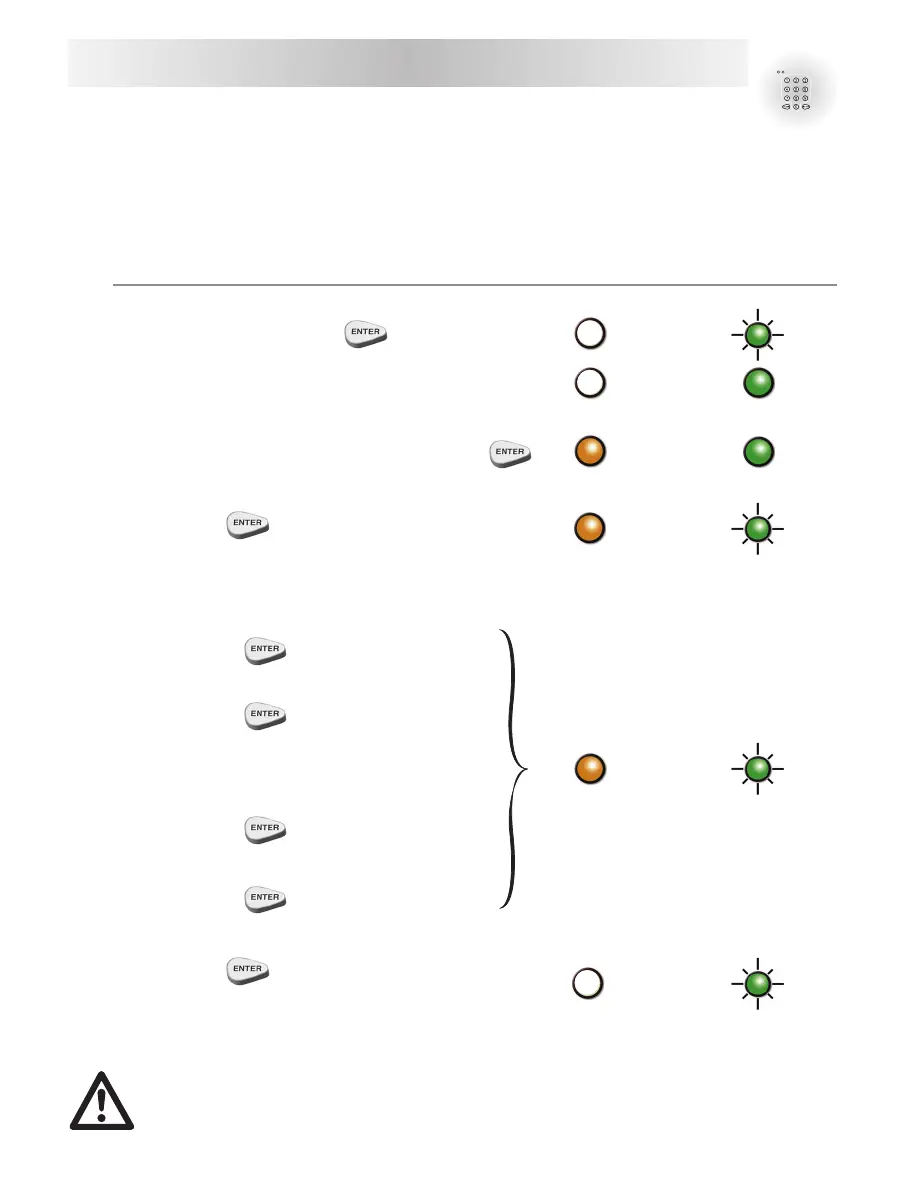
Orange light Green light
C Type in the master code +
C When the green light is displayed, open the door.
*C Door opened, type in master code again +
C Type "9"+
C Select an operator (8 possibilities) by typing :
- "1" + for operator 1.
- "2" +
for operator 2.
.
.
.
- "7" + for operator 7.
- "8" +
for C.I.T. operator.
C Type "1"+
The operator’s code is activated.
X2
X2
X2
or
or
or



 To Next Page