2
2-12 Installing User Software on a Mac OS Computer
TO CONFIGURE A CONNECTION FOR COLORWISE PRO TOOLS
1. Start the utility by double-clicking its icon.
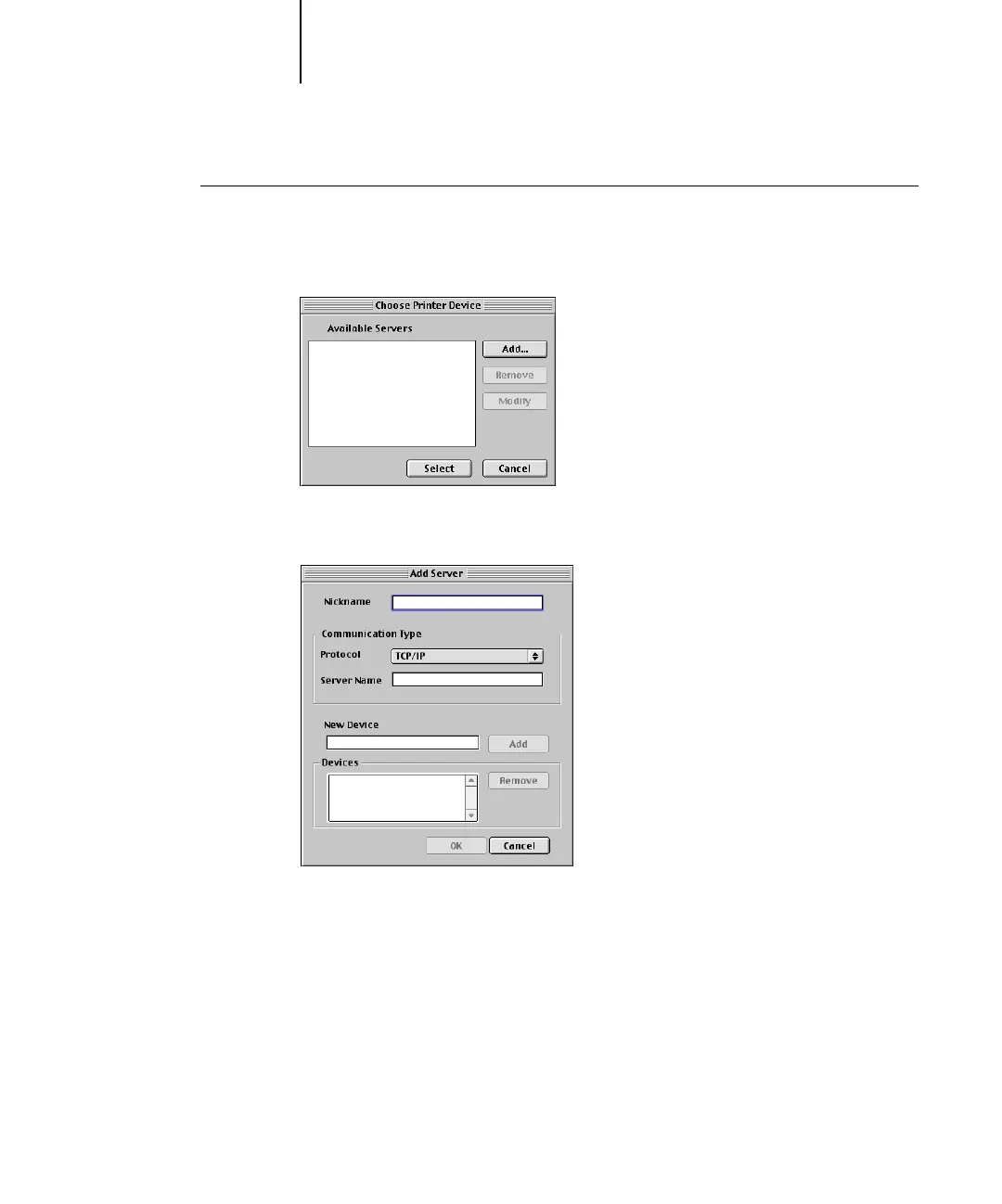
The Choose Printer Device dialog box appears.
2. If you have previously configured a connection to the Fiery X3e, you are ready to use
ColorWise Pro Tools. If you have not configured a connection, click Add.
3. Enter the appropriate information for the Fiery X3e.
Nickname
—Enter a name for the Fiery X3e. It does not have to match the actual server
name of the Fiery X3e.
NOTE: The nickname cannot contain any of the following seven characters:
[ ] _ " ' <space> <tab>



 To Next Page