2
2-18 Installing User Software on a Mac OS Computer
Configuring the connection for Command WorkStation LE
for Mac OS X
The first time you start Command WorkStation LE, you are prompted to configure
the connection to the Fiery X3e.
BEFORE YOU BEGIN
• Print the Configuration page from the Control Panel and note the IP address of
the Fiery X3e.
TO CONFIGURE THE CONNECTION FOR COMMAND
WORKSTATION LE
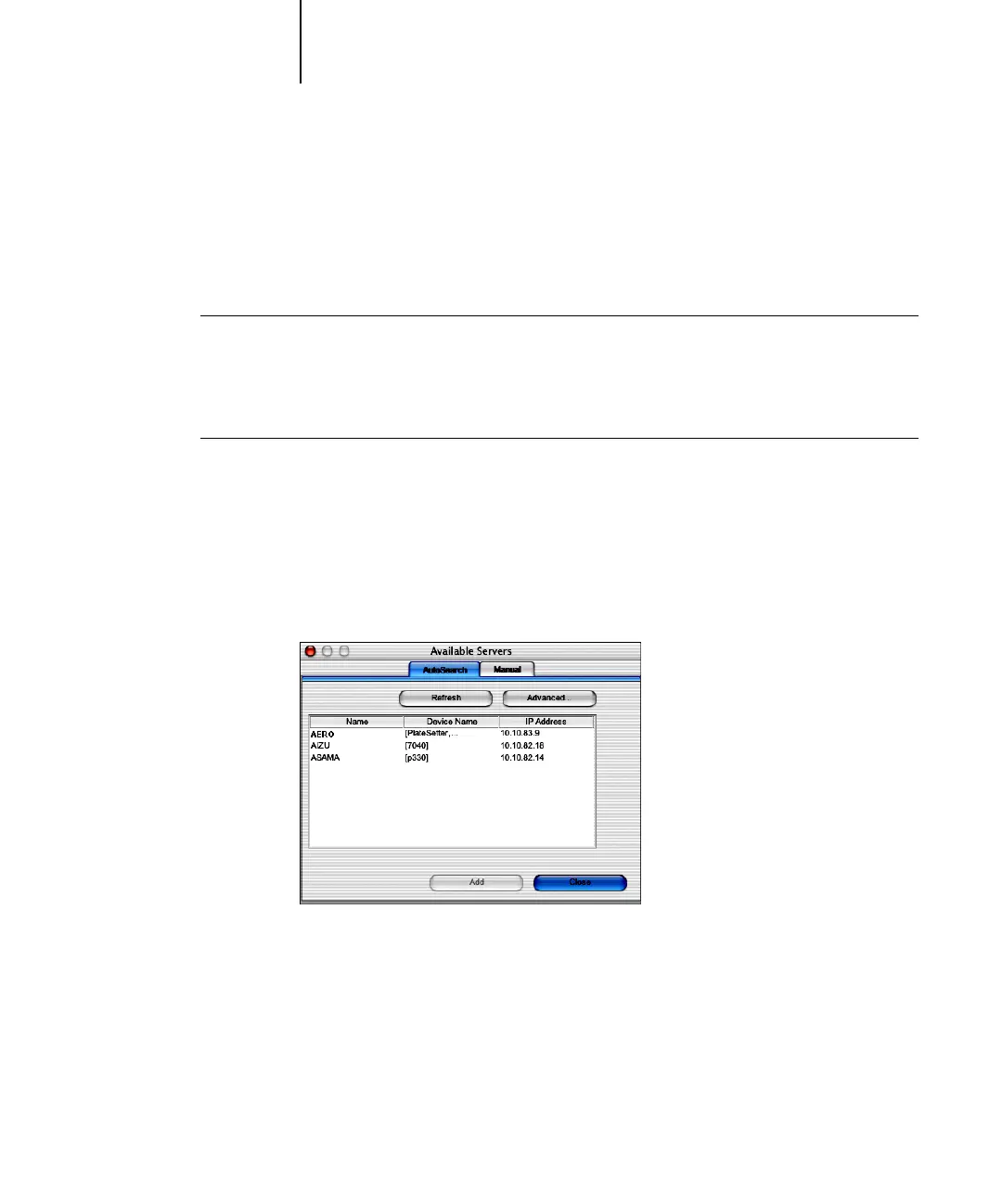
1. Start Command WorkStation LE.
The Available Servers dialog box is displayed. All servers found in the local subnet
are displayed.
NOTE: The device name for the Fiery X3e is 31C-M.



 To Next Page