2
2-19 Installing Fiery X3e software and fonts
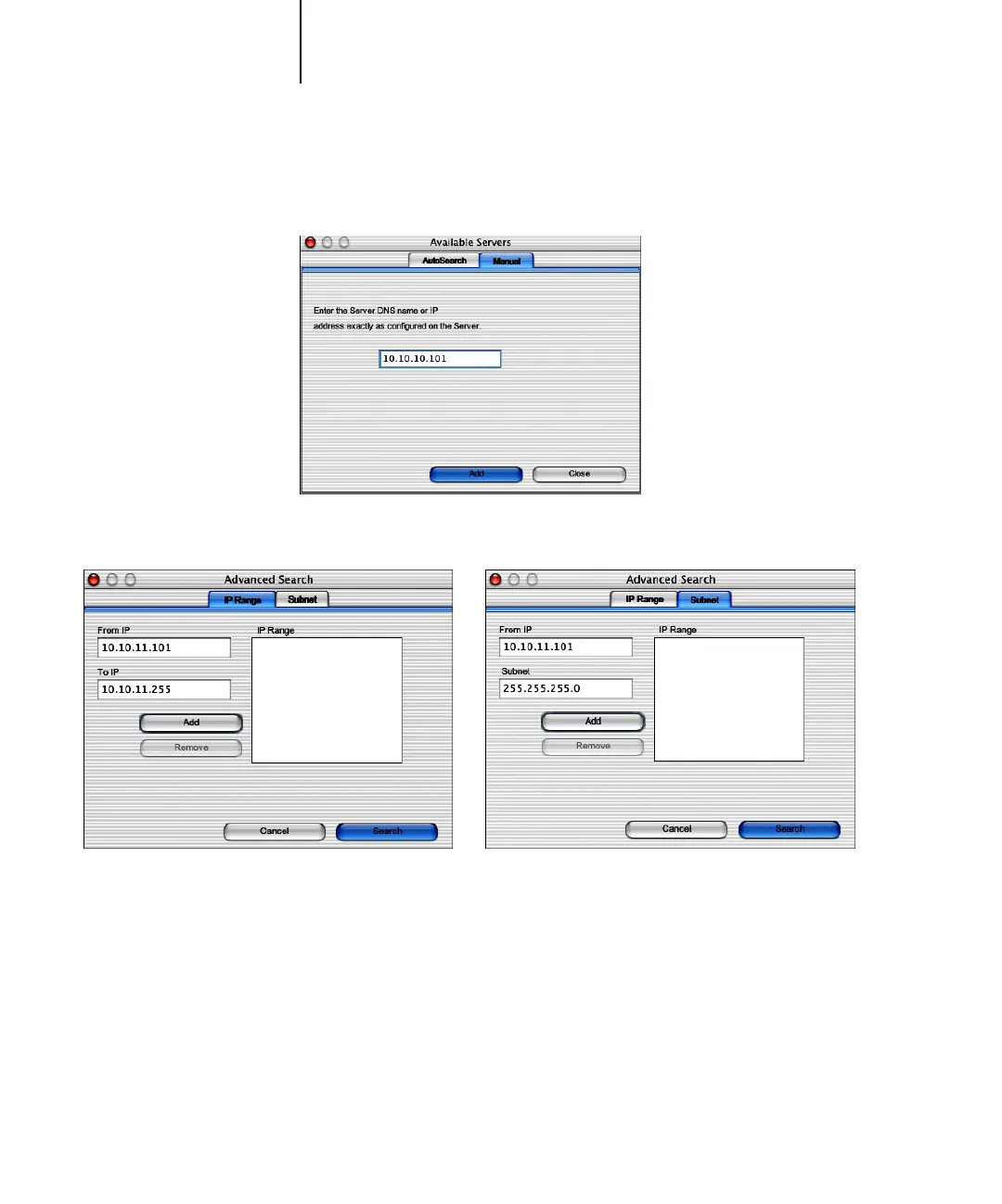
2. If no Fiery X3e servers were found, click the Manual tab to search by DNS name or IP
address. Click Add to add the server to the Available Servers list.
3. If no Fiery X3e servers were found, click the Auto Search tab and then click Advanced
to search by either a range of IP addresses or the IP address and subnet mask.
4. Click Search.



 To Next Page