1
1-71 Using Fiery utilities for the first time
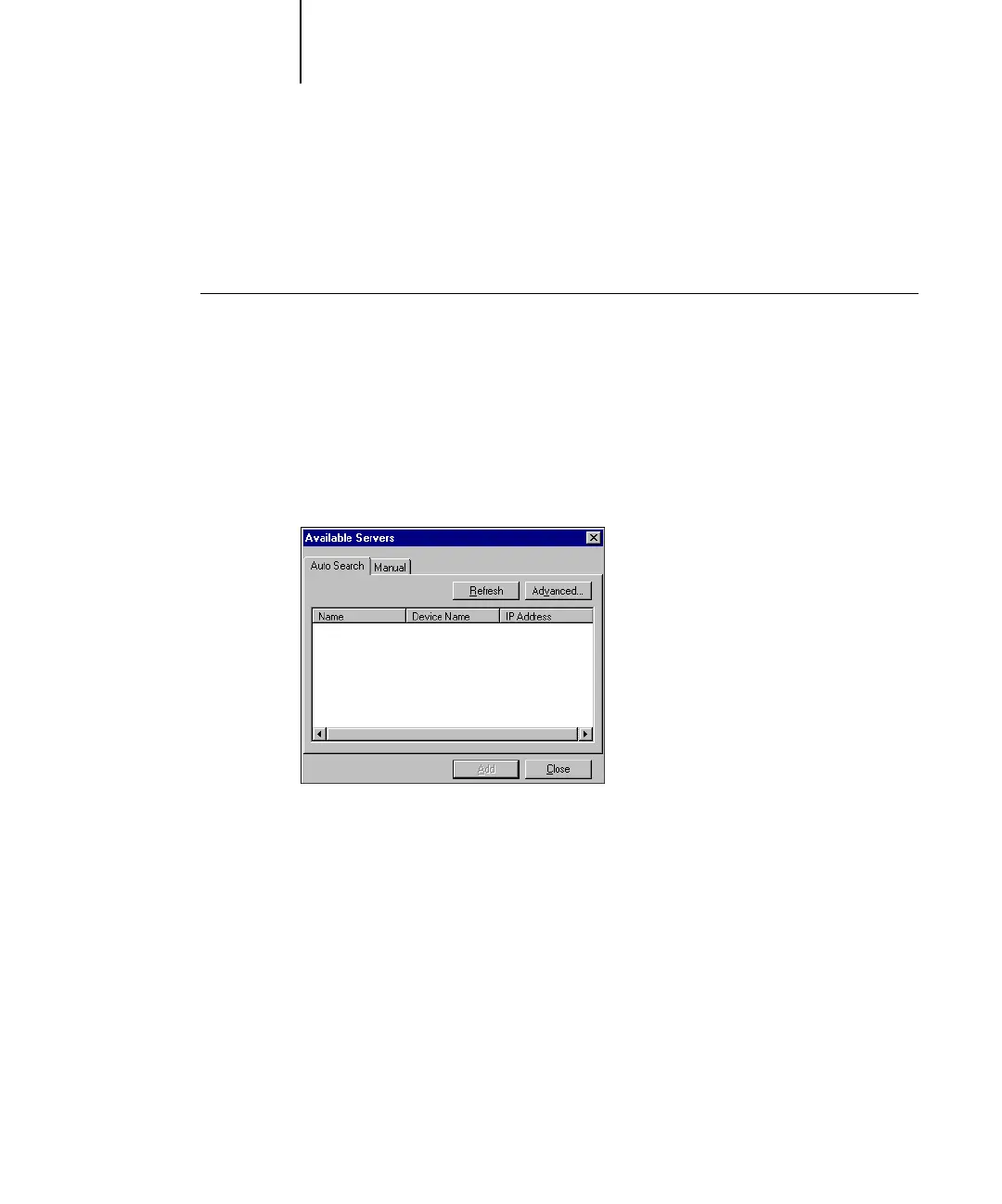
Configuring the connection for Command WorkStation
The first time you start Command WorkStation, you are prompted to configure the
connection to the Fiery X3e.
TO CONFIGURE THE CONNECTION FOR COMMAND WORKSTATION
1. Print a Configuration page.
The information on this page helps you locate the Fiery X3e, if it is not on the same
local subnet as your computer.
2. Start Command WorkStation.
The Available Servers dialog box appears. All servers found in the local subnet
are displayed.



 To Next Page