2
2-17 Installing Fiery X3e software and fonts
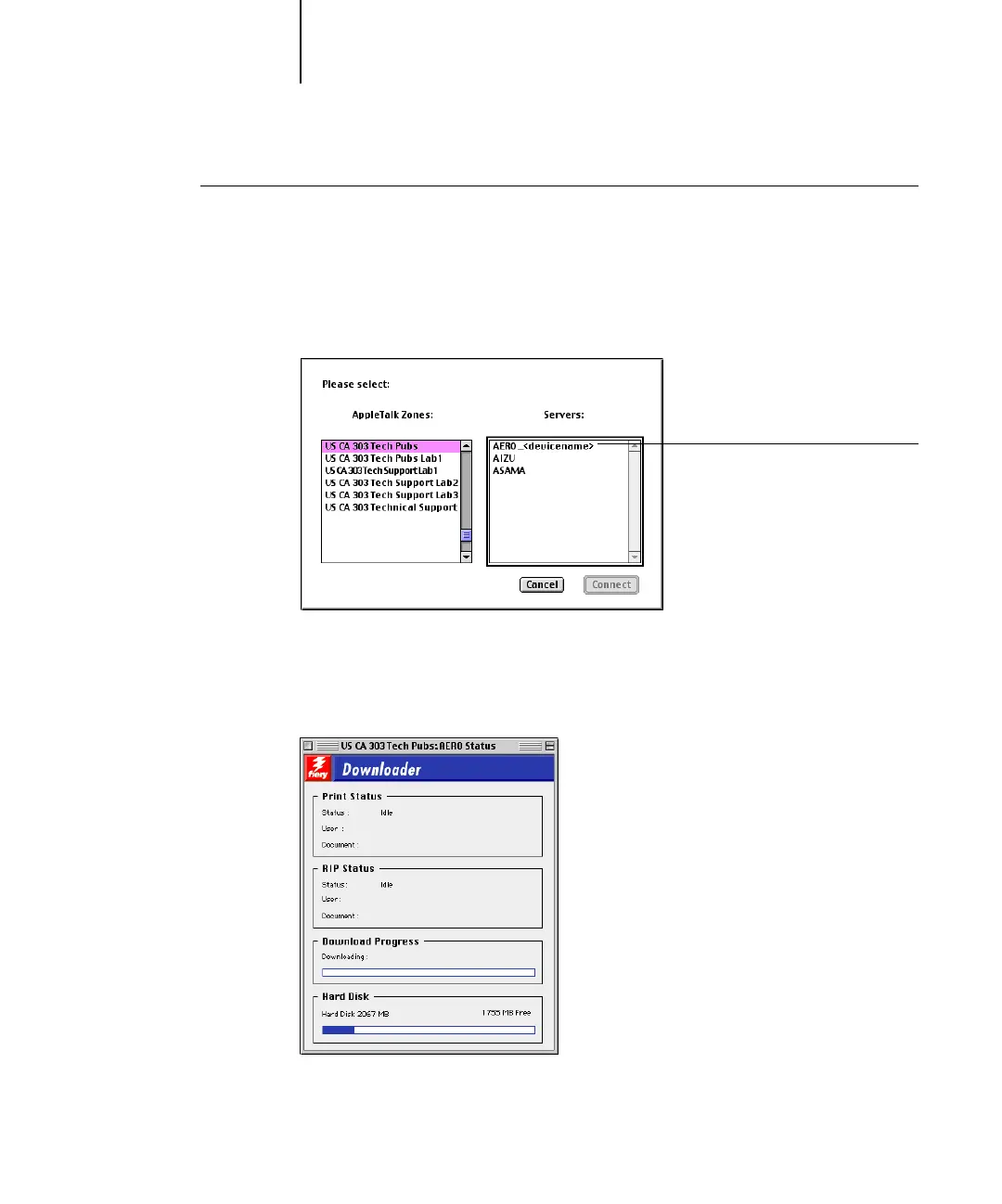
TO SPECIFY A FIERY X3E CONNECTION
1. Double-click the Fiery Downloader icon.
2. Select the AppleTalk zone in which the Fiery X3e is located from the AppleTalk
Zones list.
The available servers appear in the Servers list.
3. Select the Fiery X3e in the Servers list.
4. Click Connect.
The Fiery Downloader dialog box appears.
For information on how to use Fiery Downloader, see the Printing Guide.
Fiery X3e name and device name
(31C-M)



 To Next Page