2
2-15 Installing Fiery X3e software and fonts
5. When you have entered all the information, click Add.
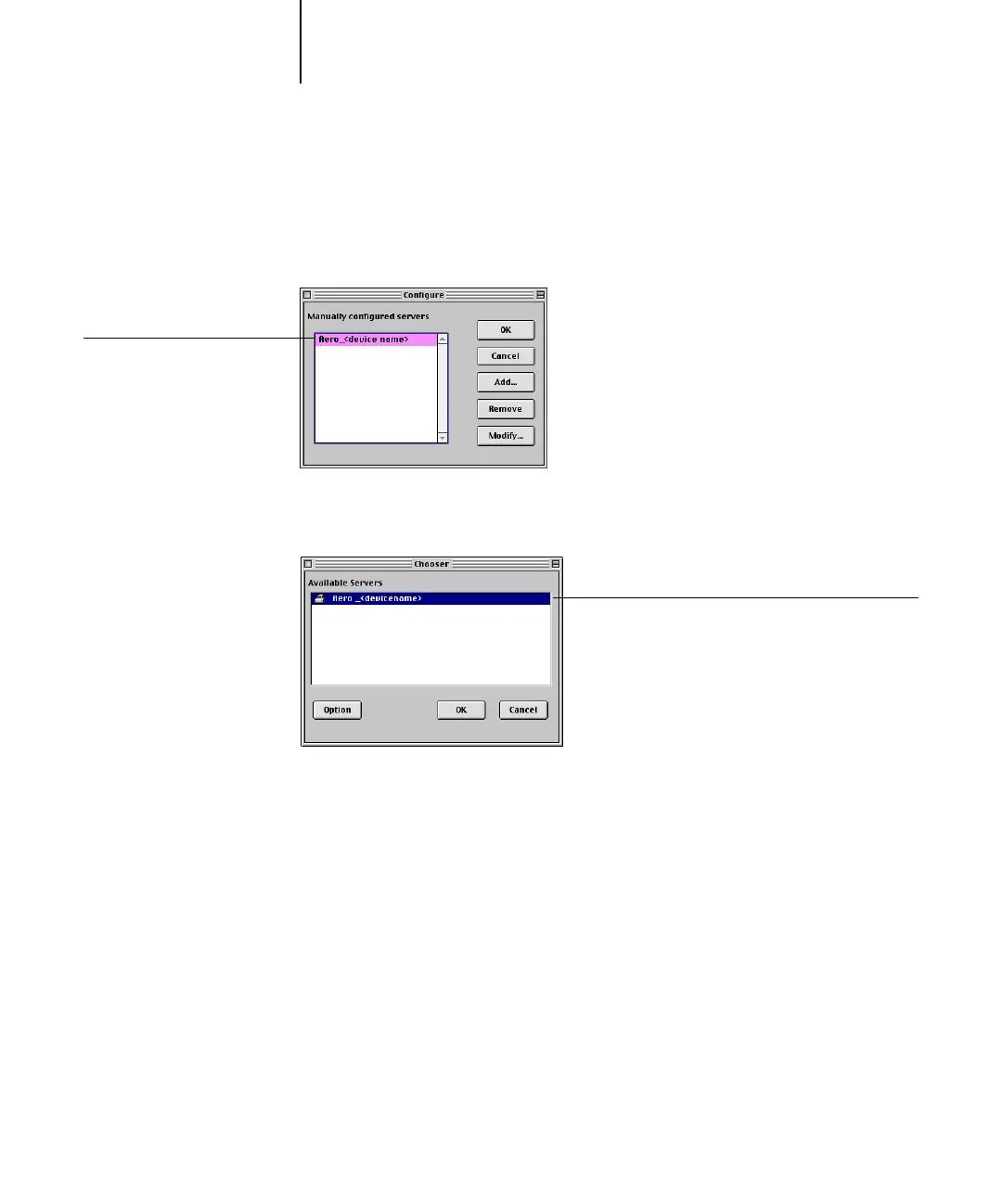
6. With the device name selected, click OK.
The Fiery X3e appears in a list of configured servers.
7. Click OK in the Configure dialog box.
The Fiery X3e appears in a list of available servers.
8. With the Fiery X3e selected in the list of available servers, click OK to begin using
Fiery Spooler.
Fiery X3e name and device
name (31C-M)
Fiery X3e name and device name



 To Next Page