1
1-3 Setting up PostScript or PCL printing with Windows 98/Me
If you are installing from the files you downloaded using the Installer WebTool,
browse to prntdrvr\Prntdrvr\Ps_drvr\Win_9x_ME or
prntdrvr\Prntdrvr\Pcl6_drvr\Win_9x_ME.
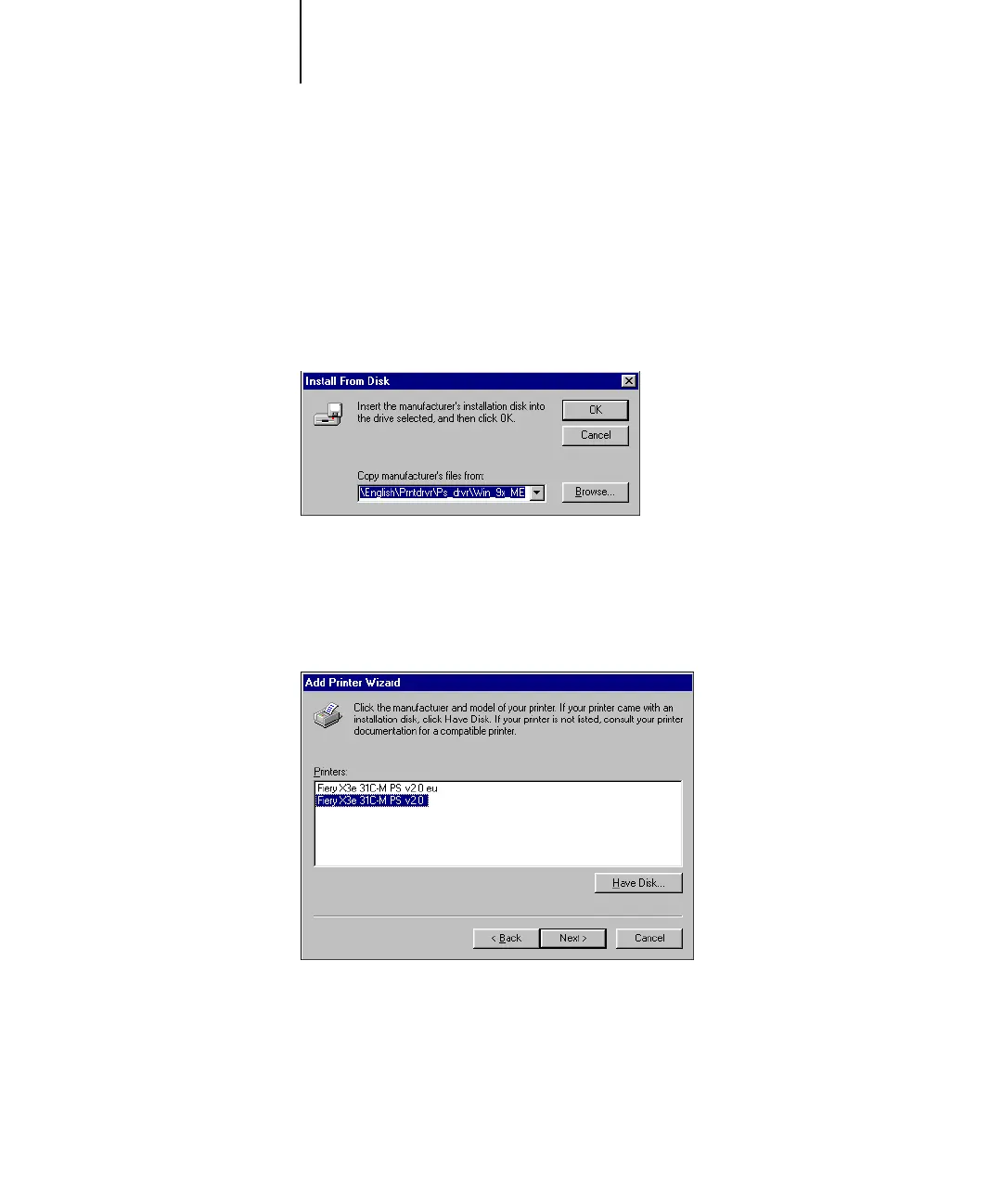
6. Make sure “Oemsetup.inf” is selected and click OK.
The path is copied to the Install From Disk dialog box.
7. Verify the path is correct and click OK.
8. Select the Fiery X3e printer driver appropriate for your printer and click Next.
N
OTE: Use Fiery X3e 31C-M PS v2.0 eu or Fiery X3e 31C-M PCL v2.0 eu when A4 is
the default paper size. Use Fiery X3e 31C-M PS v2.0 or Fiery X3e 31C-M PCL v2.0
when Letter is the default paper size.



 To Next Page