1
1-7 Setting up PostScript or PCL printing with Windows 98/Me
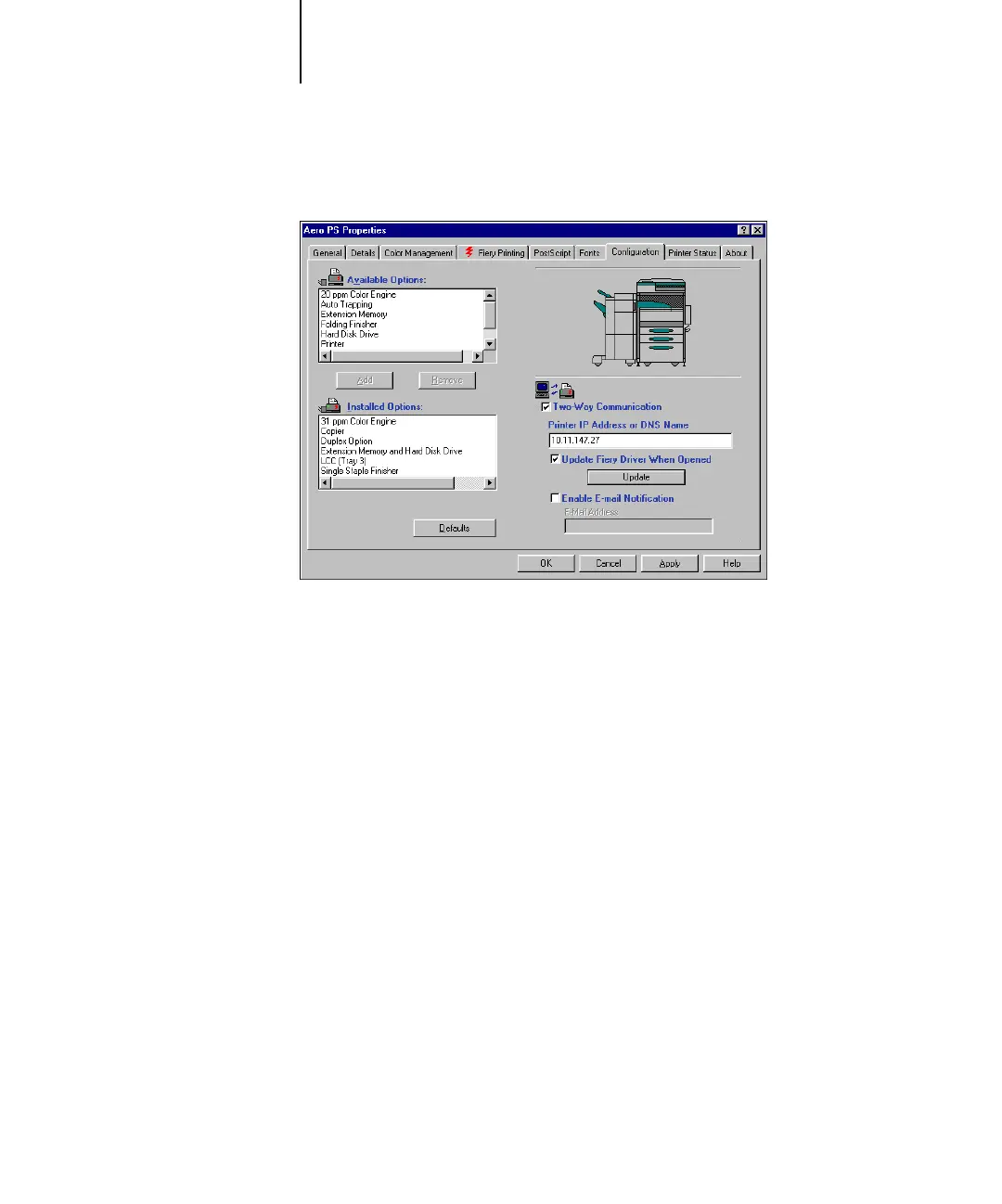
5. Select Two-Way Communication.
6. Type the Fiery X3e IP address or DNS name.
7. To display the printer’s current default settings when opened, select Update Fiery
Driver When Opened.
8. Click Update.
9. To receive an e-mail notification after your job has been printed, select Enable E-mail
Notification, and type in the e-mail address to which an e-mail notification is sent.
You will also receive e-mail notification of any errors that occur during printing.
NOTE: Enable E-mail Notification is displayed only if Email Service is enabled at Setup.
10. Click OK.



 To Next Page