1
1-17 Setting up PostScript or PCL printing with Windows 98/Me
BEFORE YOU BEGIN
• Configure the Fiery X3e for SMB printing in Run Setup>Network Setup>Service
Setup > Windows Setup.
SMB printing is referred to as Windows Printing in Setup, on the Control Panel Map,
and on the Configuration page.
TO SET UP SMB PRINTING ON WINDOWS 98/ME
1. Double-click the Network Neighborhood icon to display your network environment.
2. Browse for the printer you want to print to.
Browse for the name entered in Network Setup> Service Setup> Windows
Setup>Server Name. For this information, see the Configuration page.
NOTE: You can also locate the printer using the Find feature on your Windows
computer. Click Start, choose Find, and then choose Computer. Enter the name of the
printer, and click Find Now.
If you are not able to locate your Fiery X3e, contact your network administrator.
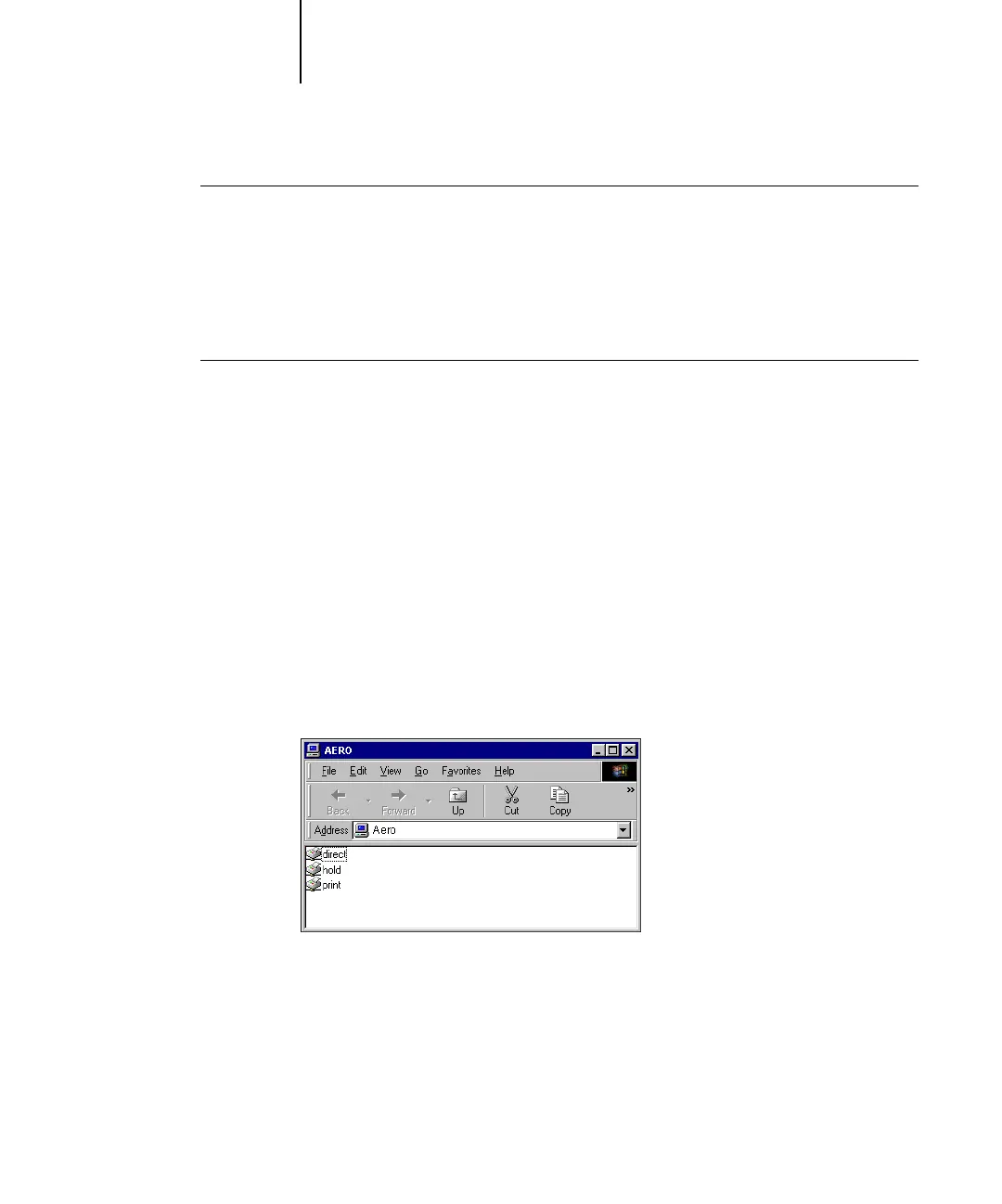
3. Double-click the name of the printer to display enabled print connections.
N
OTE: For a description of each print connection, see the Configuration Guide.



 To Next Page