1
1-34 Installing User Software on a Windows Computer
TO SET UP SMB PRINTING ON WINDOWS NT 4.0
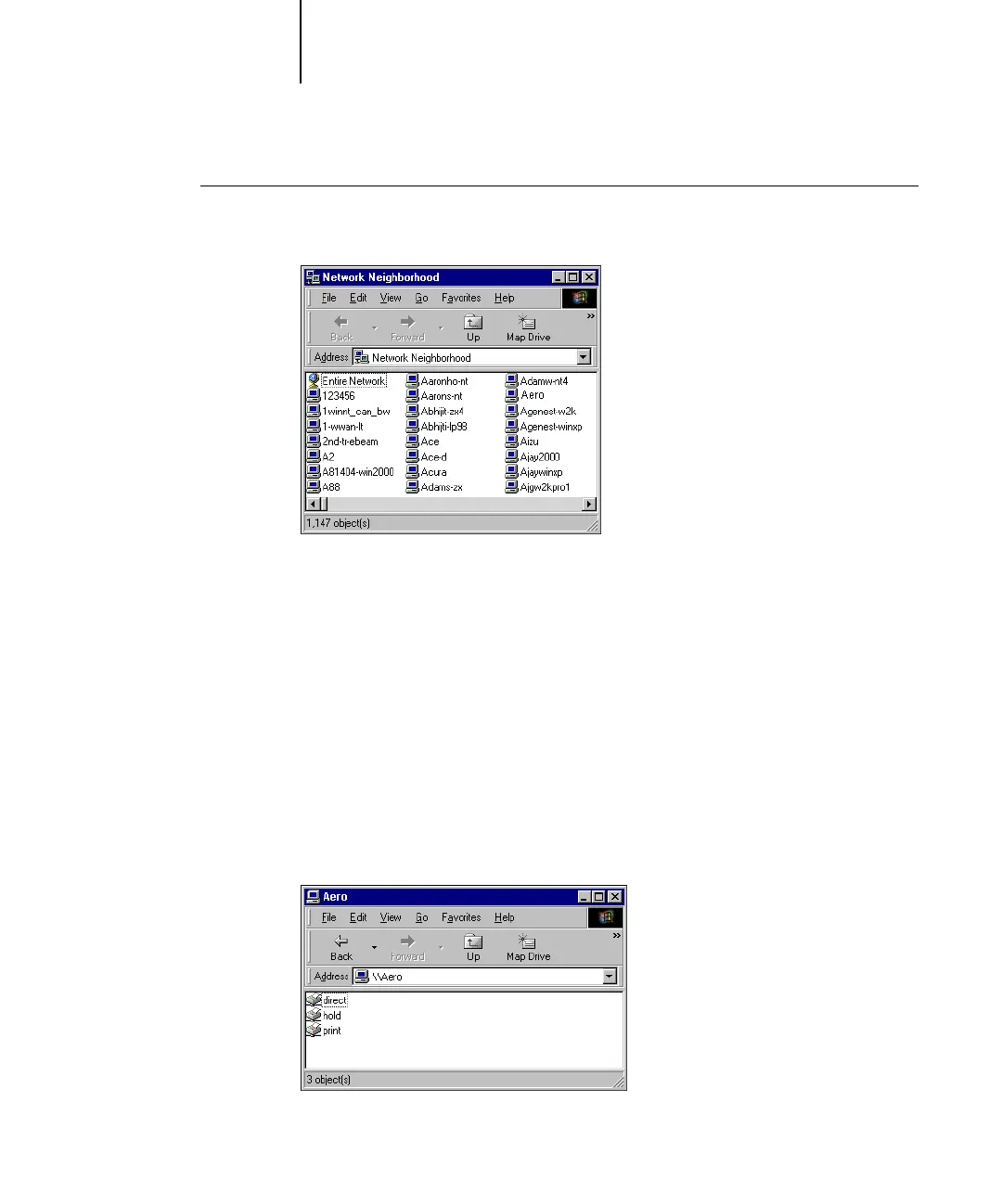
1. Double-click Network Neighborhood.
2. Browse for the printer you want to print to.
The printer name you are browsing for is the name entered in Network
Setup>Service Setup >Windows Setup>Server Name. For this information, see the
Configuration page.
The amount of network traffic determines the amount of time required for the
Browse function.
NOTE: You can also locate the printer with the Find feature on your Windows
computer. Click Start, choose Find, and then choose Computer. Enter the name of the
printer, and click Find Now.
If you are not able to locate your Fiery X3e, contact your network administrator.
3. Double-click the name of the Fiery X3e to display enabled print connections.



 To Next Page