1
1-36 Installing User Software on a Windows Computer
TO INSTALL THE POSTSCRIPT OR PCL PRINTER DRIVER
FOR WINDOWS 2000/XP/SERVER 2003
1. On Windows 2000, click Start, choose Settings, and then choose Printers to display the
Printers window.
On Windows XP, click Start and choose Printer and Faxes.
On Windows Server 2003, click Start, choose Control Panel, and then choose Printers
and Faxes.
2. On Windows 2000, double-click the Add Printer icon and click Next.
On Windows XP, click Add Printer.
On Windows Server 2003, choose Add a printer.
3. Specify printing using a Local printer and click Next.
This procedure describes the installation of a local printer. You can modify the
connection later, according to your network type.
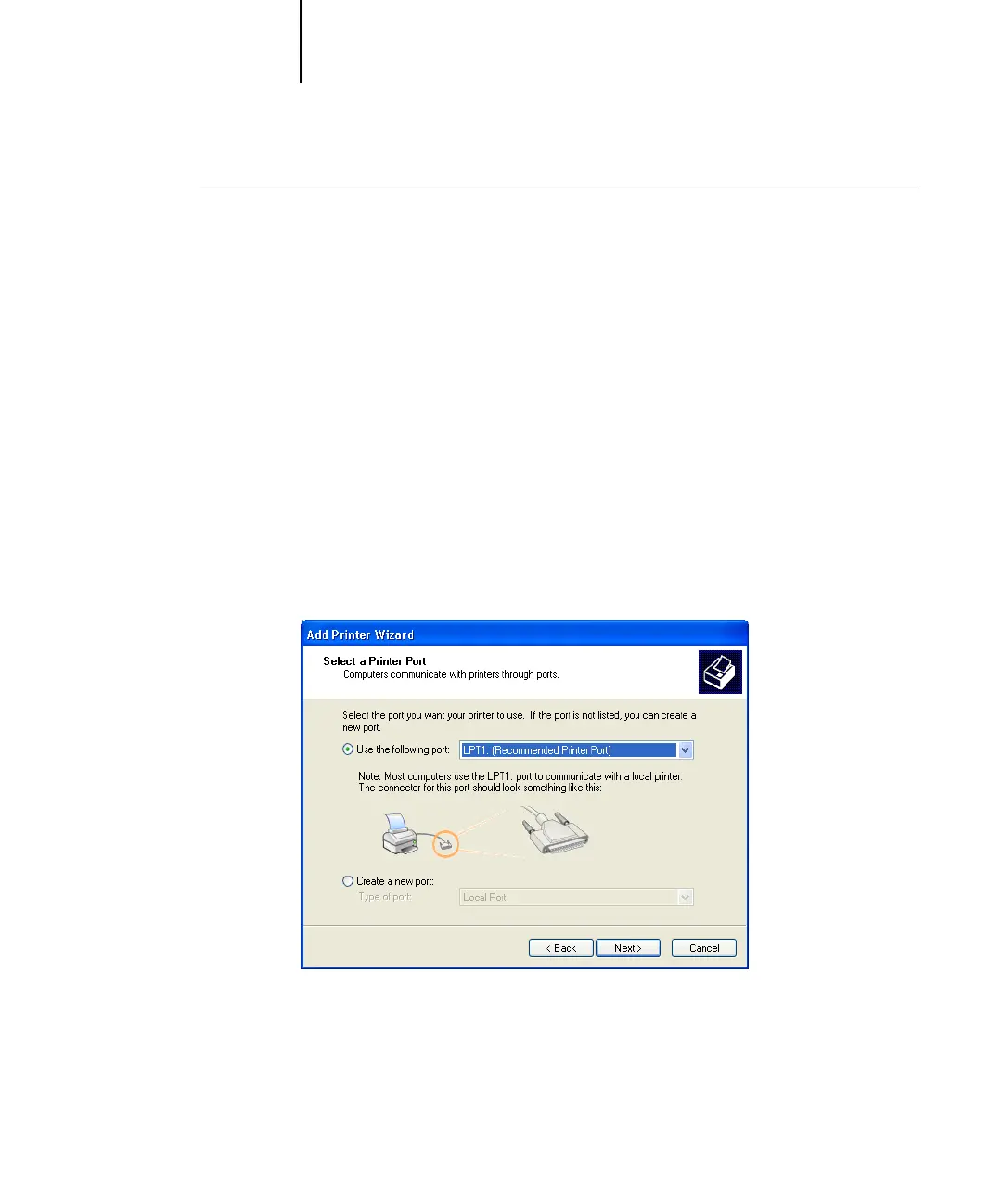
4. Select LPT1: and click Next.



 To Next Page