1
1-40 Installing User Software on a Windows Computer
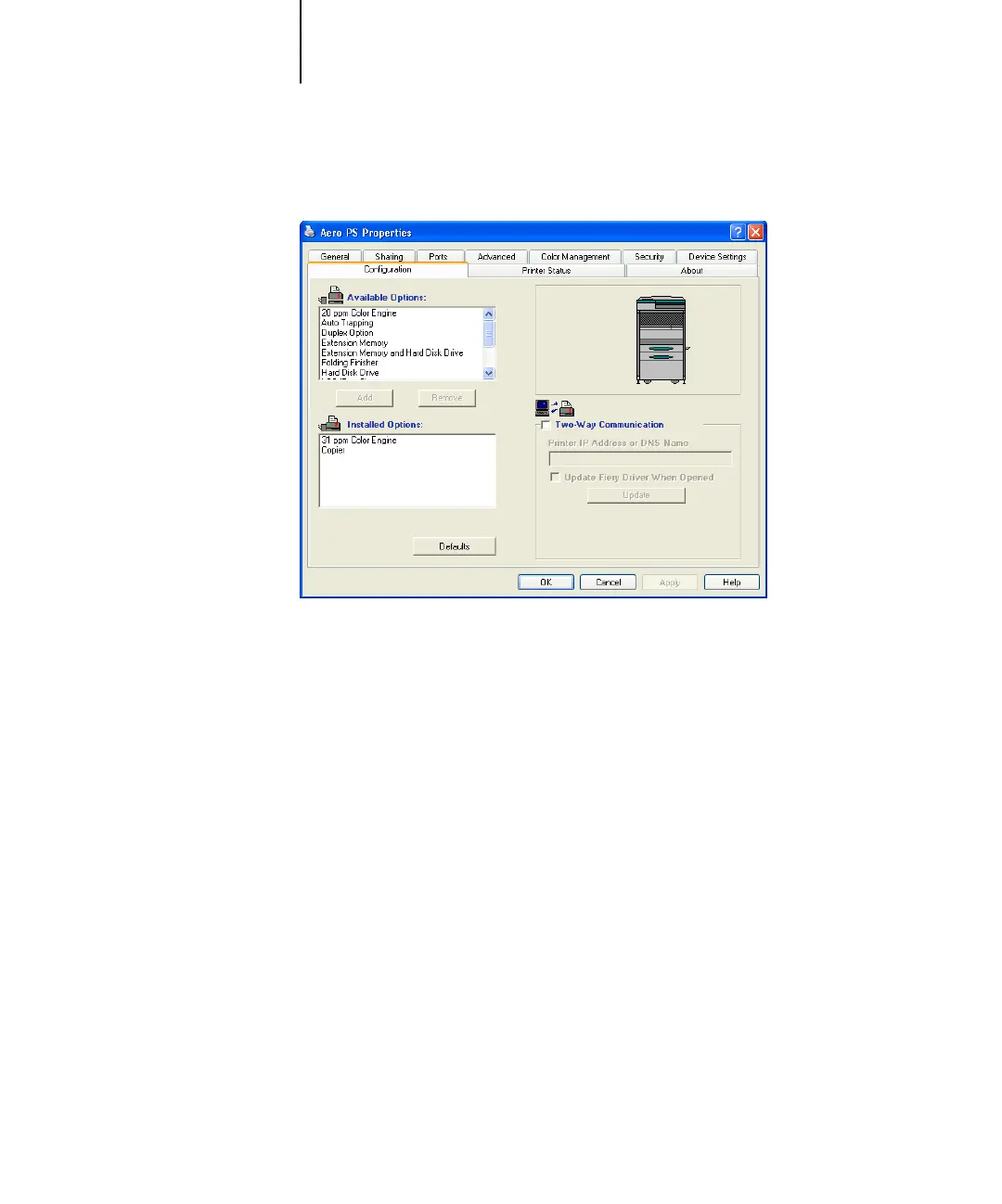
5. Click Add to move the option to the Installed Options list.
.
Engine Configuration—Copier, Printer
Engine Type—31 ppm Color Engine, 20 ppm Color Engine
Optional Trays—Not Installed, Universal Cassette (Tray 3), Universal Cassettes
(Tray 3, 4), LCC (Tray 3)
Duplex Option—Not Installed, Installed
Finisher Option—Not Installed, Single Staple Finisher, Folding Finisher
Engine Storage Option—Not Installed, Extension Memory, Hard Disk Drive,
Extension Memory and Hard Disk Drive
Auto Trapping—Not Installed, Installed
6. Click Apply, then OK, to activate the current settings.



 To Next Page