1
1-56 Installing User Software on a Windows Computer
TO CONFIGURE THE CONNECTION FOR EFI FIERY MAIL PORT ON
WINDOWS 98/ME
1. Click Start, choose Settings, and then choose Printers.
2. In the Printers window, right-click the icon for the Fiery X3e printer driver.
For instructions on installing the printer driver, see “Installing the PostScript or PCL
printer driver for Windows 98/Me” on page 1-2.
3. Choose Properties, and click the Details tab.
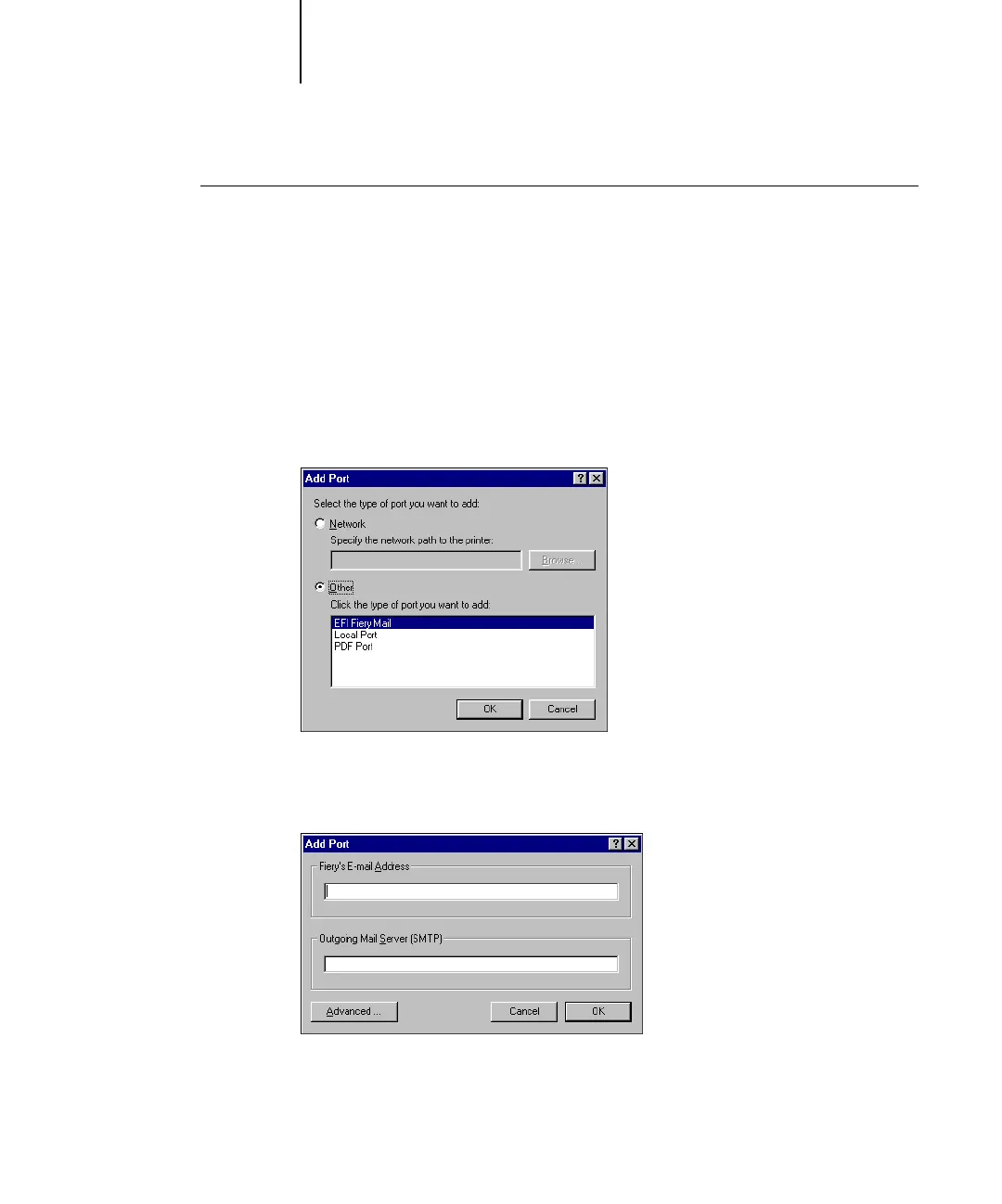
4. Click Add Port.
5. Click Other and select EFI Fiery Mail from the list of ports.
6. Click OK.



 To Next Page