1
1-73 Using Fiery utilities for the first time
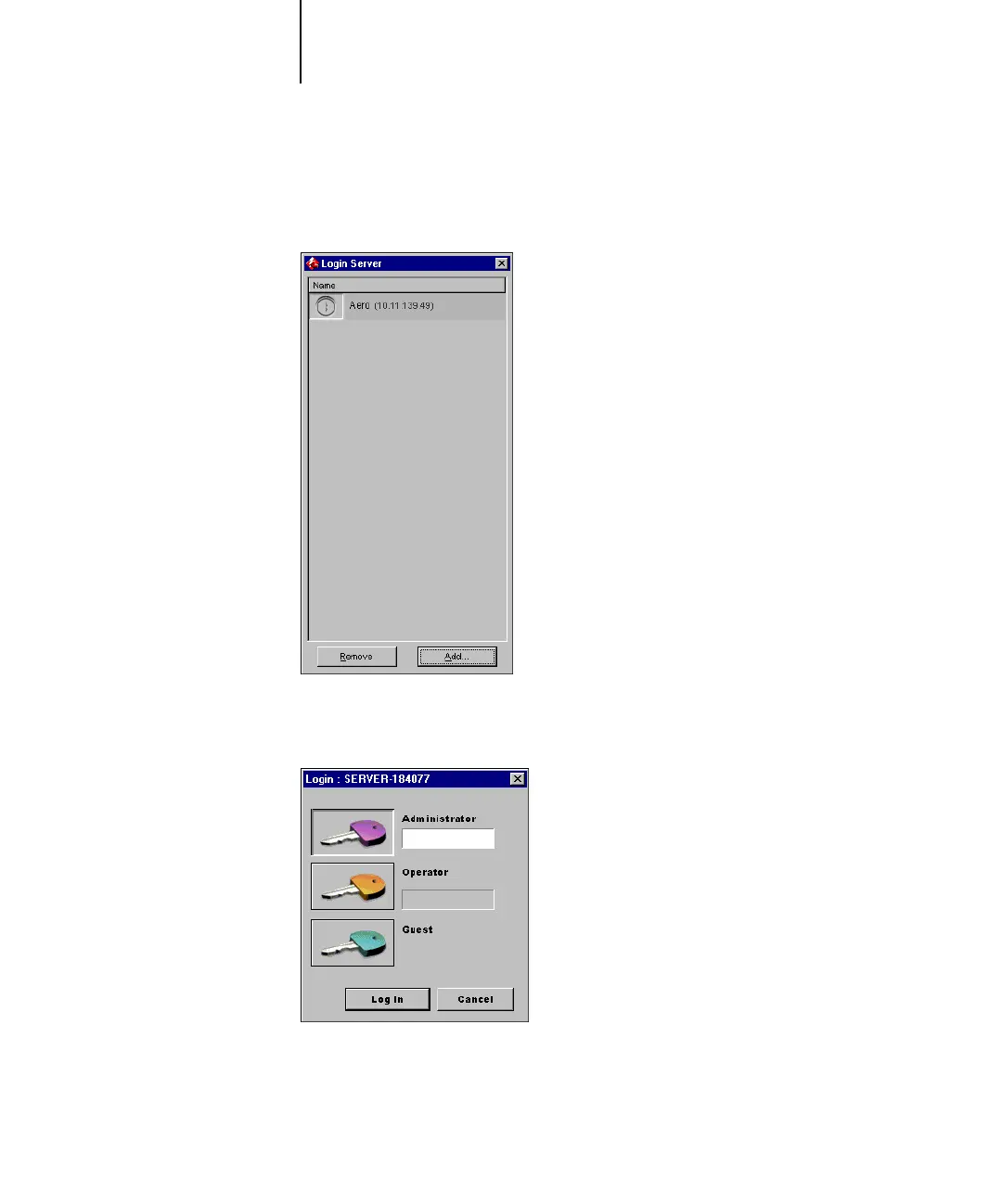
6. Select the Fiery X3e server you want to use and click Add.
The selected Fiery X3e server appears in the Login Server dialog box.
7. Click the icon next to the server name.
The Log In dialog box appears.
8. Select Administrator, Operator, or Guest and click Log In.
Your computer is connected to the server.



 To Next Page