2
2-3 Setting up the Fiery X3e as a PostScript printer
Setting up the Fiery X3e in the Chooser
After you install the Adobe PostScript printer driver and printer description file (see
page 2-1), you must set up the Fiery X3e in the Chooser in order to take full advantage
of its features. This section describes how to set up the Fiery X3e with the AdobePS
printer driver.
TO SET UP THE FIERY X3E IN THE CHOOSER
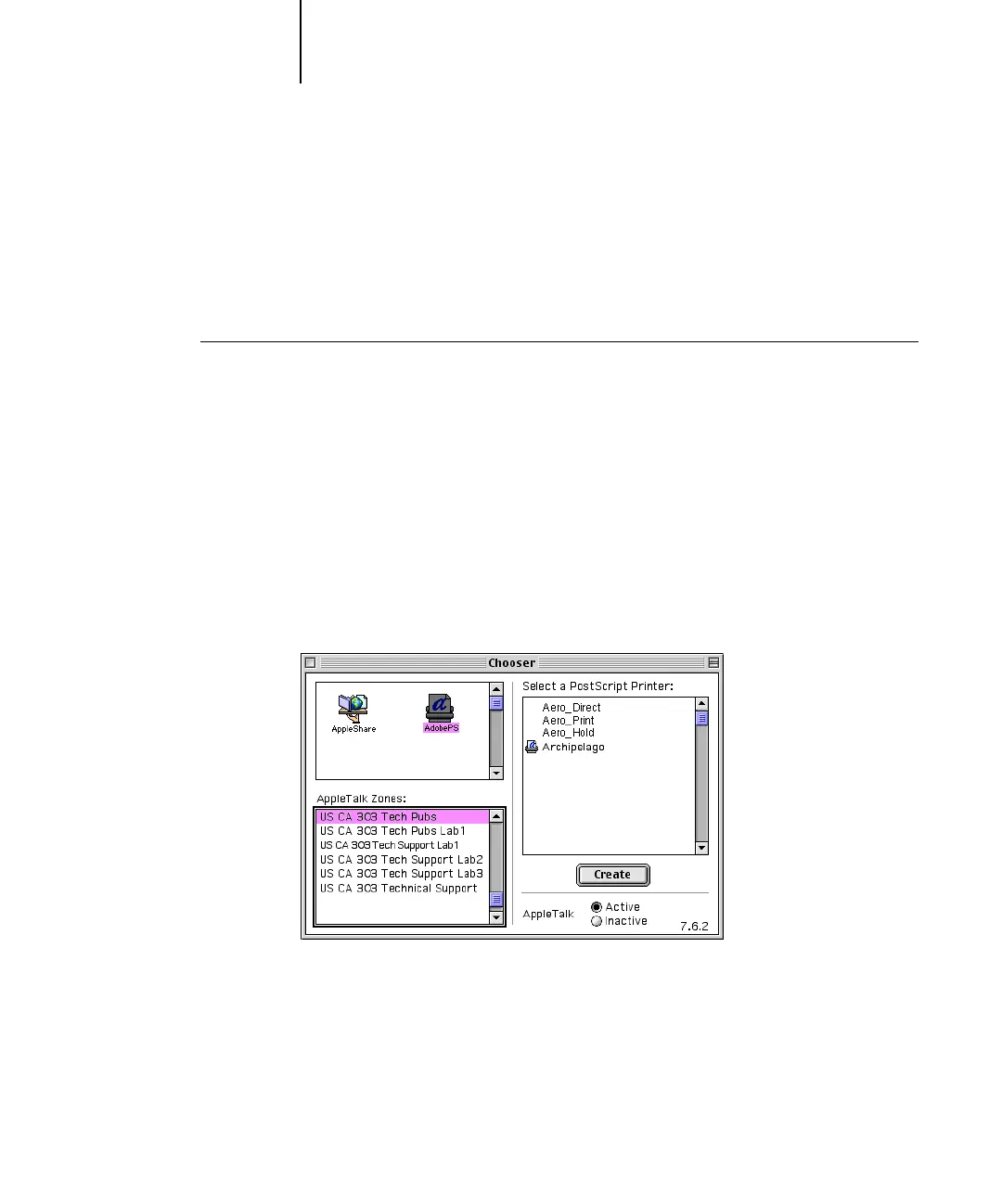
1. Select Chooser from the Apple menu.
Make sure AppleTalk is set to Active.
2. Select the correct AppleTalk Zone, if necessary.
3. Click the AdobePS icon.
The Fiery X3e appears in the Select a PostScript Printer list in the form of
<server name>_<print connection>.
NOTE: Only the print connections (Direct, Hold, and Print) that have been enabled
in Setup appear in the Chooser.



 To Next Page